Audio
Ableton Live Plugins
Overview
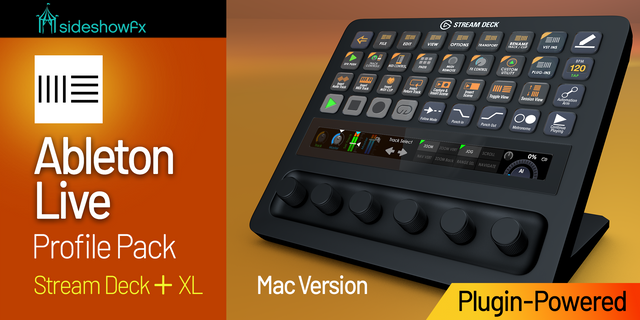
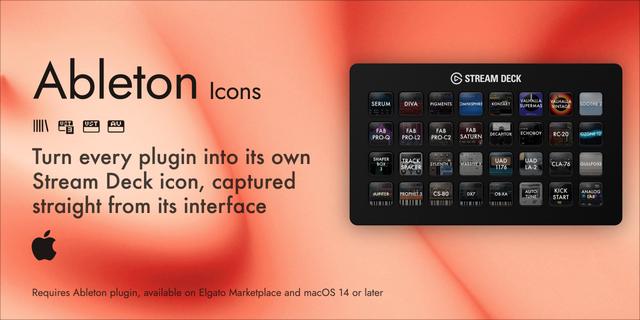
Instantly load any Ableton or third-party plugin with a single Stream Deck press. Scan your plugins, assign them to keys, and skip the browser entirely.
REQUIREMENTS:
Ableton Live 11+
SETUP INSTRUCTIONS
After Installing Ableton Easy Load Plugins:
Restart Ableton
Open Ableton Settings (Live > Settings)
Go to Link, Tempo & MIDI
In an unused Control Surface slot, select AbletonEasyLoadPlugins
That's it, just drag the plugin onto an empty key and start selecting your plugins directly from Ableton
NOTE:
Ableton must be running for plugin loading to work.
If you like the plugin, feel free to support me via the community section :)
Fixed an issue where the plugin folder would not show up in Ableton's control surface scripts
Version 0.4.2
Oct 14, 2026
Details
Type
Audio
Music
Productivity
OS
Mac
Windows
Compatibility
Stream Deck 6.9 or later
Size
8.68 MB
Version
0.4.2
Language
English
Support
Neo Infobar support
No
Profiles
No
Dial support
No
Additional links
You might also like
-thumbnail-optimized-a3fef845-1d8f-48fe-816f-e5532cc0d363.jpeg)
-app-icon-optimized-04f57d40-1dc9-4ab2-8c0e-91a716cdadcd.png)