Audio
Ableton Live Pro Profiles Stream Deck + XL - Mac
by SideshowFX
Overview
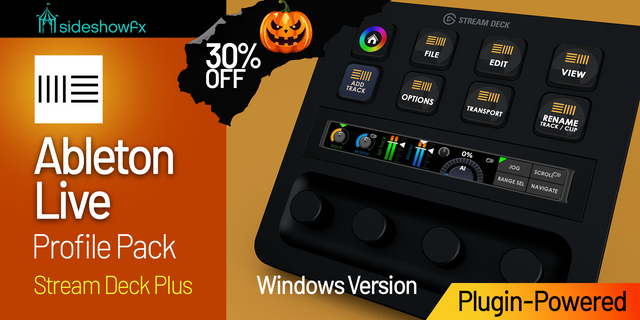
🎃🎃🎃SAVE 30% UNTIL NOV 1 DURING OUR HALLOWEEN SALE!🎃🎃🎃 ENTER THE DISCOUNT CODE SPOOKY AT CHECKOUT
PUT ABLETON LIVE AT YOUR FINGERTIPS 🎵
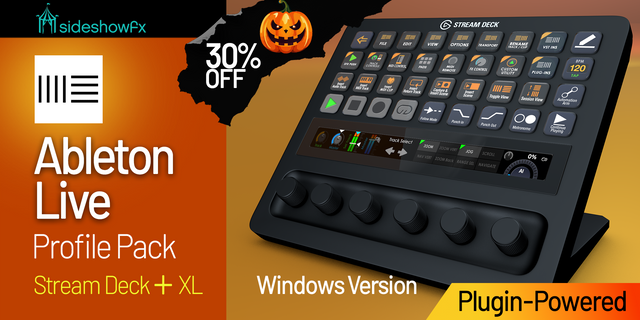
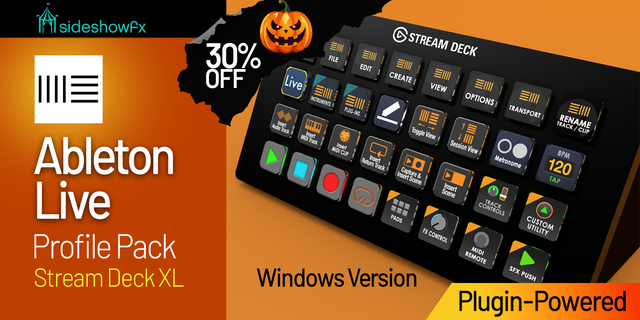
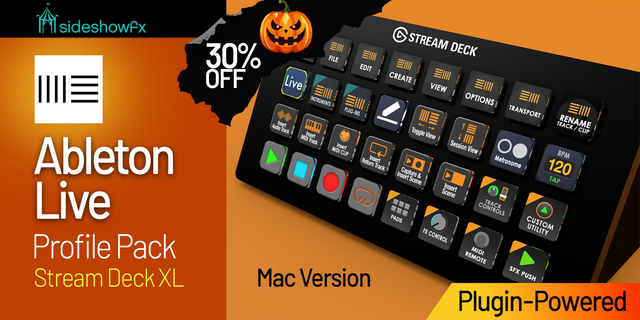
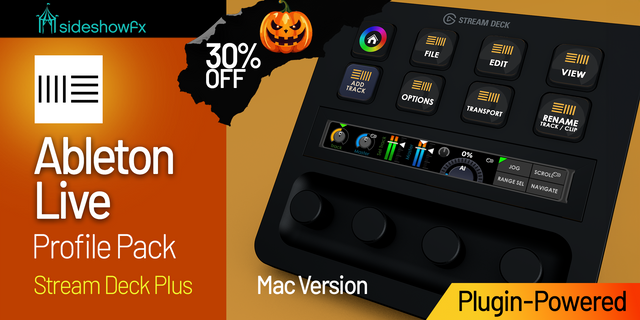
Built exclusively for Stream Deck + XL • Mac Transform your Stream Deck + XL into a powerful Ableton Live production, performance and mixing console — combining 36 customizable keys, 6 rotary dials and live visual feedback in one integrated workflow. Go beyond traditional shortcut profiles with plugin-powered MIDI control, live VU metering, mixer feedback, Push-style clip control, plugin launching and hands-on parameter adjustments.
⚡ PLUGIN-POWERED ABLETON CONTROL
This pack uses the Trevliga Spel MIDI Plugin to provide deep MIDI control and live communication between Ableton Live and your Stream Deck + XL. Control your session from one professionally designed system built around the unique keys, dials and display capabilities of the + XL.
🎚️ MIX WITH LIVE FEEDBACK
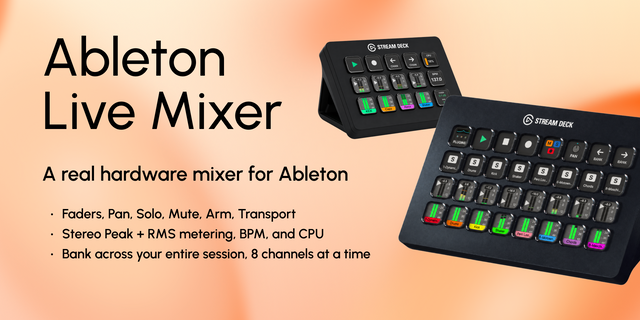
Turn your Stream Deck + XL into a hands-on Ableton mixing console. Control essential track functions including: Volume • Pan • Mute • Solo • Arm See live track status and real-time VU metering directly on your Stream Deck + XL, keeping important information visible while you work.
🎛️ 6 DIALS. HANDS-ON CONTROL.
Put all six rotary dials to work throughout your Ableton workflow. Use tactile dial control for mixing and adjusting parameters rather than constantly clicking and dragging controls with your mouse.
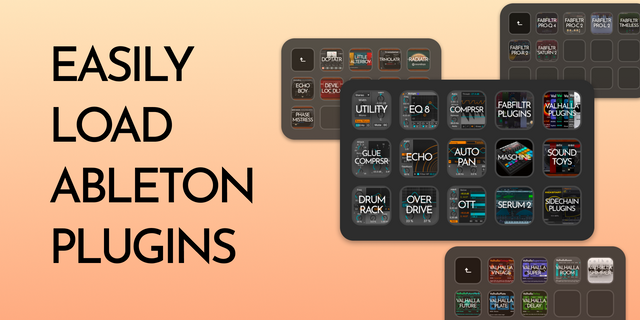
🎹 LOAD VSTS, INSTRUMENTS & EFFECTS
Launch your favourite VSTs, instruments, effects and racks directly from your Stream Deck. Configure the profile around the plugins you use most, then take hands-on control of their parameters using the Stream Deck + XL dials.
🎼 PUSH-STYLE CLIP CONTROL
Bring a Push-inspired workflow to your Stream Deck + XL. Launch clips • Audition scenes • Build arrangements Keep the creative process moving without repeatedly navigating Ableton's interface.
⏯️ TRANSPORT & NAVIGATION
Keep essential Ableton functions immediately accessible. Play • Stop • Record • Loop • Navigate Spend less time searching through menus and more time focused on your session.
🔄 ONE INTEGRATED ABLETON WORKFLOW
This isn't simply a collection of keyboard shortcuts. Mix tracks, launch plugins, manipulate parameters, control clips, navigate your project and monitor your session from a coordinated Stream Deck + XL control system. Whether you're producing in the studio, performing live or building beats, the controls you need stay within reach.
✓ KEY FEATURES
✓ Plugin-powered MIDI control ✓ Live VU metering ✓ Live track & mixer feedback ✓ Volume, pan, mute, solo & arm control ✓ 6-dial parameter control ✓ Push-style clip & scene workflow ✓ VST, instrument, effect & rack launching ✓ Plugin parameter control ✓ Transport & navigation controls ✓ Fully customizable workflow
⚠️ MIDI PLUGIN REQUIREMENT
This pack requires the MIDI Plugin by Trevliga Spel. As of March 3, 2026, the Trevliga Spel MIDI Plugin became a paid third-party plugin and must be obtained separately. If you already own the MIDI plugin, you do not need to purchase it again.
BEFORE YOU BUY
• Designed exclusively for Stream Deck + XL • Mac only • Requires the Trevliga Spel MIDI Plugin, obtained separately • This version does not currently include the SideshowFX MIDI Plugin
View or download the PDF guide: https://www.dropbox.com/t/co5vF7w2h72t35fK
SIDESHOWFX — PREMIUM STREAM DECK WORKFLOWS. HANDCRAFTED & ENGINEERED SINCE 2019.
Added missing icons
Version 1.0.1
Jun 26, 2026
Details
Type
Audio
Creative Tools
Device
Stream Deck + XL
OS
macOS
Compatibility
Stream Deck 7.1 or later
Size
204.09 MB
Version
1.0.1
Support
Icons
Yes
Dial support
Yes
Additional links
You might also like