Audio
Adobe Audition Creative Control Suite
Overview
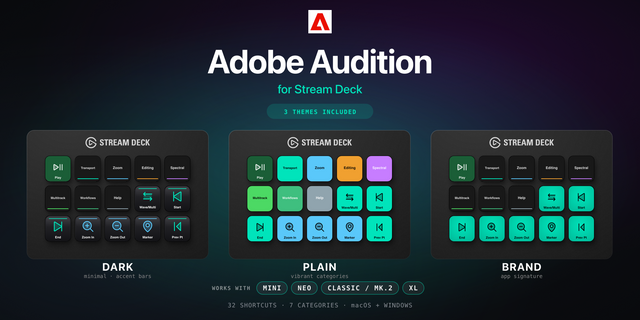
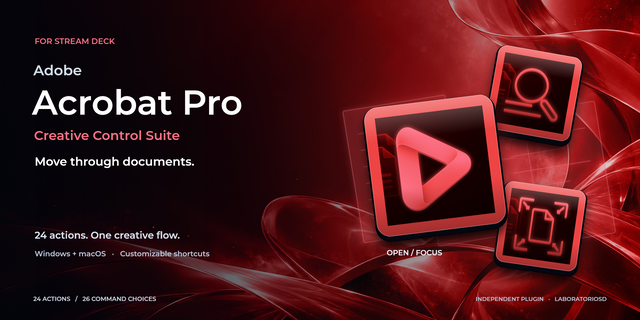
Build an audio-editing pass around playback, recording and clear navigation. Split material, add markers and move between Waveform and Multitrack views, then return to boundaries or markers through the command library. Waveform Zoom sets the working scale while Playhead Step moves the cursor for closer inspection. Record and Export use Audition's configured session and dialogs. Prepare recording inputs and tracks in Audition, and focus the intended editor before sending commands. The controls do not meter audio levels, process sound automatically or act as a MIDI mixing surface.
19 actions and 21 selectable commands, including Open / Focus and configurable controls. Runs locally on Windows and macOS. Requires Stream Deck 6.9+, a licensed Adobe Audition installation and compatible hardware for dials. No creative content or analytics collected. Independent LaboratorioSD product; not authorized, endorsed or sponsored by Adobe.
Version 0.3.8.0: fixes timeline zoom on Windows, including Spanish keyboard layouts, using Audition menu commands. Existing action IDs, custom shortcuts and settings are preserved.
Version 0.3.8
Sep 30, 2026
Details
Type
Audio
OS
Mac
Windows
Compatibility
Stream Deck 6.9 or later
Size
1.4 MB
Version
0.3.8
Language
Chinese
English
French
German
Japanese
Korean
Spanish
Support
Neo Infobar support
No
Profiles
No
Dial support
Yes
Additional links
You might also like