Creative Tools
Adobe Premiere Pro Shortcut Icons
by Adx.cool
Overview
The actual Adobe Premiere Pro shortcuts — one glyph each, not a re-skin.
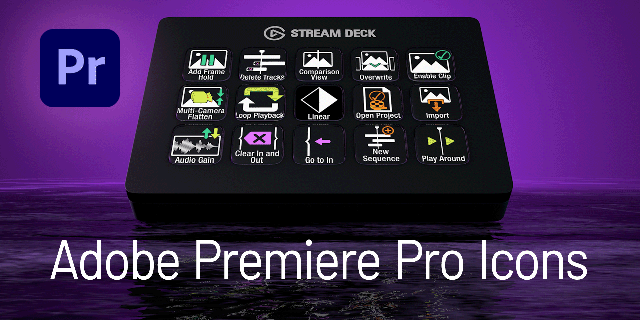
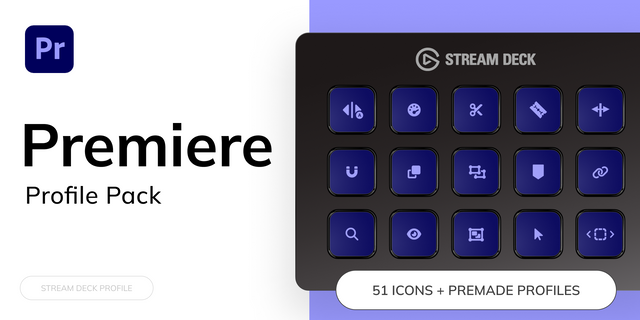
Every icon maps to something Adobe Premiere Pro really does, drawn for what it means rather than picked to match a palette. 144 shortcuts.
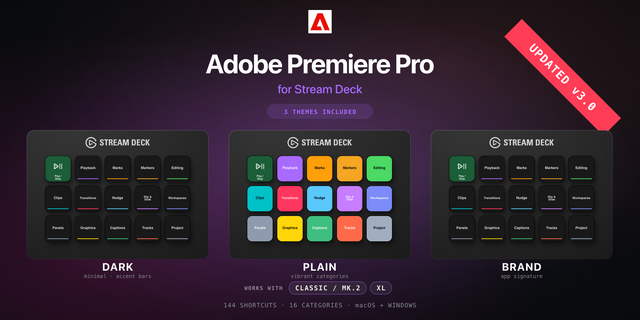
432 icons — 144 shortcuts x 3 finishes • Dark — white glyph on near-black. Goes with anything. • Colour — glyph on its category tint. • Brand — on Adobe Premiere Pro's signature colour.
Named and tagged, so search works. Each icon carries its real command name and searchable tags inside the Stream Deck Icon Library — type what you want instead of scrolling a wall of icon_214.png.
Covers Editing (22) · Project (20) · Nudge (12) · Clips (11) · Graphics (11) · Workspaces (10) · Panels (10) · Playback (9) · Marks (9) · Slip & Slide (8) · Tracks (7) · Markers (5) · Captions (4) · Transitions (3) · Workflows (2) · Help (1)
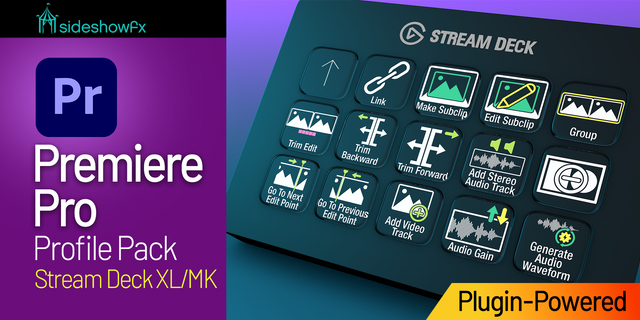
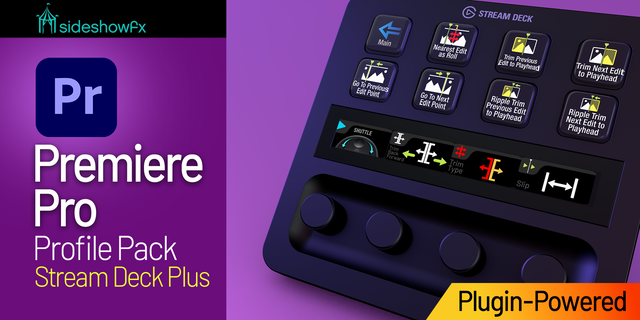
144 x 144 PNG. Works on every Stream Deck — no per-device sizes to pick. Pairs with the Adobe Premiere Pro Shortcut Profile if you want the keys pre-bound.
Adobe Premiere Pro is a trademark of its respective owner. This icon pack is an independent work and is not affiliated with, endorsed by, or sponsored by them.
Initial release. 432 icons — 144 Adobe Premiere Pro shortcuts in 3 finishes (Dark, Plain, Brand), all 144 x 144, each named and tagged for the Icon Library.
Version 1
Sep 14, 2026
You might also like
-thumbnail-optimized-a04f72e9-d759-401c-807c-47bab097f321.png)