Creative Tools
Adobe Video Ultimate — Stream Deck Bundle
by Adx.cool
Overview
The whole Adobe post pipeline, one profile per app.
681 keyboard shortcuts across 7 apps — organized, scored by importance, and ready to install. Supports the Standard and XL Stream Decks on macOS and Windows.
What's included:
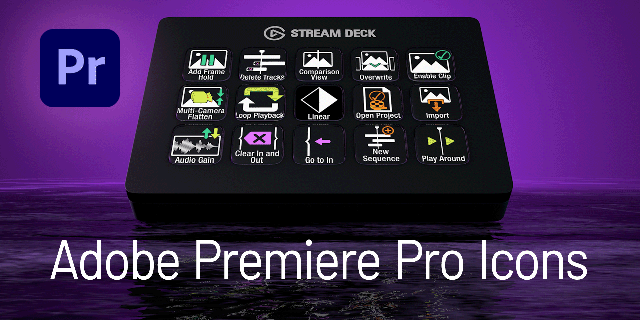
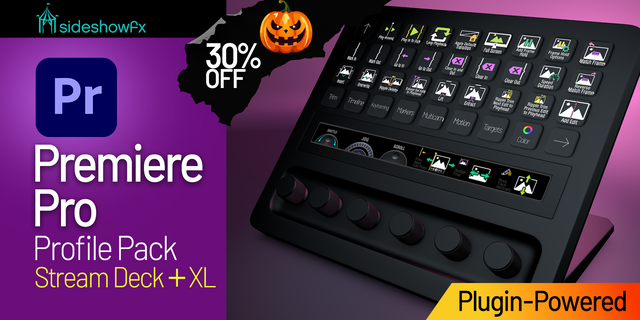
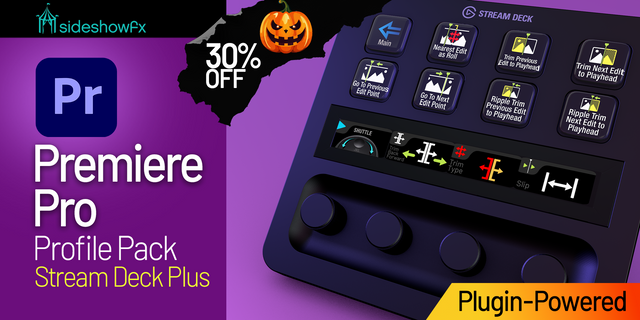
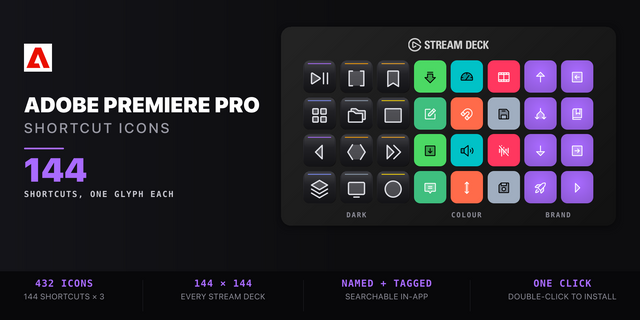
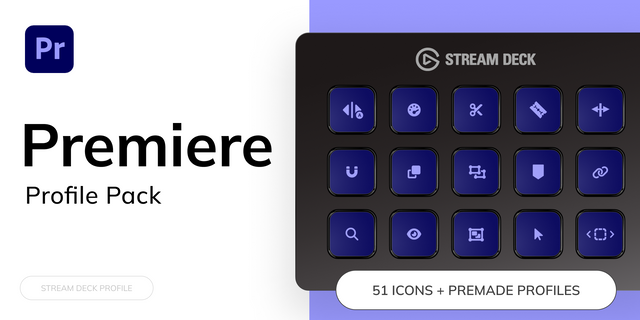
• Adobe Premiere Pro — 144 shortcuts
• Adobe After Effects — 249 shortcuts
• Adobe Animate — 48 shortcuts
• Character Animator — 96 shortcuts
• Adobe Audition — 32 shortcuts
• Adobe Media Encoder — 54 shortcuts
• Adobe Premiere Rush — 58 shortcuts
Features:
• 7 standalone profiles — After Effects (249), Premiere Pro (144), Character Animator (96), Premiere Rush (58), Media Encoder (54), Animate (48), Audition (32) — 681 keys in all
• Adobe's complete Video category, every app it lists
• One project, start to finish: cut in Premiere, composite in After Effects, animate in Animate, puppet in Character Animator, mix in Audition, encode in Media Encoder
• macOS and Windows in every profile, mapped key by key for both
• Every binding read from Adobe's own published shortcut tables and verified through the builder's key encoder
Setup:
1. Double-click each .streamDeckProfile file to install
2. Open Stream Deck app → Preferences → Profiles
3. Map each profile to its target app — they auto-activate on focus
v1.1.0 — 2026-09-29
NEW: the Firefly video editor joins the pack — 39 keys read from Adobe's own Firefly shortcut page. • Trim and move both clip edges to the playhead • All nine panels one press away — Project Media, Generation History, Text, Transitions, Looks, Properties, Generate Media, Text-Based Editing, Color • Timeline, clip and navigation keys
The pack is now 8 profiles and 722 keys.
ALSO: a cleaner download. It now holds only what you install — the profiles and their icon packs — plus a new README.txt with a 30-second install and links to the free deck preview, icon maker, requests and reviews.
Version 1.1
Oct 6, 2026
You might also like
-thumbnail-optimized-a04f72e9-d759-401c-807c-47bab097f321.png)

-thumbnail-optimized-370736eb-6c6b-4fbf-abef-399d0026f9ea.png)