Utilities

Advanced Toggles

Overview

A Windows-only 5-state toggle that replaces multiple single-purpose keys. Cycle through up to five modes with custom labels, icons, and optional hotkeys—ideal when two states aren’t enough.

Key Features

Five configurable states with optional enable/disable per state

Optional per-state hotkeys—icon-only cycling is fully supported

Custom titles and static icons with font, size, color, and alignment controls

Optional app focus before sending a hotkey

Synchronize selected keys using Groups 1–5

Reset grouped keys to a selected state without enabling live synchronization

Optionally send target-state hotkeys when resetting visible keys

Quick Setup

Add 5-State Toggle to a key.

Configure each state’s title, icon, and optional hotkey.

Optionally assign a Group and enable state synchronization.

Add Reset Group to reset grouped keys to a selected state.

Important: Configure state icons inside Advanced Toggles and leave Stream Deck’s standard key icon unset. A custom icon assigned through Stream Deck’s main icon control overrides the plugin’s changing state icons.

Requirements

Windows only

Stream Deck 6.9+

Version 1.1.0.1

Added Mode Action, with five configurable titles, icons, styles, hotkeys, and application targets.

Added Mode Groups for controlling linked Mode Actions across pages and profiles.

Added Reset Group to return Toggle Groups to a selected state, with optional hotkey execution.

Added icon and Mode Action configuration copy-and-paste controls.

Improved setup guidance, connection controls, settings persistence, and Stream Deck 6.9 compatibility.

Improved security, packaging, and overall reliability.

Version 1.1.0.1

Aug 21, 2026

Details

Type

Utilities

OS

Windows

Compatibility

Stream Deck 6.9 or later

Size

611.12 KB

Version

1.1.0.1

Language

English

Profiles

No

Dial support

No

You might also like
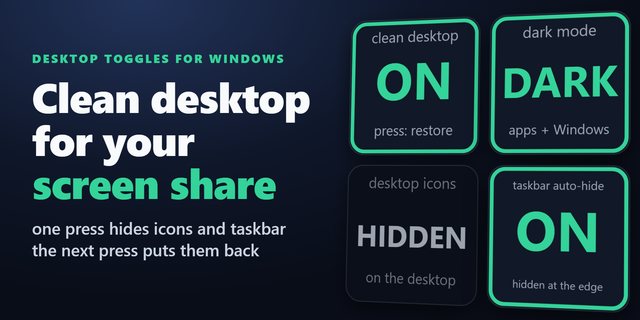
  • Desktop Toggles for Windows
    Desktop Toggles for Windows app icon

    Desktop Toggles for Windows

    by GRAMSHIFT

    ∙

    Productivity

    Switch the Windows display settings you change most from your Stream Deck, one key each: dark mode, taskbar auto-hide, d...

    $980.00

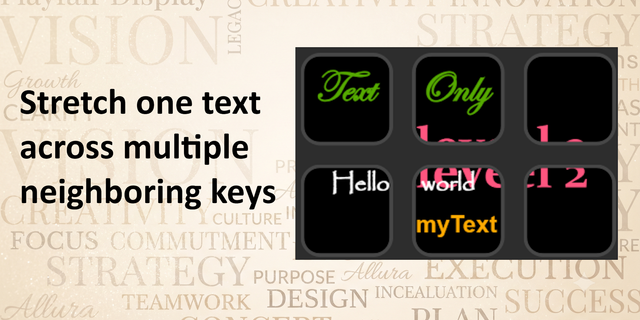
  • Text Only
    Text Only app icon

    Text Only

    by derTom

    ∙

    Utilities

    Text Only turns your Stream Deck keys into a flexible text canvas – no icons, no image editing, just clean, precisely pl...

    Free

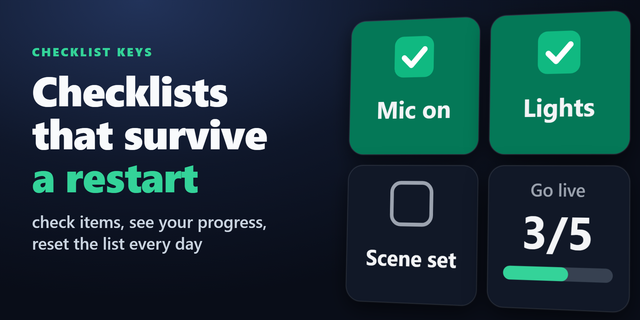
  • Checklist Keys
    Checklist Keys app icon

    Checklist Keys

    by GRAMSHIFT

    ∙

    Productivity

    Keep a pre-stream, shutdown or daily checklist, or a to-do list, on your Stream Deck. Check marks are saved on your PC a...

    $680.00

  • Monitor Input Switcher
    Monitor Input Switcher app icon

    Monitor Input Switcher

    by Odd Signal Labs

    ∙

    Productivity

    Share one monitor between multiple devices? Monitor Input Switcher lets you assign a monitor input to a Stream Deck key ...

    $500.00

  • RM1 Control
    RM1 Control app icon

    RM1 Control

    by DHD audio

    ∙

    Audio

    Take full control of your RM1 All-in-One Audio Interface with the RM1 Control plugin for Stream Deck. Designed specifica...

    Free

  • Monitor Input Keys for Windows
    Monitor Input Keys for Windows app icon

    Monitor Input Keys for Windows

    by GRAMSHIFT

    ∙

    Productivity

    Put your monitor input switch on a Stream Deck key. Switch input between HDMI, DisplayPort and USB-C from one key instea...

    $500.00

  • Monitor Manager Pro
    Monitor Manager Pro app icon

    Monitor Manager Pro

    by PackRat 🐀

    ∙

    Utilities

    Monitor Manager Pro is a Windows monitor manager and display manager built around one goal: control your whole monitor s...

    $9.99

  • Multi-Monitor Profiles
    Multi-Monitor Profiles app icon

    Multi-Monitor Profiles

    by Alexa B.

    ∙

    Productivity

    Save and instantly switch between monitor display profiles. Each profile stores which monitors are enabled or disabled, ...

    $3.99