Productivity
After Effects - Command Frame
by Scott Black
Overview
The command layer After Effects never had. Now on Stream Deck.
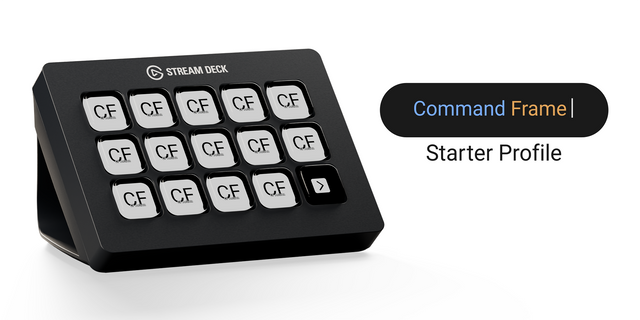
Command Frame is a free command-and-search interface for Adobe After Effects that reduces the time motion designers spend navigating menus and panels. Put any After Effects command on any key:
Effects & presets.
Layer operations.
Menu commands & workspaces.
Scripts and individual functions for supported tools.
Layers or compositions for instant navigation.
Multi-step macros built from any number of actions.
Imported toolbars. Assign toolbar buttons while keeping their original artwork.
Deep Integration
Most AE tools for Stream Deck rely on brittle keyboard shortcuts and fixed layouts; they are susceptible to keyboard and OS interference and unreactive to application state.
Command Frame directly integrates with the After Effects SDK.
Real commands. Trigger commands and functions deterministically: no simulated shortcuts, no workarounds.
Live-state feedback. Icons dim when commands do not apply. Layer, keyframe, composition, and project actions react in real time: know whether a command is valid before pressing it.
Run scripts, including those exposing arguments or parameters, such as EaseCopy’s keyframe tools or TextExploder’s character and word separation utilities. Supported tools can expose individual functions for bulk import. Command Frame currently recognises 218 third-party actions across 30 scripts.
Requires Command Frame: https://aescripts.com/command-frame/?utm=elgatocf
- Fixed the "CF Action" property dropdown in Stream Deck remaining on "Waiting for actions..." and preventing selection of an assigned action.
Version 1.7.2
Sep 9, 2026
Details
Type
Productivity
OS
Mac
Windows
Compatibility
Stream Deck 6.9 or later
Size
114.87 KB
Version
1.7.2
Language
English
Support
Profiles
No
Dial support
No
Additional links
You might also like