Productivity
After Effects - Command Frame Profiles
by Scott Black
Overview
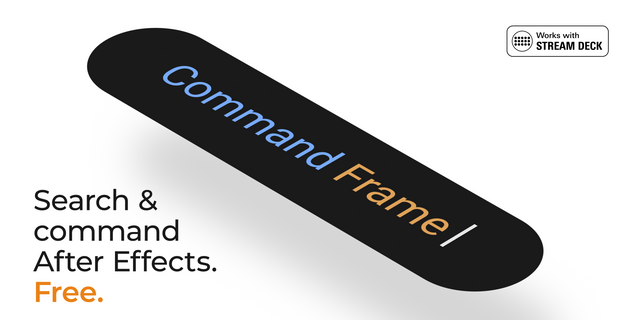
The command layer After Effects never had.
This is a starter profile for the Command Frame Stream plugin, designed to work with the Command Frame Adobe After Effects plugin (both provided separately).
Command Frame uses the generic “CF Action” in the Elgato Interface. These can then be assigned to any command from within Command Frame inside After Effects. This profile provides:
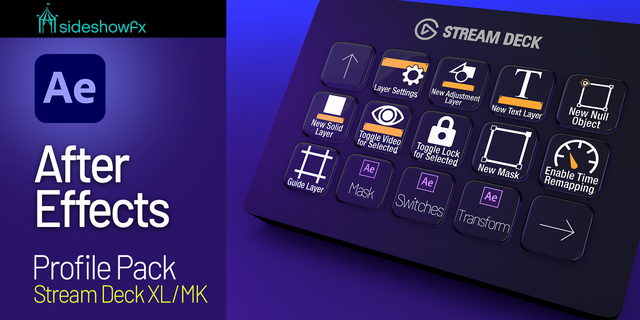
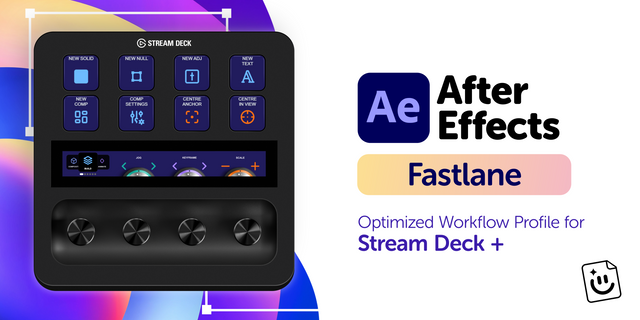
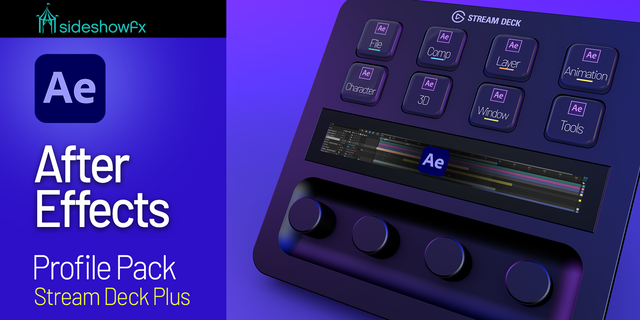
Five pages of template actions per device. Separate layouts for Stream Deck Classic, Mini, XL, and Stream Deck +.
This download contains starting layouts, not a preset collection of effects, scripts, macros, or project-specific commands.
Requires:
Adobe After Effects
Command Frame for After Effects (see below)
Command Frame’s Stream Deck plugin
Stream Deck 6.9 or later.
Extract the download, open the profile for your device, and confirm the installation in Stream Deck. Then add your own commands as described in Command Frame’s Readme.pdf
Requires Command Frame for Adobe After Effects: https://aescripts.com/command-frame/?utm=elgatocfp
Requires the Command Frame Stream Deck plugin: https://marketplace.elgato.com/product/after-effects-command-frame-d24daee4-e17f-4f6f-9de2-a90e43cd73d6
Initial profile release.
Version 1.7.3
Sep 14, 2026
Details
Type
Productivity
Device
Stream Deck +
Stream Deck Mini
Stream Deck MK
Stream Deck XL
OS
macOS
Windows
Compatibility
Stream Deck 6.4 or later
Size
47.48 KB
Version
1.7.3
Language
English
Support
Icons
Yes
Additional links
You might also like