Business
After Effects Fastlane - Stream Deck MK2
by FlowKits
Overview
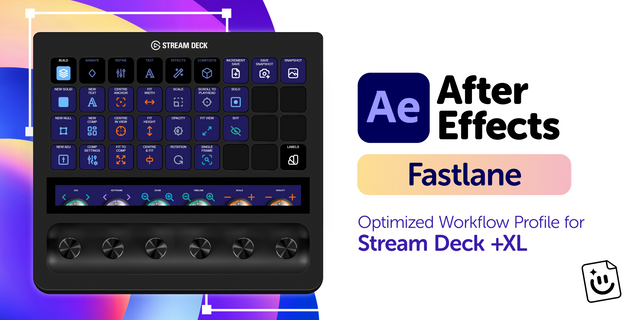
🎬 After Effects Fastlane for Stream Deck MK2: four workflow pages, ten keys each, and a nav row that never moves.
Motion work is a loop of nudge, scrub, check, nudge again. Fastlane puts that loop on the deck so you keep your hands where the work is ⚡
--
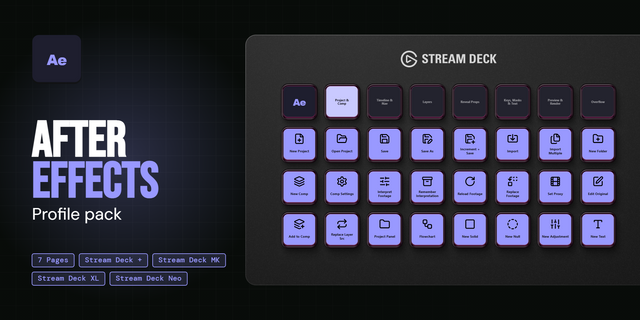
✅ A page per phase, not a wall of shortcuts. Build, Animate, Effects & View, and Composite & Output, each lit in its own color. The bottom row holds all four pages plus Incremental Save, in the same spot wherever you are.
✅ The layer switches After Effects ships with no shortcut at all. Solo, Shy, Collapse Transformations, and Guide Layer sit together at the left edge of Build, in the same two columns every time. The included FlowKits keyboard preset is what makes them reachable.
✅ Ten keys a page, and every one had to earn it. I ranked the whole shortcut list for time saved, then cut anything your fingers already know. What's left is the stuff that costs you a menu dive.
Windows only, with keyboard presets for After Effects 24.0, 24.3, 25.1, and 26.2. There's no Mac build in this one.
--
⚡ Why You'll Love It
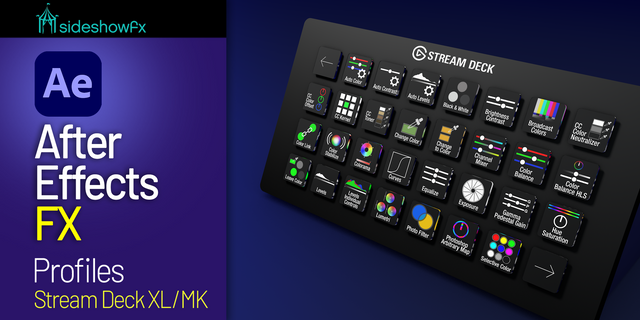
Fifteen keys means real choices, so this is the essential set rather than the full map. Build gives you the layer switches, new Solid, Null, Adjustment, and Text, plus Center Anchor and Fit to Comp. Animate is a keyframe row: Add Keyframe at the playhead, then Position, Scale, Rotation, Opacity, Hold, Interpolation, and Easy Ease. Effects & View covers Apply Recent Effect and Preset, the Effect Controls and Presets panels, and masking with New Mask, Invert, and Feather. Composite & Output handles 3D layers, blend mode stepping, camera, light, and the three 3D views.
Same color means the same thing on every page. Keyframe work is purple, transforms orange, timeline teal, view cyan. You learn the language once.
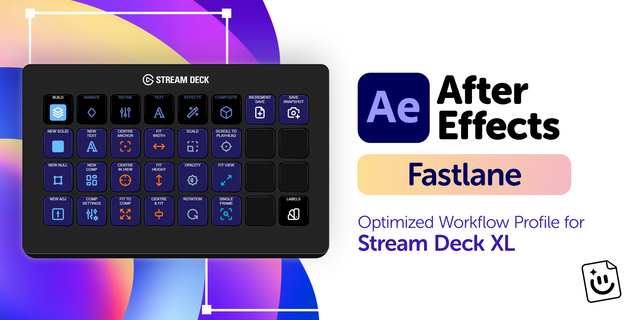
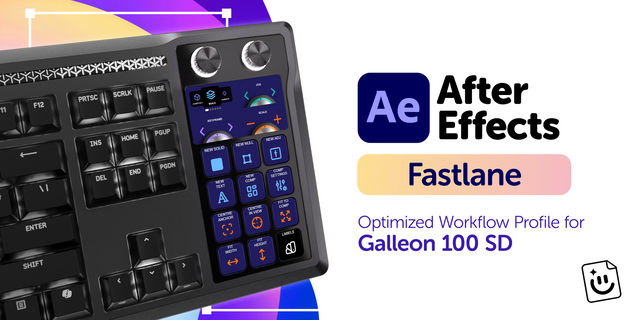
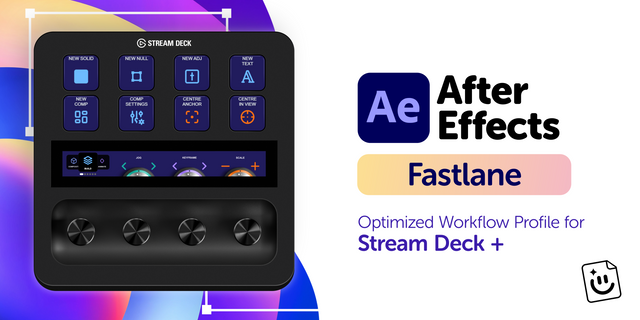
If you want the Text page, the Refine page, and the label color folder too, they're on the XL and + XL versions. The MK2 build is deliberately the tight one.
--
📦 What's Inside
🗂️ 4 pages: Build, Animate, Effects & View, Composite & Output.
🔀 Four layer switches with no default hotkey: Solo, Shy, Collapse Transformations, Guide Layer.
🎭 Masking on keys: New Mask, Invert, Feather, and Add mode.
🎥 3D layer toggle, blend mode stepping, camera, light, and the three 3D views.
⌨️ FlowKits keyboard preset (.aeks) for After Effects 24.0, 24.3, 25.1, and 26.2.
🌍 QWERTY, QWERTZ, and AZERTY presets for Windows keyboards.
🏷️ Editable text labels in any language.
🖼️ The full key icon set, in case you want to remix a page.
--
🚀 Quick Install
Extract the .zip.
Load the FlowKits keyboard preset for your After Effects version and layout, then restart After Effects (it only reads presets at launch).
Double-click the .streamDeckProfile to import, turn Num Lock on, and go.
Full setup guide with screenshots at getflowkits.com/setup.
--
📥 What's Included
✅ After Effects Fastlane profile for Stream Deck MK2 (Windows)
✅ FlowKits keyboard presets for Windows (QWERTY, QWERTZ, AZERTY)
✅ Complete key icon library
✅ Setup guide
--
🎯 Perfect For
Motion designers cutting client work to deadline. Editors who live in After Effects a few days a week and never quite memorized the shortcut sheet. Anyone who wants the twenty shortcuts they actually use, on a deck that fits next to the keyboard.
🎬 Four pages. Fifteen keys. Less Thinking, More Creating.
--
Disclaimer
This Stream Deck profile is an independent creation, not affiliated with or endorsed by Adobe Inc. Adobe and After Effects are trademarks of Adobe Inc., used solely to identify compatibility.
Initial release of Fastlane - an After Effects Stream Deck MK2 profile.
Version 1
Aug 21, 2026
Details
Type
Business
Creative Tools
Productivity
Device
Stream Deck MK
OS
Windows
Compatibility
Stream Deck 7.1 or later
Size
2.3 MB
Version
1
Support
Icons
Yes
Additional links
You might also like