Productivity
After Effects FX Profiles
by SideshowFX
Overview
PUT 1,400+ AFTER EFFECTS AT YOUR FINGERTIPS ✨
Built for Stream Deck XL & MK • Mac & Windows Stop searching through menus for the effects you use. Transform your Stream Deck into a dedicated After Effects effects launcher, with 1,400+ preprogrammed controls covering Adobe's built-in effects and popular third-party plugin collections. Select a layer. Press a key. Apply your effect.
⚡ INSTANT ACCESS TO YOUR EFFECTS
Access After Effects' built-in effects directly from your Stream Deck. No more navigating through long Effects menus or repeatedly searching for the same tools. With 90 pages for XL and 133 pages for MK, your effects are organized and ready when you need them.
🎬 MAJOR THIRD-PARTY EFFECTS INCLUDED
Go beyond After Effects' built-in collection with preprogrammed controls for popular plugin packages:
✓ Boris FX Sapphire ✓ Boris FX Continuum ✓ Red Giant Complete ✓ Video Copilot ✓ Plugin Everything ✓ FXFactory Pro ✓ Boris FX Mocha
Third-party effects must be installed separately.
🎛️ TWO COMPLETE STREAM DECK PROFILES
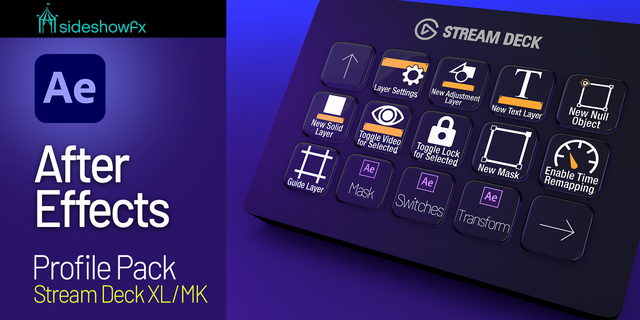
Whether you use the 32-key XL or 15-key MK, we've done the programming for you.
STREAM DECK XL 90 pages of preprogrammed effects.
STREAM DECK MK 133 pages of preprogrammed effects.
Simply select a layer in After Effects and press the corresponding Stream Deck key to apply an installed effect.
🎨 1,400+ EFFECT ICONS
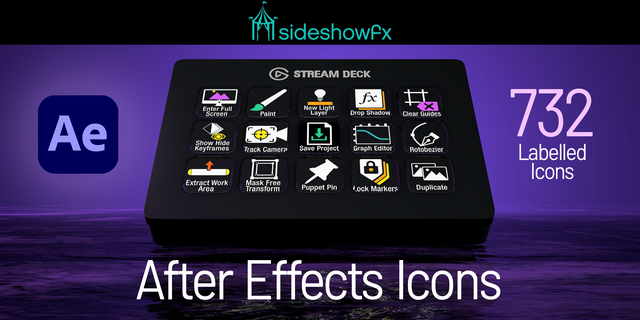
Navigate your effects using a comprehensive collection of 1,400+ dedicated icons, designed to help you quickly identify the effect you need.
⚙️ CUSTOM USER PRESETS
The pack also includes support for custom user presets, allowing you to expand your effects workflow.
✓ WHAT YOU GET
✓ 1,400+ preprogrammed effect controls ✓ 1,400+ effect icons ✓ 90-page Stream Deck XL profile ✓ 133-page Stream Deck MK profile ✓ Built-in After Effects effects ✓ Major third-party effect collections ✓ Custom user presets ✓ 32-page PDF manual ✓ Free lifetime updates ✓ License for 2 computers
⚠️ BEFORE YOU BUY
• For Stream Deck XL & MK (15-key) • English QWERTY keyboard required • Requires the free Video Copilot FX Console plugin • Third-party effects must be installed separately • Effects can only be applied when installed in After Effects
Get the free FX Console plugin: https://www.videocopilot.net/blog/2018/05/fx-console-updated-to-v1-0-3/
Try the sampler profile: https://www.dropbox.com/t/Pd2yRpkw5agJ0vgY
Looking for editing shortcuts instead? Explore our separate After Effects Pro Profile pack. https://marketplace.elgato.com/product/after-effects-pro-toolkit-80f66f81-02da-4e6a-986d-8af0c24d8af7
No release notes for this version
Version 1
Jan 18, 2024
You might also like