Monitoring
AI Coding Usage Meter
Overview
See your AI coding usage without leaving your keyboard. AI Coding Usage Meter
turns Stream Deck keys into a live dashboard for your AI coding limits, token
counts, and cost.
What it shows
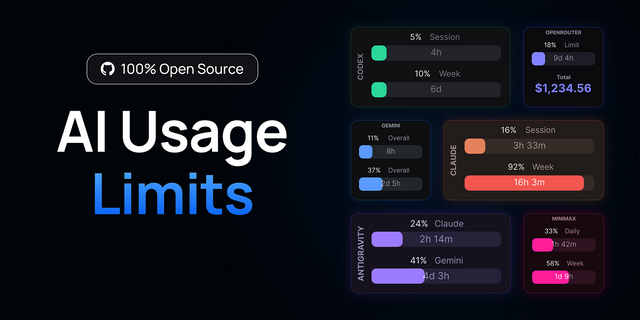
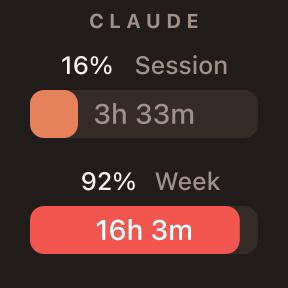
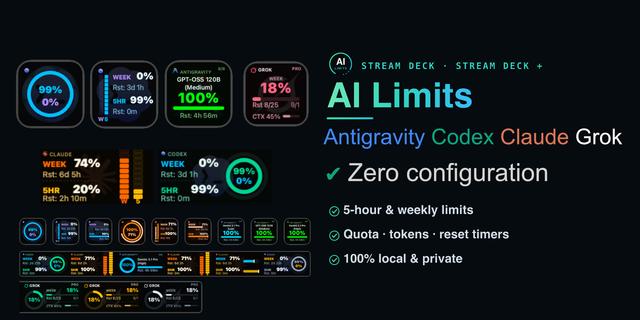
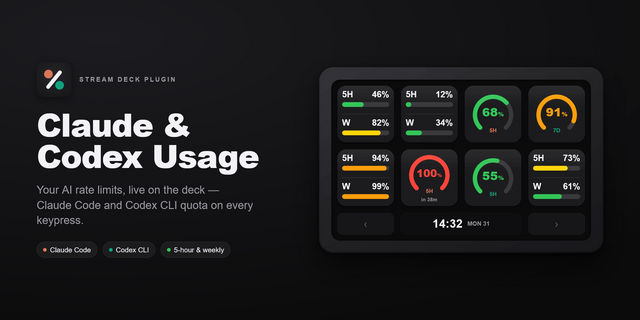
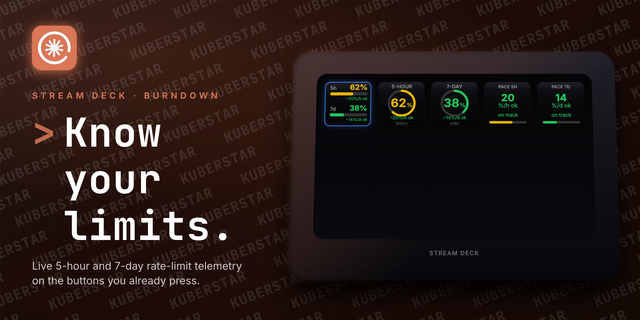
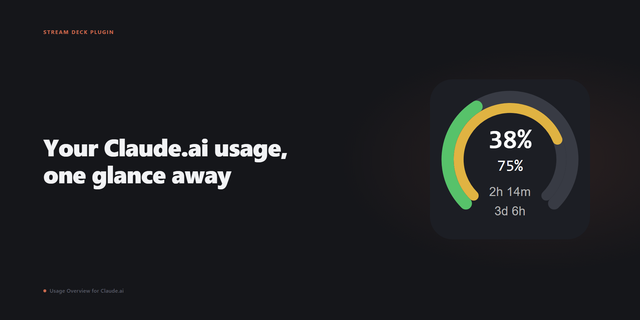
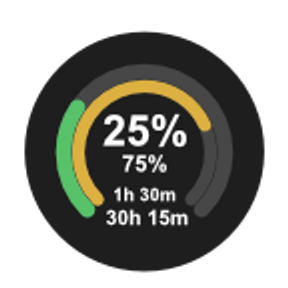
- Session (5h) and Weekly (7d) limit gauges — color-coded green → amber → red, with a live reset countdown.
- Tokens and Cost, parsed from your local logs — choose today, the last 7 days, or your current session.
- Carousel — one key that rotates through the faces you pick, in the order you set: the 5h, weekly and per-model windows, plus an optional picture-only badge. On a timer, or when you press it.
How it works
Drop one configurable action onto as many keys as you like and pick a metric per
key. Everything updates every 60 seconds, and a tap forces an instant refresh. Give any key a custom title — "5h Session", "Woche", whatever fits your setup.
All keys share a single cached request, so more keys never means more API calls.
Private by design
Runs entirely on your machine — no servers, no analytics, no telemetry. Your
credentials never leave your device except for one request to the official usage
endpoint. Nothing is stored.
Works with Claude Code on Windows 10+ and macOS 12+. Free and open
source (MIT).
Stream Deck Neo support
This release adds a new Usage Infobar action for Stream Deck Neo.
View Claude usage directly in the Neo infobar.
Shows 5-hour, weekly, and model usage windows.
Summary view displays multiple usage windows at once.
Configure the icon, progress bar, countdown, and page dots independently.
Configure which usage windows appear in the Summary view.
Custom labels, colors, face order, and carousel timing follow the existing usage display.
When a usage window reaches the red threshold, the infobar automatically switches to that face so you do not miss it.
Added Stream Deck SDK 3 support.
Requirements
Stream Deck app 7.6 or newer
Stream Deck Neo for the Usage Infobar action
Contributor
Thanks to @ffapd1989 for contributing the Stream Deck Neo infobar support.
Version 1.14
Oct 7, 2026
Details
Type
Monitoring
OS
Mac
Windows
Compatibility
Stream Deck 7.6 or later
Size
200.64 KB
Version
1.14
Language
English
Support
Profiles
No
Dial support
Yes
Neo Infobar support
Yes
Additional links
You might also like