Development

AI Control

Overview

Coding agents keep working in terminals you aren’t looking at. Permission prompts sit until you notice. AI Control puts that status on Stream Deck keys so a glance is enough.

Status keys (one per service) show the worst live state: WAIT beats THINK, THINK beats IDLE. The live session count is always on the key. When sessions disagree, a mixed line appears (1W 2T 1I).

Session keys auto-fill open terminals left to right, then the next row. Each key shows the folder name, THINK / WAIT / IDLE, how long it has been in that state (12s, then 5m, then 2h), and a color for that state. A session stays on its key until it ends. Extra keys stay empty until another terminal opens.

Supported agents: Grok, Claude Code, Codex, Antigravity, and OpenCode.

Color is the story. Amber means something is waiting on you. Navy means it is still thinking. Dark means idle.

Optional sounds (off by default): pick a Wait sound and an Idle sound independently. Meeting-safe tones by default. Never plays on first paint. THIS IS AN UNEXPECTED GAME CHANGER!

Connect hooks in the property inspector so WAIT (permission / question) is reliable for Grok, Claude, and Codex. Existing hooks are kept. Restart those CLIs after connecting.

Drop a Status key, pick the provider. Drop as many Session keys as you want — they fill themselves.

Update to reduce log growth.

Version 0.1.11

Sep 24, 2026

Details

Type

Development

OS

Mac

Windows

Compatibility

Stream Deck 6.9 or later

Size

189.73 KB

Version

0.1.11

Language

English

Support

Neo Infobar support

No

Profiles

No

Dial support

No

You might also like
  • Deep
    Deep app icon

    Deep

    by BYJW Studio

    ∙

    Development

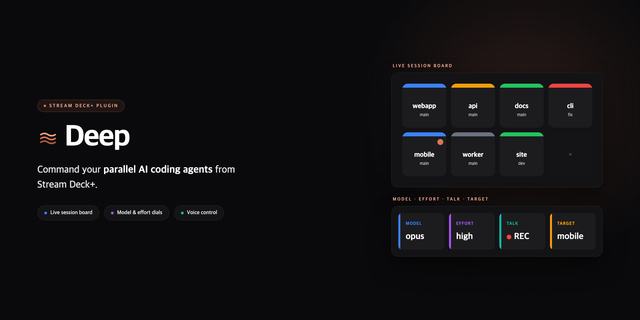
    Deep turns your Stream Deck+ into a physical control surface for the AI coding agents (Claude Code and compatible) you r...

    Free

  • AI Limits
    AI Limits app icon

    AI Limits

    by postgresql.co.kr

    ∙

    Development

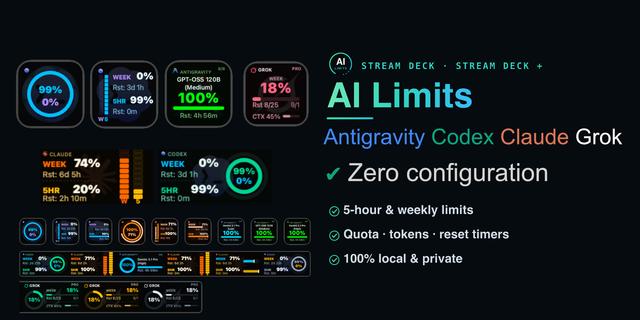
    Antigravity, Codex, Claude, Grok — Live AI Usage, Rate Limit, Token & Quota Tracker AI Limits — Live Usage Meters for AI...

    Free

  • AI Coding Usage Meter
    AI Coding Usage Meter app icon

    AI Coding Usage Meter

    by Saeed Kolivand

    ∙

    Monitoring

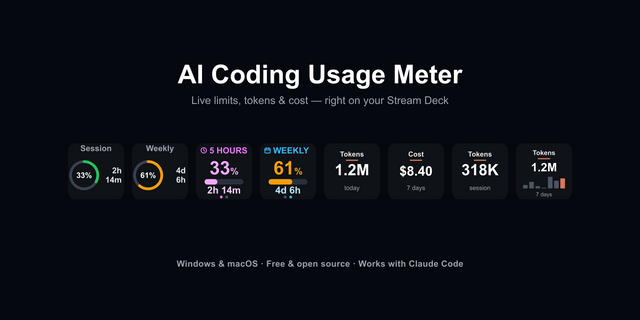
    See your AI coding usage without leaving your keyboard. AI Coding Usage Meter turns Stream Deck keys into a live dashboa...

    Free

  • AgentDeck
    AgentDeck app icon

    AgentDeck

    by Serendipity Bound

    ∙

    Development

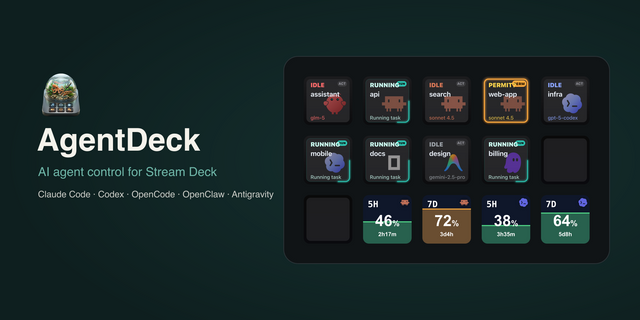
    AgentDeck turns Stream Deck and Stream Deck + into a live control surface for AI coding agents. Session keys show Claude...

    Free

  • seshi
    seshi app icon

    seshi

    by Betula Noir LLC

    ∙

    Development

    seshi turns your Stream Deck into a command center for Claude Code. When you run several Claude Code sessions at once, e...

    Free

  • Headroom
    Headroom app icon

    Headroom

    by Carter Lloyds

    ∙

    Development

    Every AI coding plan has a ceiling. The only place to see it is a settings page you open after something already went wr...

    Free

  • ChatGPT & Codex
    ChatGPT & Codex app icon

    ChatGPT & Codex

    by Elgato

    ∙

    Business

    Keep ChatGPT and Codex within reach while you work. Stream Deck gives you a dedicated surface for following active chats...

    Free

  • Fingertip Agent
    Fingertip Agent app icon

    Fingertip Agent

    by Feine Bande

    ∙

    Development

    Bring your local ChatGPT Codex tasks to Stream Deck. Fingertip Agent mirrors your ChatGPT sidebar order, shows each task...

    Free