Development
AI Limits
Overview
Antigravity, Codex, Claude, Grok — Live AI Usage, Rate Limit, Token & Quota Tracker
AI Limits — Live Usage Meters for AI Coding Agents
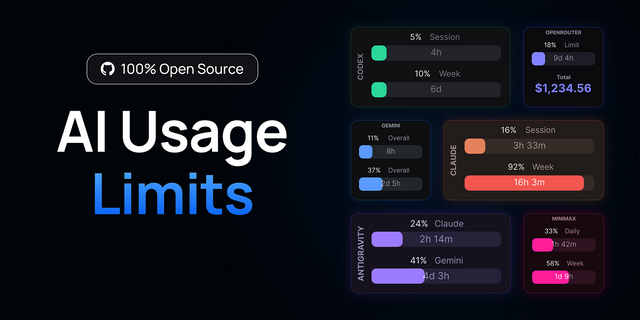
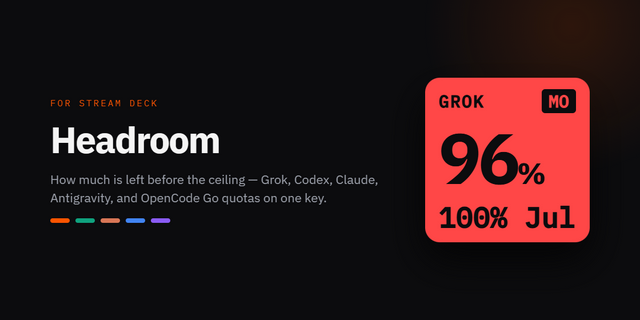
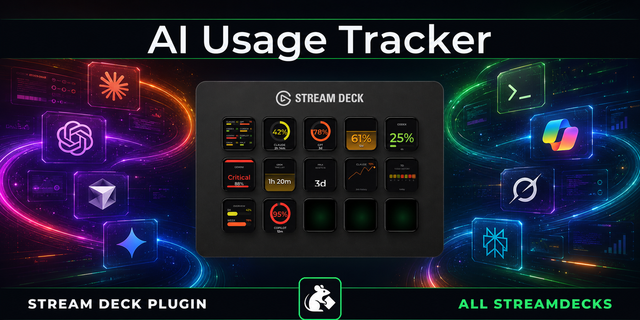
Never hit a rate limit by surprise again. Watch your Codex, Claude, Grok, and Antigravity usage live on your Stream Deck.
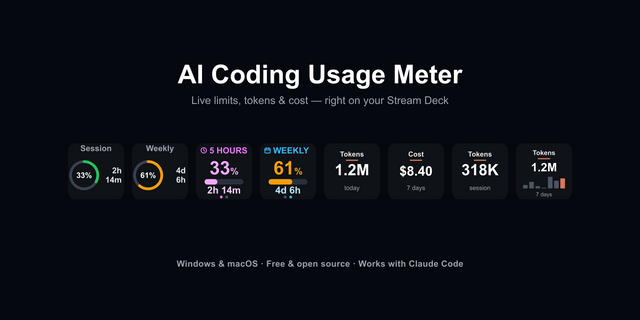
AI Limits turns your keys and dials into beautiful, real-time usage meters for the AI coding agents you already use. See exactly how much of your 5-hour window, weekly limit, Grok weekly limit, and per-model quota is left — at a glance, all the time, with reset countdowns and clean animated visuals.
---
Key Features
- Four Providers, Eight Actions: Dedicated Key and Stream Deck+ Dial actions for OpenAI Codex, Anthropic Claude, Google Antigravity, and xAI Grok — mix and match whichever you use.
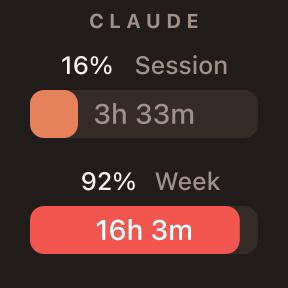
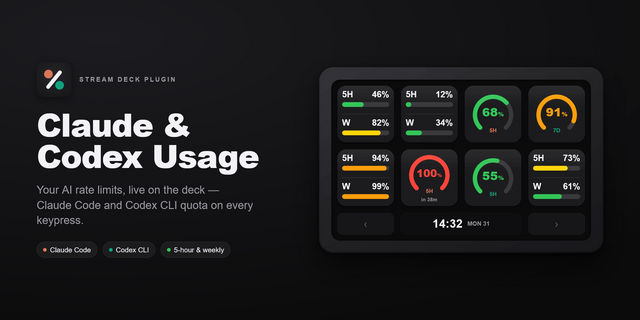
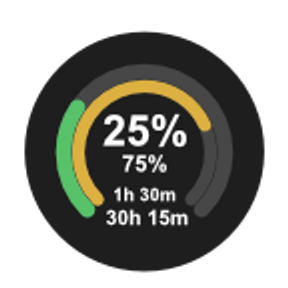
- Remaining 5-Hour & Weekly Limits: Codex and Claude show how much of your rolling 5-hour window and weekly limit is still available, so you can pace your work before a cooldown hits.
- Per-Model Quota (Antigravity): See the live remaining quota for each Antigravity model (the same numbers as agy /usage), cycling through your models one by one.
- xAI Grok Weekly Limit & Context: Monitor your Grok weekly usage %, reset date, billing cycle date, and live session context fill.
- Token Usage (Codex): Long press to reveal accumulated token counts pulled straight from your local Codex sessions.
- Three Visual Styles: Switch between Orbit (concentric progress rings), Meter (segmented block gauges), and Bar (sleek progress bars) for Codex and Claude.
- Reset Countdowns: Every meter shows a live "resets in" timer so you always know when your limits refresh.
- 12 Accent Palettes: From Emerald, Azure, and Violet to Gold, Ice Silver, and Cyberpunk-style Cyan Lime — recolor any key or dial with a press or a dial turn.
- Instant, Always-Fresh: Meters warm-start immediately on launch and auto-refresh in the background, with a low-battery-style warning color when you're running low.
- Local & Private: Codex reads only your local session logs (no network). Claude uses your existing Claude Code login to query Anthropic's own usage endpoint (read-only). Antigravity talks only to your local language server on 127.0.0.1. Grok reads your local grok login session and queries the same CLI usage endpoints. Nothing is sent to any third party.
---
Requirements
- Codex: The OpenAI Codex CLI installed and used at least once (reads ~/.codex session logs).
- Claude: Signed in to Claude Code (uses its stored login to read usage, read-only).
- Antigravity: Logged into agy or the IDE at least once (uses the stored login to fetch quota, even when closed).
- Grok: Signed in with Grok grok login) on a SuperGrok plan.
---
Feedback & Support
If there's a feature you'd like to see, please feel free to describe it in detail — I'd be happy to add it for you. You can reach me at [loxo5432@gmail.com](mailto:loxo5432@gmail.com).
If you enjoy my free plugins, Mood Loop PRO is a way to support my work.
- xAI Grok Weekly Limit: New Key and Stream Deck+ Dial actions show the same weekly used % as Grok /usage, plus the reset date, month date, and this session's context fill.
- No Extra Setup: Sign in with Grok grok login) on a SuperGrok plan. The plugin reads the local session automatically — no API key or path in the Property Inspector.
- Tap to Recolor: Short press (or dial tap / rotate) cycles accent colors; long press on the key goes back one color.
Version 1.0.5
Aug 18, 2026
Details
Type
Development
Monitoring
Utilities
OS
Mac
Windows
Compatibility
Stream Deck 6.9 or later
Size
292.56 KB
Version
1.0.5
Language
Chinese
English
French
German
Japanese
Korean
Spanish
Support
Profiles
No
Dial support
Yes
You might also like