Development
AI Token Viewer
by PuPuPu
Overview
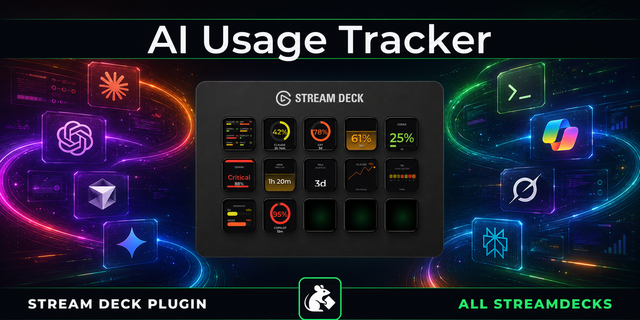
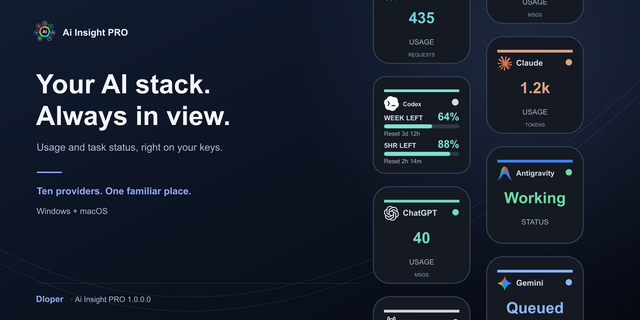
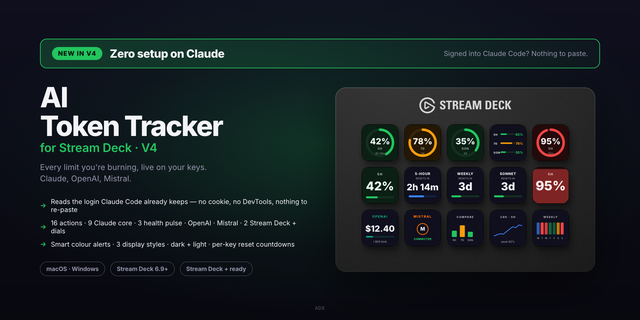
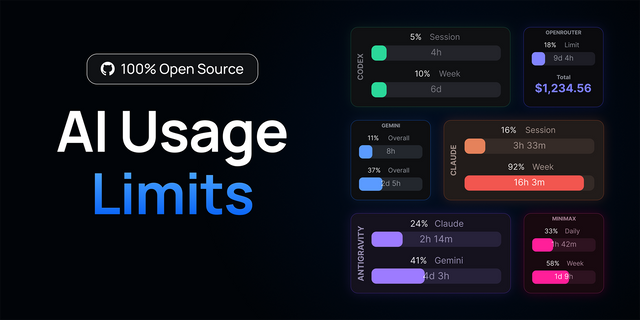
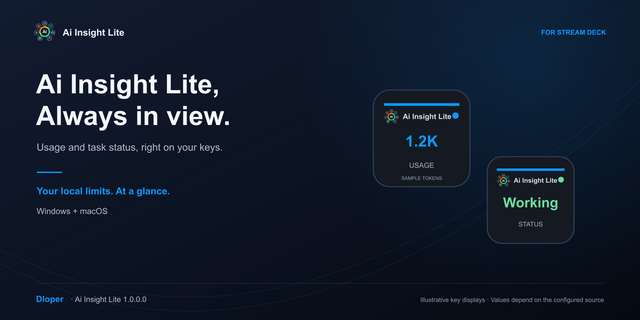
See Claude Code / ChatGPT Codex quotas, Cursor Teams on-demand budget and reported Gemini tokens on Stream Deck. Works on Windows and macOS. Select a service per key.
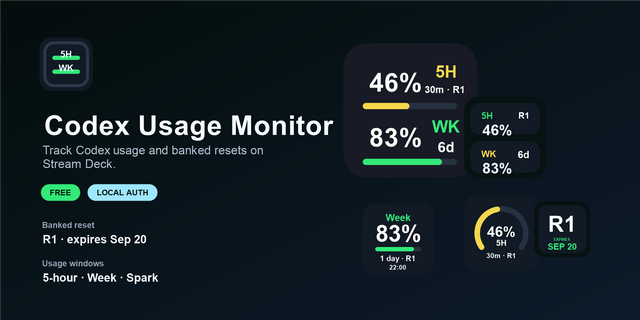
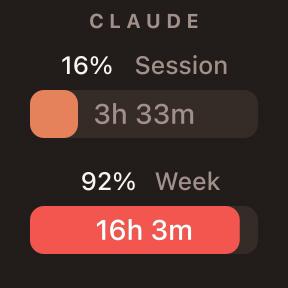
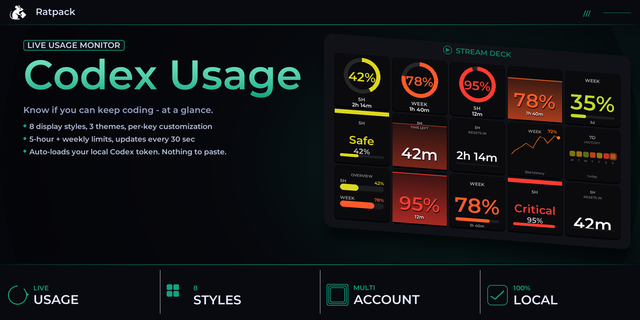
Claude / Codex: cycle 5-hour, 7-day and credit views. Credits appear only when Codex reports them; Claude balances and reset credits are unsupported.
Cursor Teams: remaining per-user on-demand budget, not included plan quota. Requires a Teams Admin API key in an environment variable and member email; individual plans are unsupported.
Gemini CLI / API: latest reported token count, not cumulative usage or remaining quota. CLI needs an AfterModel hook; API mode imports existing response JSON. Gemini App and Copilot are unsupported.
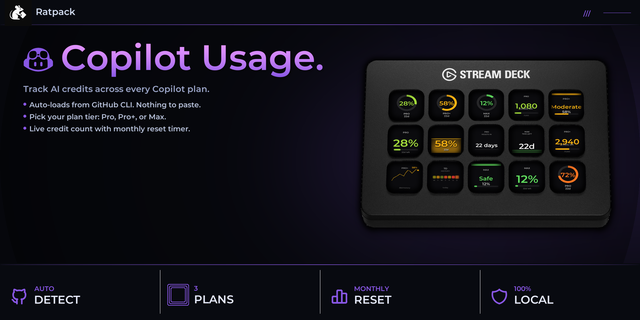
Ring/bar, dark/light, reset countdowns where available, warning colors and stale-data indicators. English/Japanese. Refresh: 30 seconds; Cursor: 5 minutes. Hold 0.7 seconds to refresh, with a 10-second cooldown.
Requires Windows 10+ / macOS 13+ and Stream Deck 7.1+. Codex needs a compatible CLI signed in with ChatGPT, not API-key-only authentication. Claude needs Code 2.1.251+, Pro/Max and the status-line bridge. Bridges require Node.js 24+. Claude/Gemini CLI data updates with responses, not while inactive. Missing values show --. Setup and data handling: see linked guides.
By PuPuPu. Independent and unofficial; not endorsed by OpenAI, Anthropic, Cursor or Google.
AI Token Viewerは、Claude Code・ChatGPT Codexの利用枠、Cursor Teamsの追加利用予算、Geminiの報告トークン数をStream Deckに表示します。Windows・macOSの両方で、ボタンごとにサービスを選択できます。
対応サービス:
・Claude/Codex:5時間枠・7日間枠・クレジットを短押しで切り替え。残高はCodexが提供する場合のみ表示。Claude残高やリセット権利数は非対応。
・Cursor Teams:メンバー別の追加利用予算の残り。プラン内包枠ではありません。環境変数にTeams管理APIキーを設定し、対象メールアドレスを指定します。個人プランは非対応。
・Gemini CLI/API:直近に報告されたトークン数。累計や契約残量ではありません。CLIはAfterModelフック、APIは既存の応答JSON取り込みを使用。Geminiアプリ・Copilotは非対応。
リング/バー、ダーク/ライト、取得可能なリセット時刻のカウントダウン、警告色、古いデータ表示、日本語/英語に対応。自動更新は30秒、Cursorは5分間隔。0.7秒の長押しで手動更新(10秒間隔)。
Windows 10以降またはmacOS 13以降・Stream Deck 7.1以降が必要です。Codexは対応CLIとChatGPTログインが必要で、APIキーのみの認証は非対応。ClaudeはCode 2.1.251以降・Pro/Max・ステータスライン連携が必要です。連携スクリプトにはNode.js 24以降が必要です。Claude/Gemini CLIは応答に伴って更新され、使用していない間は新しい値を取得しません。未取得値は「--」。設定方法とデータの取り扱いはリンク先をご確認ください。
0.8.9.0: main changes since the last published version (0.7.0.0).
- Claude connection is now a single Sign in to Claude button. 5-hour and 7-day quotas refresh every 30 seconds without sending a prompt, including usage from other devices (Claude Code 2.1.301+).
- The AI Activity key now supports Claude Code. Hooks are registered without a shell, so they work on Windows without Git Bash, from both terminal Claude Code and Code in the desktop app.
- Improved activity display: "Response finished" is now "Ready", a new "Ended" state was added, states no longer revert to "Unknown" after a timeout, and the key shows how long the current state has lasted.
- Redesigned settings screens and removed the consent checkbox.
- Fixed Windows startup issues and integrations breaking after a Stream Deck update.
Claude hooks from earlier versions are replaced when you click Set up activity hooks. Afterwards, quit all running Claude Code sessions and start a new one.
0.8.9.0:前回の公開版(0.7.0.0)からの主な変更です。 ・Claudeの接続を「Claudeにログイン」ボタンにまとめました。Claude Codeで質問しなくても5時間・7日間枠を30秒ごとに取得し、ほかの端末での利用分も反映します(Claude Code 2.1.301以降)。 ・「AIの実行状態」がClaude Codeに対応しました。シェルを介さない形式でフックを登録するため、Git BashのないWindowsでも動作します。ターミナル版とデスクトップアプリのCodeの両方に対応します。 ・実行状態の表示を改善しました。「応答終了」を「受付中」に変更し、「終了」を追加しました。時間が経っても「状態不明」に戻らず、その状態が続いている時間をキーに表示します。 ・設定画面のデザインを一新し、同意チェックを削除しました。 ・Windowsでの起動不具合と、Stream Deckの更新後に連携が切れる問題を修正しました。 以前のClaude用フックは「状態連携を設定」を押すと自動で置き換わります。設定後は、開いているClaude Codeをすべて終了してから新しいセッションで起動してください。
Version 0.8.9
Oct 23, 2026
Details
Type
Development
Monitoring
Productivity
Utilities
OS
Mac
Windows
Compatibility
Stream Deck 7.1 or later
Size
975.64 KB
Version
0.8.9
Language
English
French
German
Japanese
Korean
Spanish
Support
Neo Infobar support
No
Profiles
No
Dial support
No
You might also like