Monitoring
AI Usage Dashboard
by PackRat 🐀
Overview
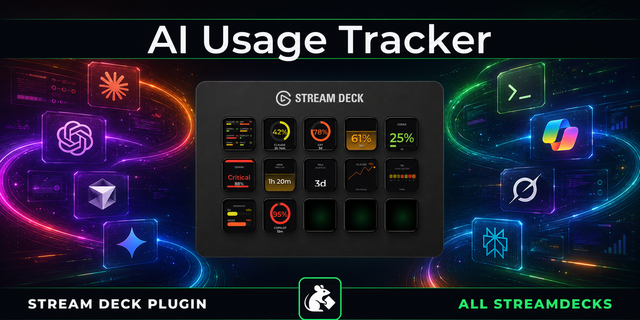
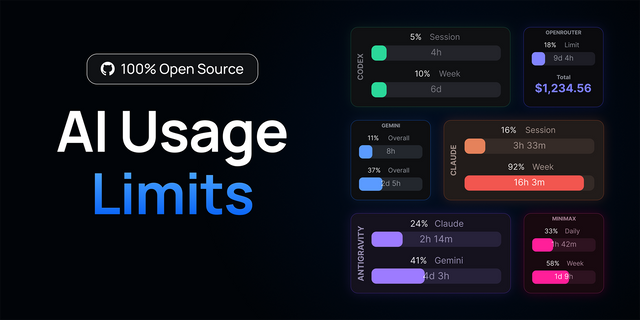
AI usage widget for Claude, ChatGPT and Cursor on the Corsair Xeneon Edge.
Every AI limit you are burning through, on one panel, before you hit the wall.
Works on the Corsair Xeneon Edge through iCUE, for Windows.
*Claude, ChatGPT, Codex, Cursor, Copilot and Gemini, all in one place.*
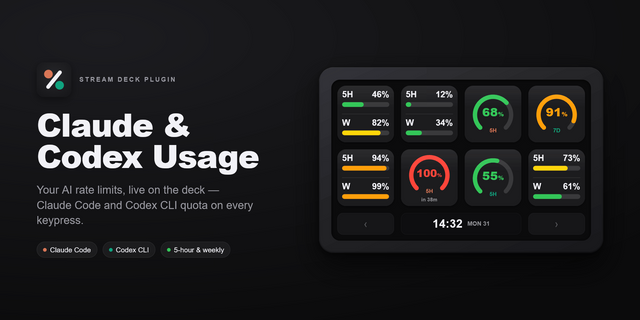
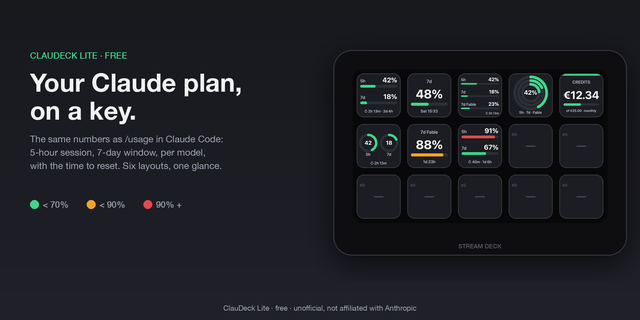
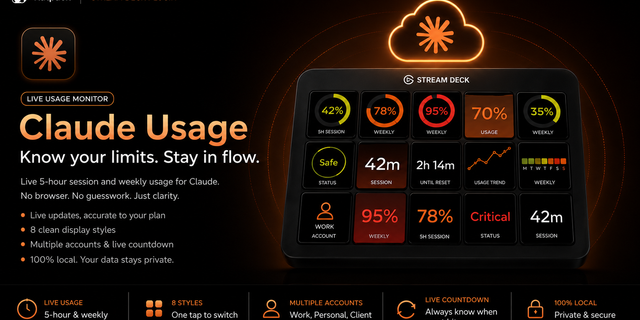
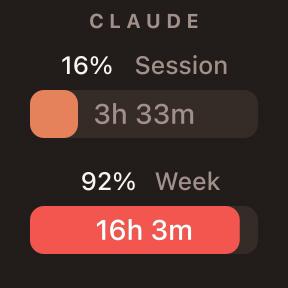
**One ring per provider** - How much of the window is gone, readable in under a second.
**Knows when it resets** - A live countdown to the next window, per provider.
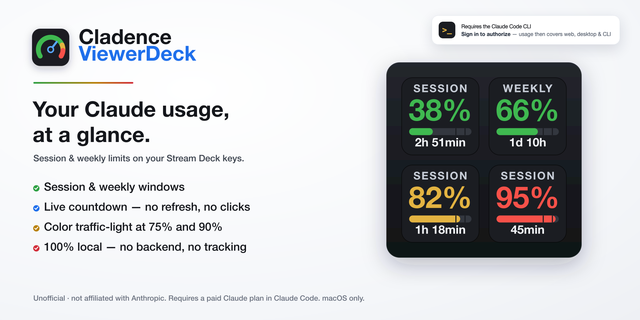
**Warns before the wall** - Set your own threshold and the ring turns amber early.
**No new sign ins** - Reads from the Packrat Stream Deck plugin already running on your PC.
Requires the Packrat Stream Deck plugin on the same PC.
---
Part of the Packrat collection for the Corsair Xeneon Edge. See the full lineup on the marketplace.
ai usage widget, claude usage, chatgpt usage, token tracker, ai limits monitor
- One ring per provider showing how much of the current window is spent.
- Live countdown to the next reset, per provider.
- Your own warning level, so the ring turns amber before you hit the wall.
- Reads from the Packrat Stream Deck plugin on the same PC. No extra sign in.
Version 1
Aug 13, 2026
Details
Type
Monitoring
Device
XENEON EDGE
OS
Windows
Size
31.65 KB
Version
1
Language
English
Support
Dashboard Sizes
Extra large
Large
Medium
Small
Interactive
No
You might also like