Gaming
Aniimo Game Control Suite
Overview
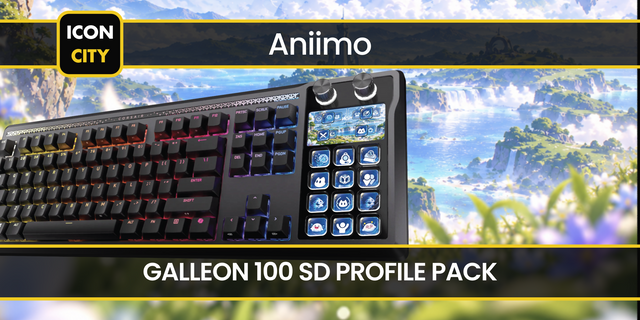
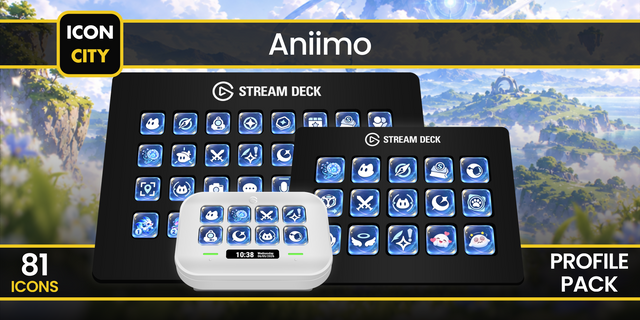
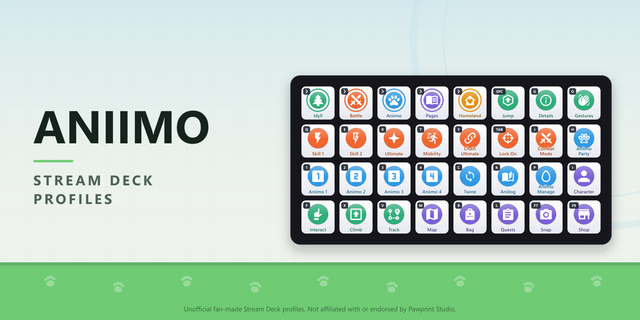
Bring your Aniimo PC controls and activity planning to Stream Deck. Explore, battle, organize your team, manage your home and prepare photo sessions with a complete set of configurable actions and luminous crystal icons.
145 actions: 80 game controls, 33 utilities and resources, 23 contextual guides, 8 Stream Deck + dials and one custom binding.
Plan your activities with manual timers, stopwatches, catch counts with undo, checklists, team and evolution plans, home resources, calendars and Primergy estimates. Local board identifiers keep separate plans or let keys and dials share the same data. These tools use the values you enter; they do not read live HP, cooldowns, inventory or save progress.
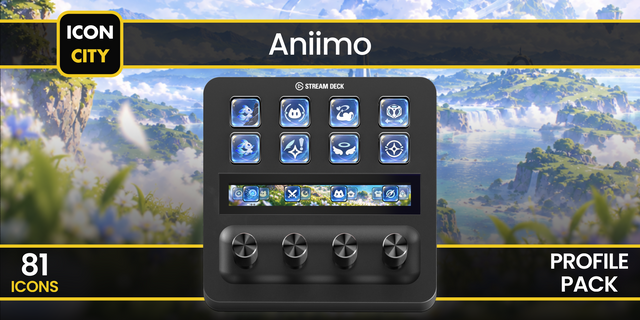
The eight dials cover home zoom and height, camera tilt, team selection, game volume, timer duration, catch count and checklist selection. Game audio targets the configured Aniimo process. Microphone mute requires an explicitly selected and confirmed device and affects all applications using that device. No audio is recorded.
Includes 16 optional profiles for 15-key Stream Deck and Stream Deck +, each with six pages. Actions, settings, feedback, guides and profiles are available in Spanish, English, German, French, Japanese, Korean, Simplified Chinese and Traditional Chinese.
Windows 10+ and Stream Deck 7.0+ required. Native game controls start disabled: configure and confirm the Aniimo process, executable path, game build and bindings before enabling input. Aniimo must be foreground. Photo, home and quick-catch controls also require manual context confirmation. Profile navigation changes Stream Deck pages, not the game mode. Guide actions open instructions instead of executing the corresponding in-game function. Check bindings against your installed game build.
Installation and privacy: https://www.laboratoriostreamdeck.com/en/privacy/aniimo-game-control-suite
Support: https://www.laboratoriostreamdeck.com/en/support
Independent plugin by LaboratorioSD. Not affiliated with Pawprint Studio.
Initial release: 145 actions, eight Stream Deck + dials and 16 optional activity profiles across eight languages. Luminous crystal artwork for every action. Includes configurable game bindings, manual timers and checklists, catch counters with undo, activity planning, game audio and contextual guides. Inspector settings save automatically with confirmation. Game input requires explicit configuration, confirmed bindings and Aniimo in the foreground; photo, home and quick-catch contexts are declared manually. Utility data stays local and is entered by the user. Windows 10+ and Stream Deck 7.0+ required.
Version 1
Oct 8, 2026
Details
Type
Gaming
OS
Windows
Compatibility
Stream Deck 7 or later
Size
7.56 MB
Version
1
Language
Chinese
English
French
German
Japanese
Korean
Spanish
Support
Neo Infobar support
No
Profiles
Yes
Dial support
Yes
Additional links
You might also like