Gaming

App Priority Keys for Windows

Overview

Set process priority from your Stream Deck. On Windows, these keys put the Task Manager priority setting on a key: high priority for a game, low for a heavy background app. A key can set the priority again each time the program starts, so your choice stays after the program restarts.

Features

Front App Priority: shows the app in the active window and its CPU priority (LOW to HIGH). Press to set yours, again to put it back

App Priority: the same for a program you choose, and it can set it again at each start

Restore Priorities: counts what was changed and puts it all back

English and Japanese

Safety

The priority from before is remembered

Keys show the priority read back from Windows

Realtime is left out, since it can freeze the PC

Protected: the Windows processes on its list (explorer, dwm and others), the desktop and taskbar, the Stream Deck app

Requirements and limits

Windows 10+, Stream Deck 6.9+. Tested on Windows 11

Higher priority alone does not make a program faster; no gain is guaranteed. High can make other programs stutter

App Priority changes every process with that file name. Setting it at each start works while its key is visible, and starts over when Stream Deck restarts

Programs run as administrator or protected by anti-cheat may refuse

Privacy

Reads program paths, start times and priorities; opens process handles. Nothing is logged or sent.

Idea or bug? Use the Support link. Every message is read.

First release with three actions. Front App Priority and App Priority show the priority Windows reports for a program and set the one you chose on a press; a second press puts it back. App Priority can set it again each time the program starts. Restore Priorities puts back everything the plugin changed. Realtime can not be chosen. English and Japanese.

Version 1

Oct 8, 2026

Details

Type

Gaming

Productivity

Utilities

OS

Windows

Compatibility

Stream Deck 6.9 or later

Size

804.9 KB

Version

1

Language

English

Japanese

Support

Profiles

No

Dial support

No

Neo Infobar support

No

Additional links

You might also like
  • Force Close Keys for Windows
    Force Close Keys for Windows app icon

    Force Close Keys for Windows

    by GRAMSHIFT

    ∙

    Gaming

    Force close a frozen game or app from your Stream Deck when Task Manager is out of reach. On Windows, the keys show whic...

    $780.00

  • Cursor Lock Keys for Windows
    Cursor Lock Keys for Windows app icon

    Cursor Lock Keys for Windows

    by GRAMSHIFT

    ∙

    Gaming

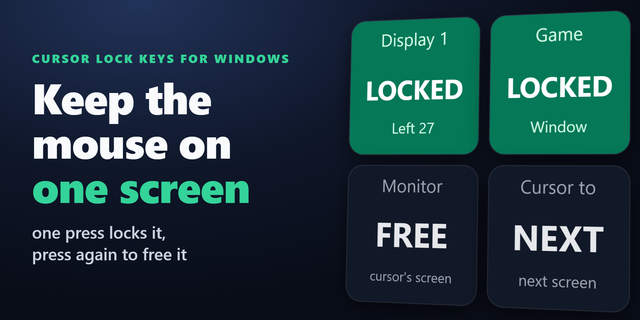
    Lock the mouse cursor to one monitor from your Stream Deck. On a dual monitor Windows PC, one key press keeps the mouse ...

    $780.00

  • Window Opacity Keys
    Window Opacity Keys app icon

    Window Opacity Keys

    by GRAMSHIFT

    ∙

    Gaming

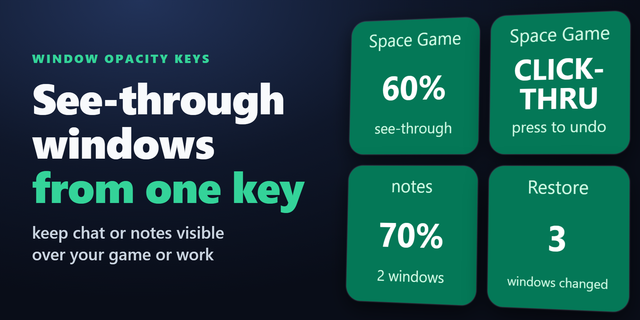
    Make any window transparent (see-through) with one key on your Stream Deck, so you still see what is behind it. On Windo...

    $780.00

  • Restart Pending for Windows
    Restart Pending for Windows app icon

    Restart Pending for Windows

    by GRAMSHIFT

    ∙

    Gaming

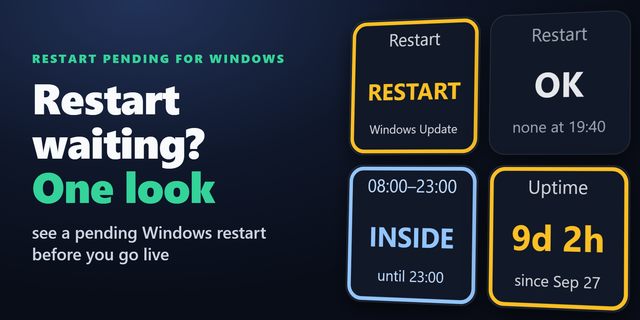
    See on your Stream Deck whether a Windows Update restart is waiting. Before you go live, one look tells you if Windows h...

    $780.00

  • Borderless Fullscreen Keys
    Borderless Fullscreen Keys app icon

    Borderless Fullscreen Keys

    by GRAMSHIFT

    ∙

    Gaming

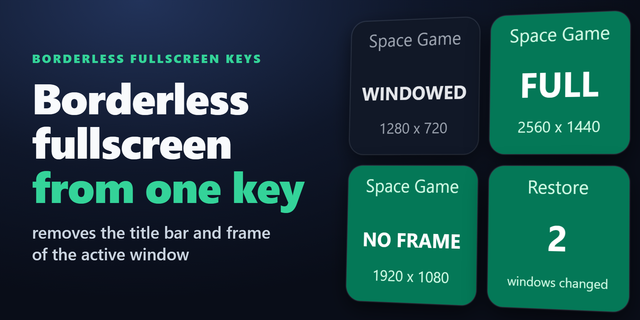
    Make a windowed game borderless fullscreen with one key on your Stream Deck. On a Windows PC, a press removes the title ...

    $780.00

  • Startup Apps Keys for Windows
    Startup Apps Keys for Windows app icon

    Startup Apps Keys for Windows

    by GRAMSHIFT

    ∙

    Productivity

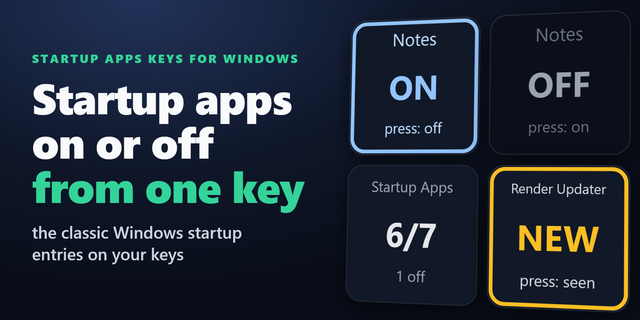
    Choose which apps launch at sign-in from Stream Deck: see and switch the classic Windows startup entries in the Run regi...

    $780.00

  • On Air: Mic In Use for Windows
    On Air: Mic In Use for Windows app icon

    On Air: Mic In Use for Windows

    by GRAMSHIFT

    ∙

    Productivity

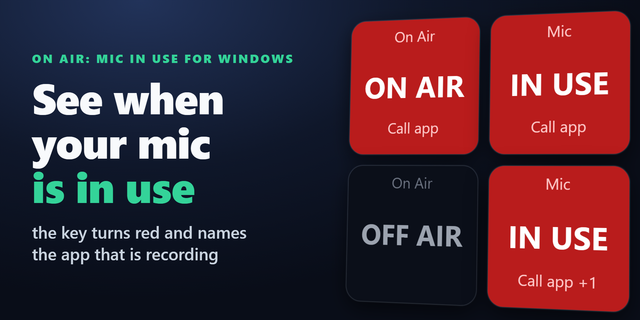
    For meetings, calls and streams: see on your Stream Deck whether an app is recording from a microphone of your Windows P...

    $780.00

  • DeckGallery
    DeckGallery app icon

    DeckGallery

    by PunisherSama

    ∙

    Artistic

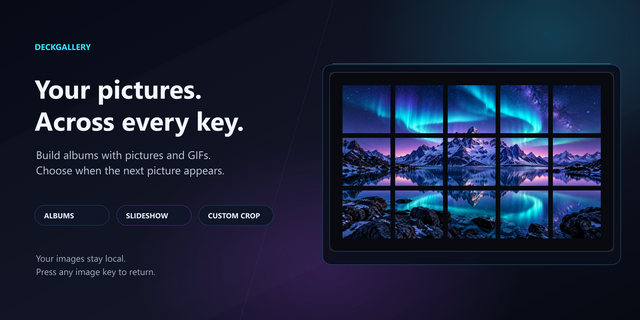
    Turn your Stream Deck into a personal gallery or a decorative display for your desk setup. DeckGallery spreads your favo...

    $1.99