Smart Home
Apple TV Remote
by mrcrow_gg
Overview
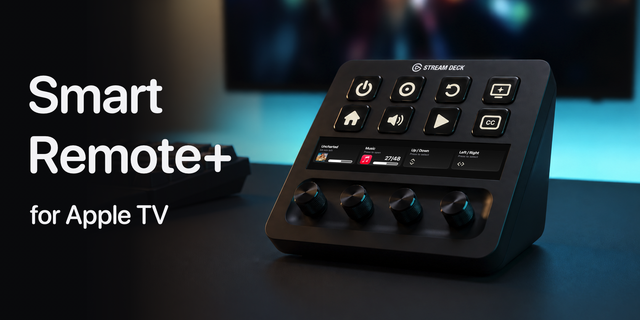
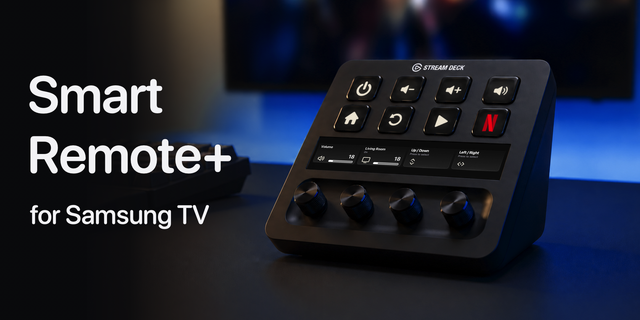
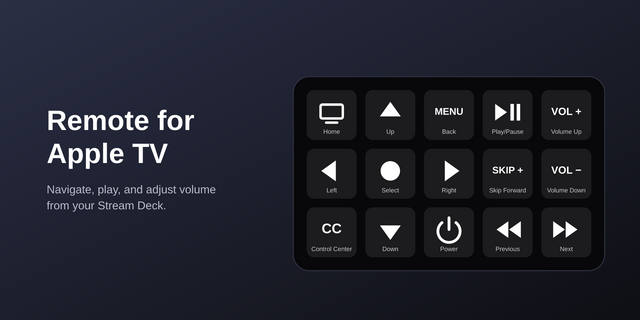
Control and power your Apple TV from Stream Deck. Fully self-contained — bundled pyatv runtime, no extra installs needed. Works on keys and Stream Deck+ dials.
Setup:
turn on your apple tv
install the plugin
open settings/pairing button
scan the network
press the pair companion
that should trigger PIN code pairing on your aTV
fill the PIN and pair
now place control buttons on your streamdeck
enjoy
Sometimes when you unpair/ and pair again the same TV the button stopped working - that should solve the "reconnect this key" function, but sometimes it can fail. What you have to do is simply place the buttons again on the StreamDeck.
known issue
there can be problem with pairing on devices with OS 26 (tested and working on public beta 27)
you can only control 1 device at a time
fixed an issue where the last update broke the scan network
Version 1.0.4
Aug 24, 2026
You might also like