Gaming
ARC Raiders for Xeneon Edge
by StreamSpell
Overview
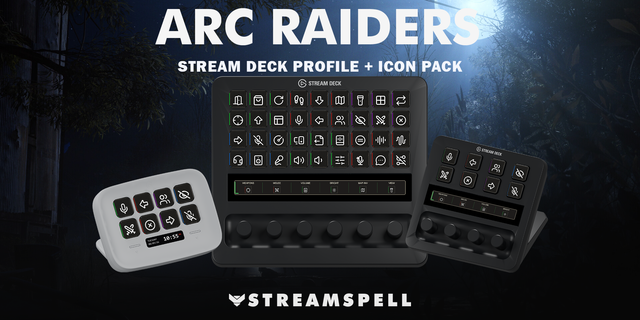
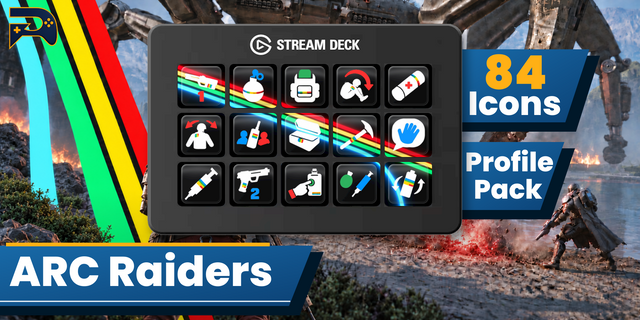
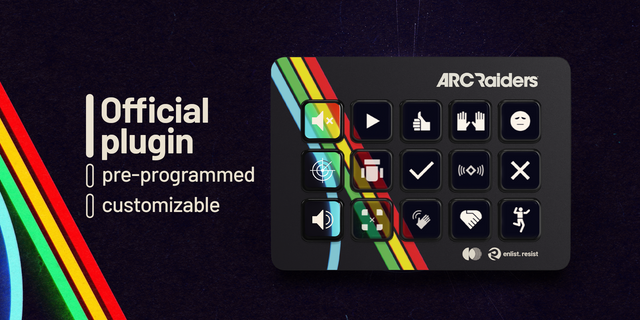
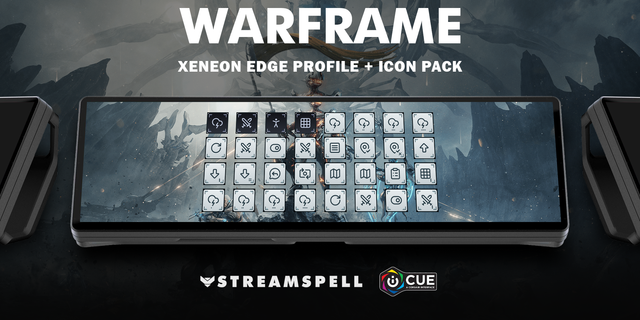
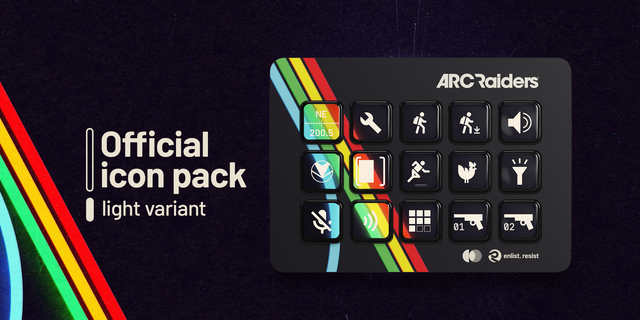
ARC Raiders controls for your CORSAIR XENEON EDGE touchscreen. Two organized layouts bring 28 keyboard actions to Virtual Stream Deck, with matching category colors and game-inspired icons.
Controls
Utility: interact, inventory, map, flashlight, items, items wheel, menu and HUD visibility.
Combat: reload, shoulder swap, weapons 1 and 2, melee weapon and unarmed.
Social: party and proximity push to talk, emote wheel and ping/emote audibility.
Travel: movement, jump, sprint, crouch hold/toggle, dodge roll and walk toggle.
Included: two Windows profiles — 15 keys (5 columns × 3 rows) and 32 keys (8 columns × 4 rows) — plus an English Key-Mapping.csv, 1748 static PNG icons and a Stream Deck Icon Pack. Folders keep every action accessible in both layouts.
Requirements: CORSAIR XENEON EDGE, Windows 11 and Elgato Stream Deck 7.0 or newer with Virtual Stream Deck enabled. For the iCUE Stream Deck widget, use Stream Deck 7.5.0 (22885) or newer, iCUE 5.48.58 or newer and XENEON EDGE firmware 5.48.1 or newer.
Setup: import into Virtual Stream Deck and set its grid to 5 × 3 for the 15-key profile or 8 × 4 for the 32-key profile. Grid size is configured in the device/widget settings; importing a profile does not automatically change it. Match the included mapping to your in-game controls. Voice keys need the corresponding Push to Talk audio mode. Hold wheel keys to keep the wheel open and select in game; audibility changes need an open ping or emote wheel. Held actions send keyboard input while held.
Keyboard shortcuts only: mouse-only fire, aim, ping and weapon scrolling are not included. No automatic item-use sequences.
Customize button positions and visuals in Stream Deck. No separate physical Stream Deck is required for the XENEON EDGE setup.
This is an unofficial third-party product, not affiliated with, endorsed by, or sponsored by Embark Studios, CORSAIR, or Elgato. All trademarks belong to their respective owners.
No release notes for this version
Version 1
Oct 15, 2026
Details
Type
Gaming
Device
Stream Deck MK
Stream Deck XL
Stream Deck + XL
Virtual Stream Deck
OS
Windows
Compatibility
Stream Deck 7.1 or later
Size
91.81 MB
Version
1
Language
English
Support
Icons
Yes
Additional links
You might also like