Audio
Audio Command Center
Overview
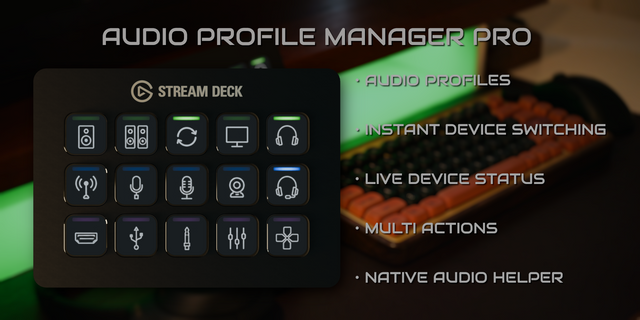
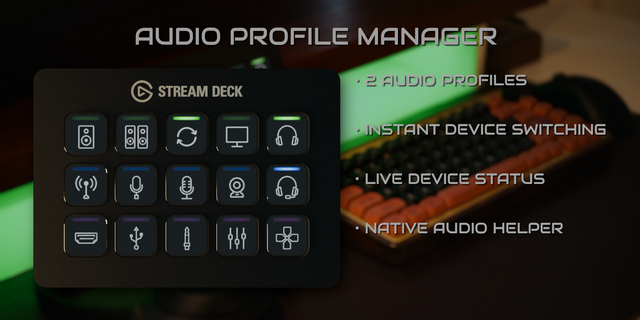
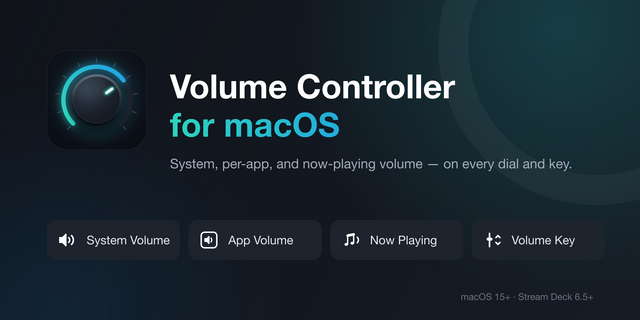
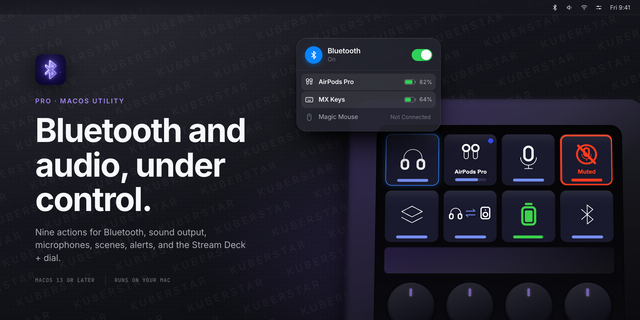
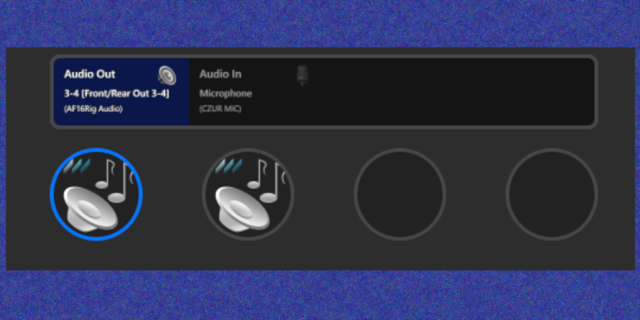
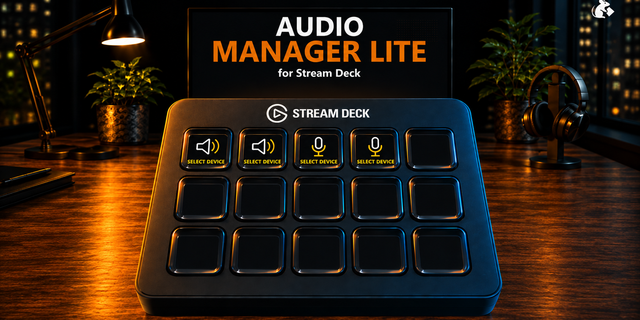
Switch audio sources directly from Stream Deck.
Control input and output volume with support for Sonos and UA Apollo.
Monitor audio with real-time metering and dB readout.
Ideal for creators, streamers, podcasters, musicians, audio enthusiasts, and anyone juggling multiple audio devices. Only available for macOS.
## Version 2.2.1
Release Date: August 2026
### Faster, More Reliable Device Switching
- Keeps input and output lists current while devices connect, disconnect, or transition between modes—including Bluetooth devices
- Prevents rapid source changes from bouncing back to a previously selected device
- When Auto-Select is enabled, pressing an Input Source, Output Source, or Unified Source dial now cycles to the next device
- Keeps Unified Source dials in sync immediately after a switch
### Expanded Apollo Support
- Automatically discovers the correct monitor output across more Universal Audio Apollo models, including Apollo x16 configurations
- Improves Apollo volume and mute response handling and recovery after UA Console connection interruptions
### Stability and Compatibility
- Keeps the audio helper responsive when macOS CoreAudio is slow or stalled during startup
- Uses live device-list updates to reduce delays during audio-device transitions
- Fixes volume changes on devices that do not report a standard output-mute value
- Improves compatibility with protected Elgato Marketplace installations
- Adds clearer diagnostics for startup, device switching, and Apollo discovery issues
---
Version 2.2.1
Sep 1, 2026
Details
Type
Audio
Utilities
OS
Mac
Compatibility
Stream Deck 6.9 or later
Size
724.14 KB
Version
2.2.1
Language
English
Support
Profiles
No
Dial support
Yes
Additional links
You might also like