Lighting

Aura Switch

Overview

Aura Switch controls your ASUS Aura Sync lighting from the Stream Deck.

WHAT IT DOES

Specify Aura Effect: apply one fixed effect with each key press.

Cycle Aura Effects: step through a list of effects you configure.

Toggle Aura On/Off: one-key lighting on/off switch.

Aura Flow (Stream Deck+ dial): rotate to browse effects in a coverflow, press the dial or tap the touch strip to toggle on/off.

Supports built-in effects (Static, Breathing, Strobing, Color Cycle, Rainbow, Starry Night, Music) and your saved Aura Creator scenes, shown with their real names.

Fully localized interface in 11 languages.

WHAT IT CANNOT DO

Screen-sync / ambient lighting (sampling your screen to match on-screen colors).

Reactive lighting that changes color based on CPU/GPU temperature or usage.

Creating or editing Aura Creator scenes.

REQUIREMENTS

Windows 10 or later, Stream Deck 6.9 or later (Stream Deck+ required for the dial action).

Armoury Crate with the Aura Sync service running, and an Aura Sync capable device.

Added support for two lighting effects — Smart (reactive) and Screen Sync (ambient capture) — now selectable from the built-in list.

Version 1.0.85

Oct 8, 2026

Details

Type

Lighting

OS

Windows

Compatibility

Stream Deck 6.9 or later

Size

16.61 MB

Version

1.0.85

Language

Chinese

English

French

German

Japanese

Korean

Spanish

Support

Neo Infobar support

No

Profiles

No

Dial support

Yes

You might also like
  • RGBJunkie
    RGBJunkie app icon

    RGBJunkie

    by RGBJunkie

    ∙

    Lighting

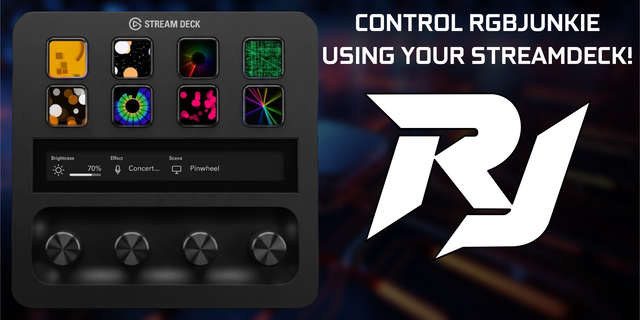
    Control RGBJunkie from your Elgato Stream Deck. Switch lighting effects, load saved scenes, adjust brightness, pause you...

    Free

  • Chroma Deck Lite
    Chroma Deck Lite app icon

    Chroma Deck Lite

    by Andy Smith

    ∙

    Lighting

    Chroma Deck Lite puts your Razer Chroma lighting on your Stream Deck, free. Press a key to set your keyboard, mouse, mou...

    Free

  • Music Volume
    Music Volume app icon

    Music Volume

    by z4yross

    ∙

    Audio

    One dial for your music, whatever you are playing it with. Music Volume follows whichever music player is open on Window...

    Free

  • Steam Hub
    Steam Hub app icon

    Steam Hub

    Steam Hub turns your Stream Deck into a hub for your Steam library. Every key wears the game's own store art, so a full ...

    Free

  • YouTube, Twitch & Spotify - You Controller
    YouTube, Twitch & Spotify - You Controller app icon

    YouTube, Twitch & Spotify - You Controller

    by D.A.N

    ∙

    Audio

    Control YouTube, Twitch and Spotify from your Stream Deck — with the video, or the album cover, live on the keys. Now on...

    Free

  • Node:Cue
    Node:Cue app icon

    Node:Cue

    by Node:Cue

    ∙

    Audio

    Control Node:Cue from your Stream Deck for live-event audio playback and show control. Launch cues, trigger pads, operat...

    Free

  • HDR Toggle
    HDR Toggle app icon

    HDR Toggle

    by WaTiFy

    ∙

    Gaming

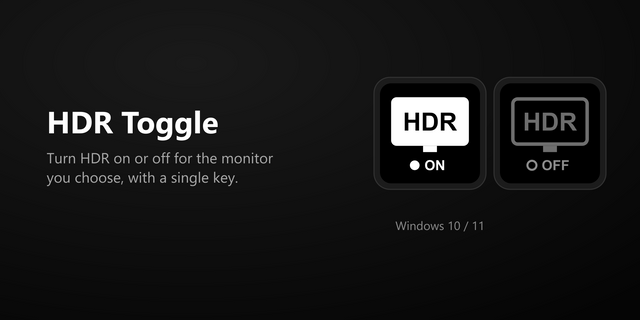
    Turn HDR on or off for one specific monitor. The monitor is recognised by its EDID serial number, so the button keeps wo...

    Free

  • Steam Status
    Steam Status app icon

    Steam Status

    by derTom

    ∙

    Gaming

    Steam Status brings your Steam profile and games directly to your Stream Deck. Monitor your current presence, see which ...

    Free