Development

AWS Monitor

Overview

AWS Monitor for Stream Deck

A Stream Deck plugin for monitoring AWS services, starting with AWS CodePipeline.

View CodePipeline deployment status directly on your Stream Deck keys without switching tabs. Each key renders stage status, icons, and a timestamp, with optional border colors to identify environments such as staging, release, or production.

Features

Real-time CodePipeline stage monitoring

Stage-level status: Succeeded, Failed, or In Progress

Status icons with timestamp footer

Optional environment border colors

Smart polling: 60s while running, 5m when settled

Short press to refresh

Long press to open AWS Console

Double-click to open CloudWatch logs

Debug mode with Pipeline Name = debug

Separate regions for pipeline and log group

New Features

EC2 instance monitoring — In addition to CodePipeline, you can now monitor the live status of EC2 instances directly on a button.

Segmented progress bar — Pipeline stages are now rendered as a segmented progress bar that automatically adapts to any number of stages, making deployment progress easy to read at a glance.

Configurable border width — Both CodePipeline and EC2 buttons now let you adjust the border thickness.

Improvements

AWS icons are now a clean monochrome white, and the logo shown on unconfigured buttons is larger and clearer.

EC2 button titles are centered, with a status indicator dot placed in front of the instance name.

Bug Fixes

Fixed an issue where buttons would continuously flicker due to leftover background animation timers.

Use a runtime canvas to prevent crashes in environments that do not have a built-in Canvas.

Version 1.5

Sep 29, 2026

Details

Type

Development

OS

Mac

Compatibility

Stream Deck 6.9 or later

Size

24.1 MB

Version

1.5

Language

Chinese

English

Support

Profiles

No

Dial support

No

Neo Infobar support

No

You might also like
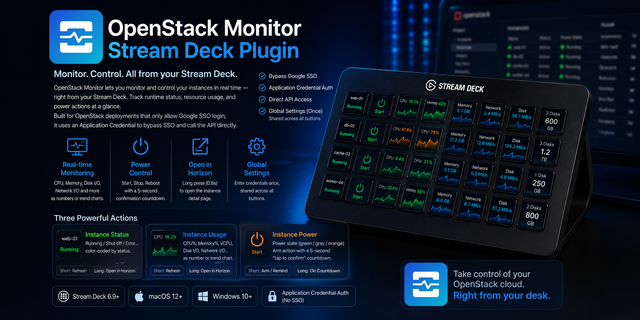
  • OpenStack Monitor
    OpenStack Monitor app icon

    OpenStack Monitor

    by Phantas

    ∙

    Development

    Monitor and control OpenStack instances right from your Stream Deck: runtime status, resource usage, and power control. ...

    Free

  • Server Watch
    Server Watch app icon

    Server Watch

    by kanade ishida

    ∙

    Development

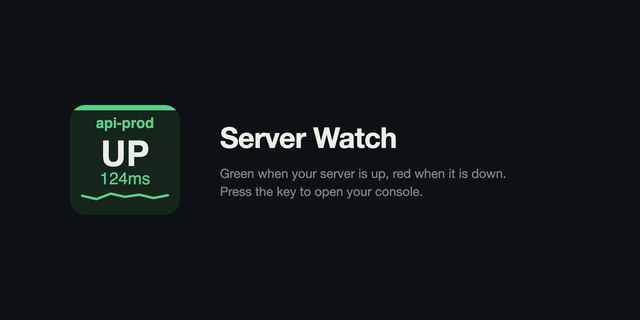
    Server Watch turns one Stream Deck key into a status light for a server you care about. The key stays green while the se...

    Free

  • TuneWheel
    TuneWheel app icon

    TuneWheel

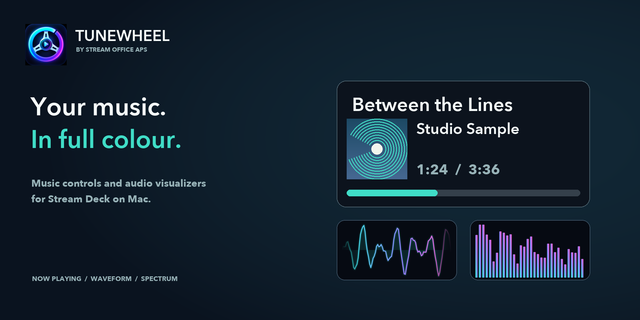
    TuneWheel brings music controls and colourful audio visualizations to Stream Deck on Mac. Now Playing Dial shows artwork...

    Free

  • AWS Deck
    AWS Deck app icon

    AWS Deck

    by Mlifell

    ∙

    Development

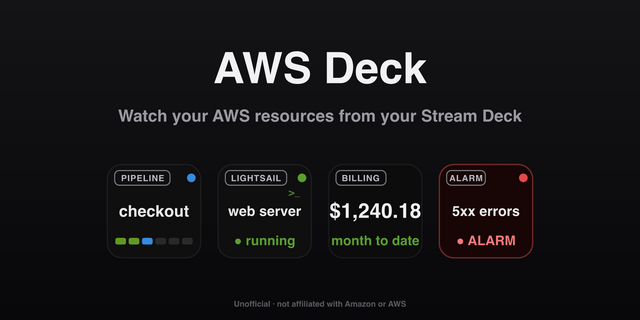
    AWS Deck — watch and act on your AWS resources from your Stream Deck. Each key mirrors one AWS resource at a glance and ...

    $1.99

  • super.engineering
    super.engineering app icon

    super.engineering

    by Shai Mishali

    ∙

    Productivity

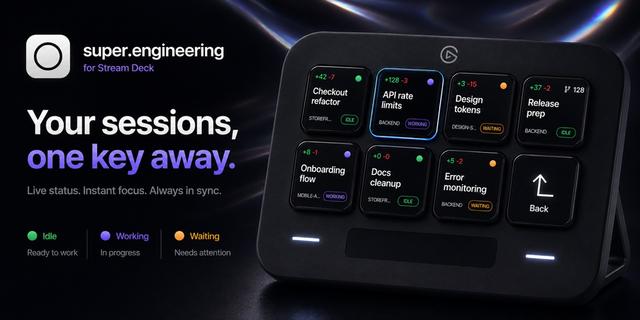
    Bring your super.engineering sidebar to Stream Deck. Session keys stay in the same visible order as the app and update l...

    Free

  • TimeShift
    TimeShift app icon

    TimeShift

    by Nir Rotem

    ∙

    Utilities

    Explore time across the globe. Add city clocks, shift hours and minutes, and compare timezones instantly from your Strea...

    Free

  • Tools Deck
    Tools Deck app icon

    Tools Deck

    by Carter Lloyds

    ∙

    Utilities

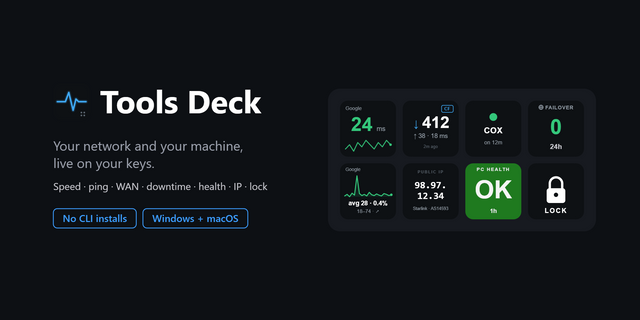
    Keep an eye on your connection without leaving what you're doing. Tools Deck turns Stream Deck keys into live network re...

    Free

  • System Usage
    System Usage app icon

    System Usage

    by Corrugator Inc.

    ∙

    Monitoring

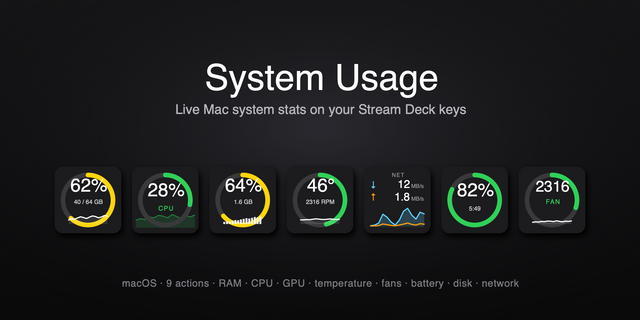
    System Usage puts live macOS RAM and CPU load right on your Stream Deck — a clean, color-coded percentage that turns gre...

    Free