Utilities
Bambu Status
Overview
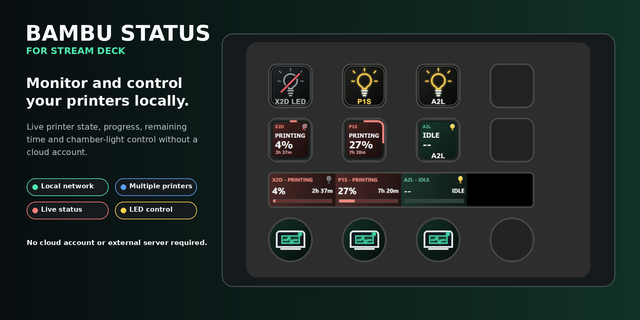
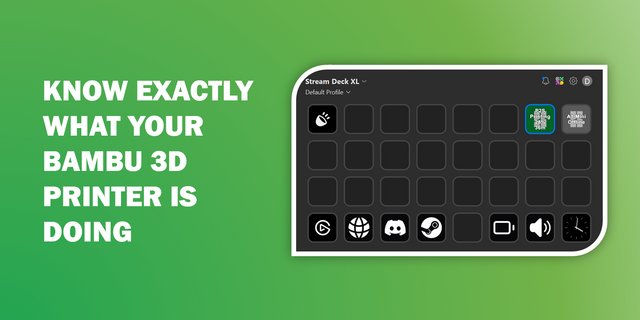
Monitor up to six Bambu Lab printers directly from one Stream Deck + dial.
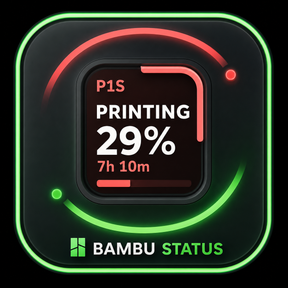
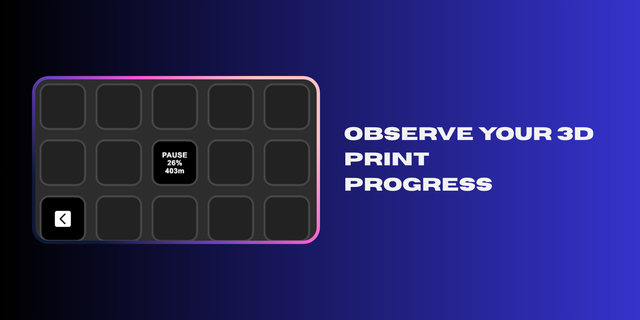
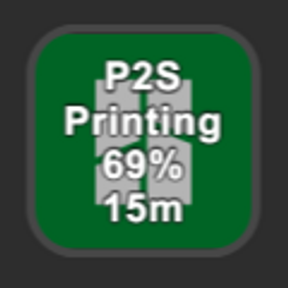
Rotate the dial to cycle through your configured printers and see each printer’s current status, print progress, and progress bar. Press the dial to switch between percentage complete and estimated time remaining. Tap the touch strip to request an updated status.
Features:
• Monitor up to six printers • Cycle between printers using the dial • Display print status and progress • Toggle between percentage and time remaining • Automatically skip unused printer slots • Connect locally without a Bambu cloud account • Store printer settings locally in Stream Deck
Requirements:
• Stream Deck + • macOS • Printers and Mac connected to the same local network • Each printer’s local IP address, serial number, and LAN access code • Compatible Bambu Lab printer with local MQTT access enabled
Bambu Status is an independent third-party plugin created by The Obsessive Geek. It is not affiliated with, endorsed by, or supported by Bambu Lab.
Bambu Status 1.1.1
Updated category and action-list icons to meet Elgato Marketplace guidelines.
Added monochrome white icons with transparent backgrounds.
Preserved the existing Stream Deck + dial and touch-strip artwork.
Continues to support monitoring up to six Bambu Lab printers.
No changes to printer monitoring or control behavior.
Version 1.1.1
Aug 27, 2026
Details
Type
Utilities
OS
Mac
Compatibility
Stream Deck 6.9 or later
Size
184.86 KB
Version
1.1.1
Language
English
Support
Profiles
No
Dial support
Yes
You might also like