Smart Home
Bambu Status Monitor
by cyber-man
Overview
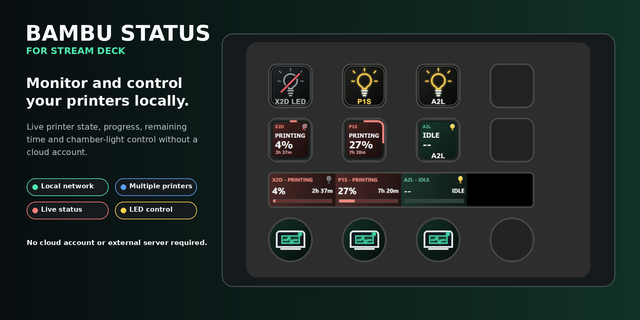
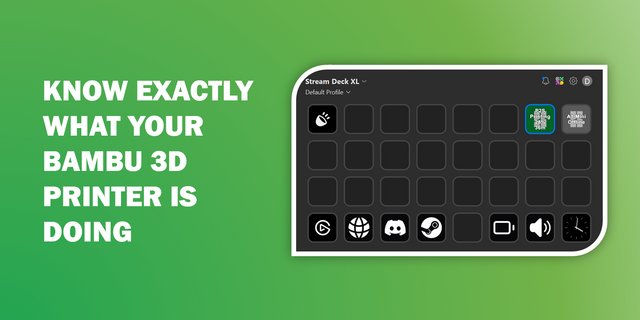
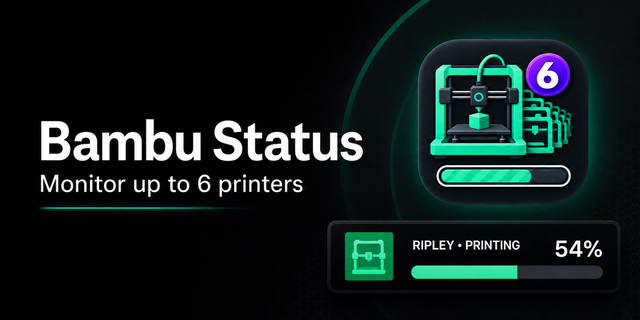
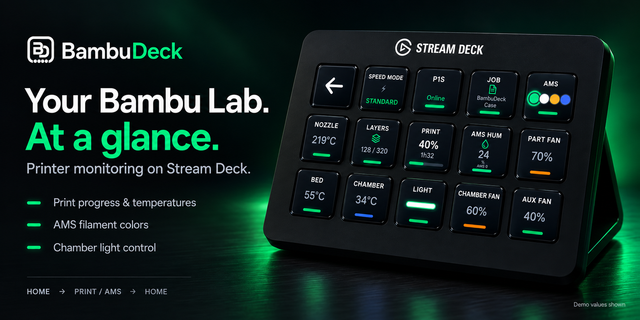
Bambu Status Monitor is an Elgato Stream Deck plugin for monitoring a Bambu Lab printer from a Stream Deck key.
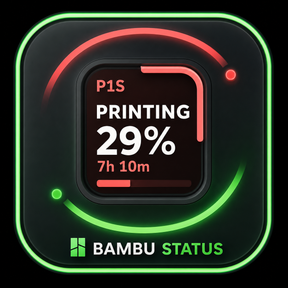
It provides a dedicated action that displays live print status directly on the key so you can check progress without opening the printer UI.
## What It Shows
The current action (Remaining time) is designed to show:
current G-code / print job name
print progress percentage
estimated remaining time
## Setup (Current Plugin Flow)
Install the plugin in Stream Deck.
Add the Remaining time action to a key.
Open the action property inspector.
Enter your Bambu printer connection details (as supported by the plugin UI).
Start a print and verify the key updates with status information.
## What This Plugin Achieves
quick at-a-glance monitoring from Elgato Stream Deck
reduced need to keep the printer app open
visible progress and remaining time during long prints over Bambu native MQTT local network
If you have ANY trouble setting it up, please do reach out to me at "bambu-status-monitor@cyber-man.pl". I will respond up to a 48 hours, but probably much much faster.
8.03.2026 Update:
If you have an Elgato's Stream Deck software version 7.3.1, please consider downgrading to 7.2.1 at the moment: https://help.elgato.com/hc/en-us/articles/43256392977297-Elgato-Stream-Deck-7-2-1-Release-Notes
The newest SDK is not working properly on at least Windows 11 OS and the addon can't be installed on 7.3.1.
Support for multiple printers
Showing layer number during print
Improved configuration user interface
Bugfixes
Version 0.4
Mar 30, 2026
Details
Type
Smart Home
OS
Mac
Windows
Compatibility
Stream Deck 6.9 or later
Size
319.42 KB
Version
0.4
Language
English
Support
Profiles
No
Dial support
No
You might also like