Business
Bambu Studio Hotkeys
Overview
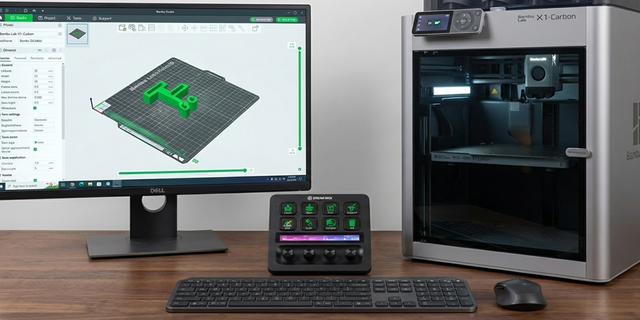
Put Bambu Studio's Prepare toolbar on the touch strip of your Stream Deck + or Stream Deck + XL: tap Move, Cut, Lay Flat or Support painting and the tool opens. Bambu Studio Hotkeys runs Bambu Studio 02.08.02.61 on Windows and macOS with eight dials, six toolbar strips and 85 commands on real keys, plus a live Bambu Status key that reads print progress, temperatures and slice results. Hold the Easy Link key once and the deck follows the slicer.
FIRST RUN
When Stream Deck offers to install the Bambu Studio Hotkeys profile, click Install. Keep Bambu Studio in front when you press a key: the plugin types into the active window.
On a Mac, turn on Stream Deck in System Settings > Privacy & Security > Accessibility and allow System Events when asked. Ctrl is sent as Command, Alt as Option.
THE TOOLBAR ON THE TOUCH STRIP
Six strips carry the Prepare toolbar in Bambu Studio's order, plus camera views: Plate (Add, Auto-Orient, Arrange), Shape (Move, Rotate, Scale, Lay Flat), Shape 2 (Cut, Mesh Boolean), Paint (Color, Support, Seam, Fuzzy), Mark (Assembly, Text, Brim Ears, Measure) and View (Iso, Top, Front, Fit). Tap a tool to open it, or turn to arm one and press.
EIGHT DIALS
- Layer Scrub: preview layers, a fast spin jumps 5, press for One Layer Mode.
- Preview Step: g-code steps, a fast spin jumps 5, press switches the tab.
- Zoom: pointer-anchored like the physical wheel, press for the default camera view.
- Nudge: moves the selected part along X or Y, 10 mm per click, 1 mm when you press and turn. Press switches the axis.
- View Finder: walks seven camera views, press for the default view.
- Undo Redo: turn through history, press to save the project.
- Painting Size Gadget and Section View: pen size and section plane inside the painting tools.
Layer Scrub and Preview Step work in Preview: in Prepare they stay still, dim their strip and take you to Preview on a press. Zoom, Painting Size Gadget and Section View ride the mouse wheel: keep the pointer over the Bambu Studio window. On a Mac, Switch Tab has no key (its shortcut is the app switcher), so the two preview dials stay live in Prepare.
EASY LINK, BUILT IN
Hold the Easy Link key about a second while Bambu Studio is in front and the deck binds the slicer to this plugin's profile. The profile comes up whenever Bambu Studio takes focus, and your previous profile returns when you leave. It sits top-left on every profile. Already on Smart Profiles? Easy Link takes one long press instead of a settings trip, and hands priority back to them when you leave.
LIVE PRINTER STATUS
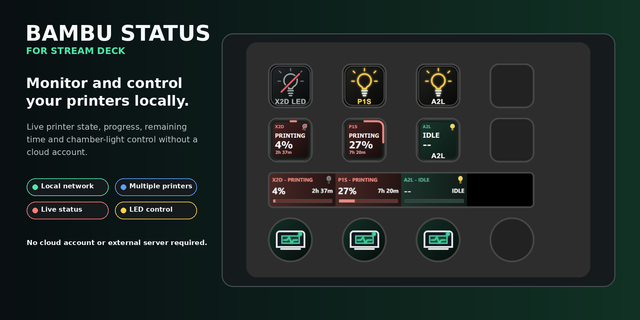
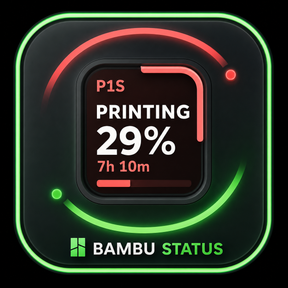
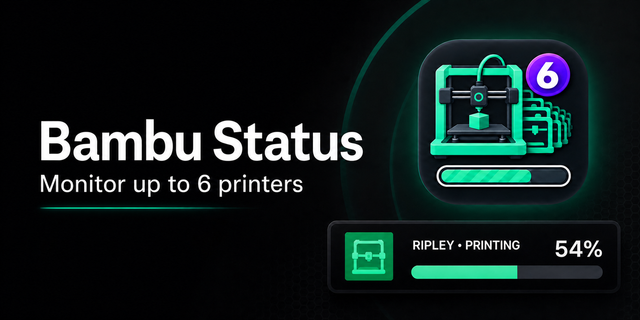
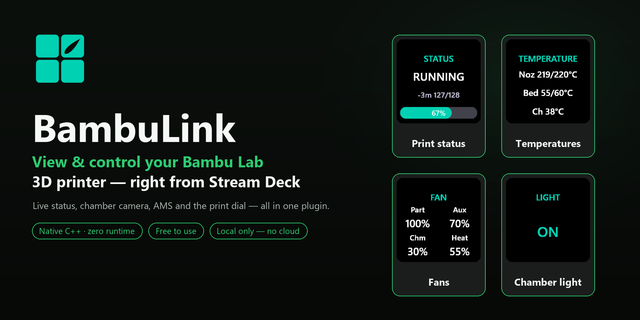
The Bambu Status key has five modes you pick in the property inspector: print progress, temperatures, last slice stats, active preset and project name. Read-only: it never clicks Bambu Studio or commands the printer. Turn on Follow Bambu (off by default) and the 15-key profile jumps to its Preview page when a slice finishes and back to the hub when you open the Device tab.
READY-MADE LAYOUTS FOR SIX DECKS
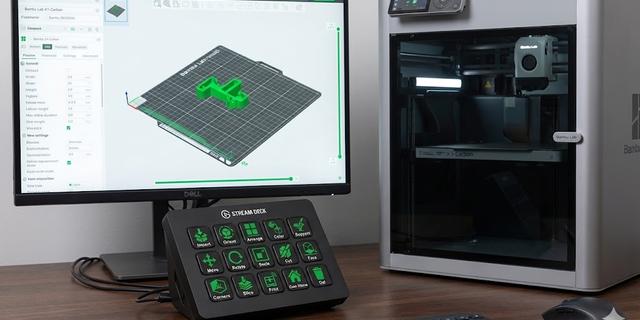
- Stream Deck + XL: a Number Pad page first, with the six toolbar strips on its knobs, then all 85 commands as category bands with all eight dials.
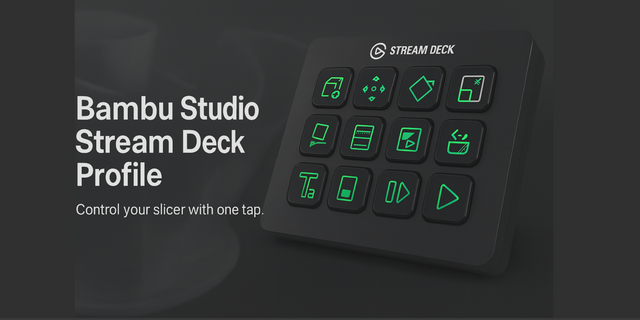
- Stream Deck +: three pages. Toolbar (four strips, six starter keys), Bambu Studio and Camera & Paint (all eight dials, four each).
- Stream Deck: a hub of 12 category keys and one page per category.
- Stream Deck XL: the band layout on the 32-key grid, five pages.
- Stream Deck Mini and Stream Deck Neo: starter keys.
HOW THE KEYS WORK
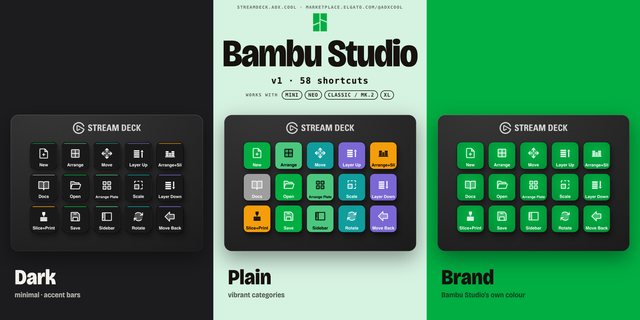
Drop a category action onto any key and pick the command. Each of the 85 commands wears its own 3D key art. Every key is remappable: type a combination in the property inspector, or click Capture and press it once. Custom hotkeys work in Multi Actions.
PER-KEY SOUNDS
33 sounds ship in the box. Pick one per key, or leave it silent. Sound Sampler recordings appear in the picker too.
Bambu Studio Hotkeys 3.0.2.0: a macOS fix. Nothing changes on Windows.
On macOS, Easy Link checked which app was in front by starting a new helper process for every check, many times a minute. Each start left a connection open in the system's window server, and after enough of them macOS could end the whole login session. The plugin now keeps one small helper running and asks it instead, so no connections pile up.
The same helper also follows app switches correctly after its first read, so the deck changes profiles when you change apps.
Everything else is as in 3.0.1.0: 85 commands, eight dials, six toolbar strips and six bundled profiles.
Version 3.0.2
Nov 6, 2026
Details
Type
Business
Development
Productivity
OS
Mac
Windows
Compatibility
Stream Deck 6.9 or later
Size
5.33 MB
Version
3.0.2
Language
English
Support
Neo Infobar support
No
Profiles
Yes
Dial support
Yes
You might also like