Smart Home
BambuDeck
by BambuDeck
Overview
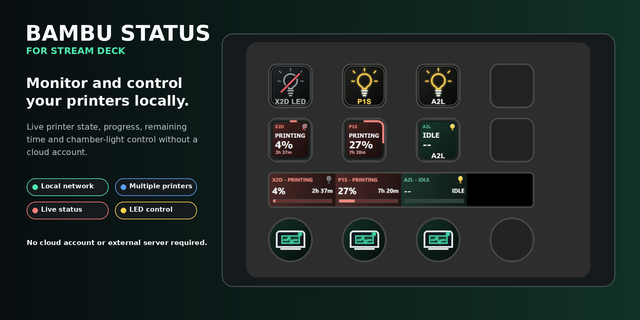
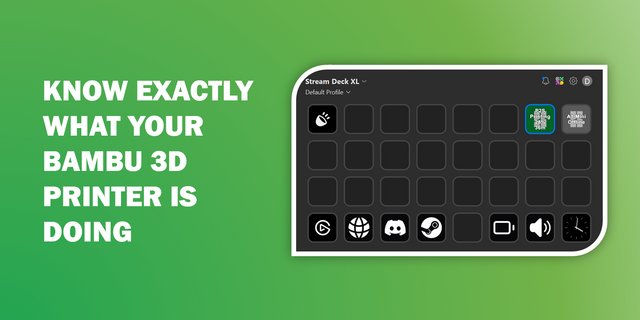
BambuDeck brings real-time Bambu Lab printer and AMS monitoring directly to your Stream Deck, with ready-to-use profiles designed for quick access to your printer, print job and AMS information.
Actions included:
Printer Status — Set up your printer connection here. Shows real-time printer and connection status. All other BambuDeck actions automatically use this connection.
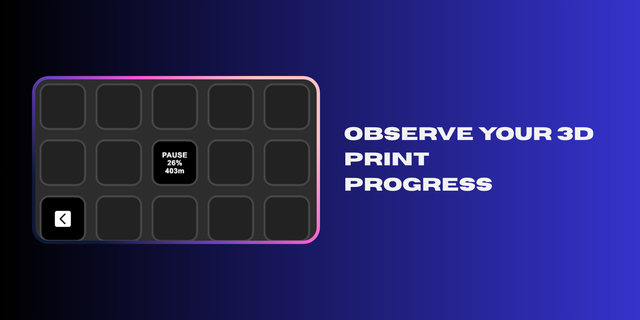
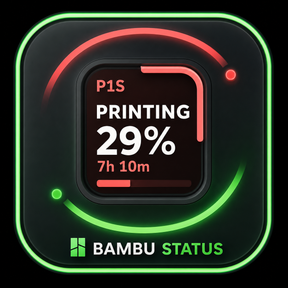
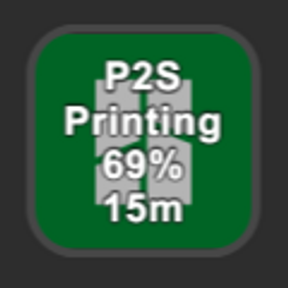
Print Progress — current print percentage and estimated time remaining
Print Job Information — displays current print information, including file and layer progress
Print Preview — automatically displays a preview image of the currently printing model directly on your Stream Deck
Nozzle Temperature — live hotend temperature readout
Bed Temperature — live heated bed temperature readout
Chamber Temperature — enclosure temperature monitoring
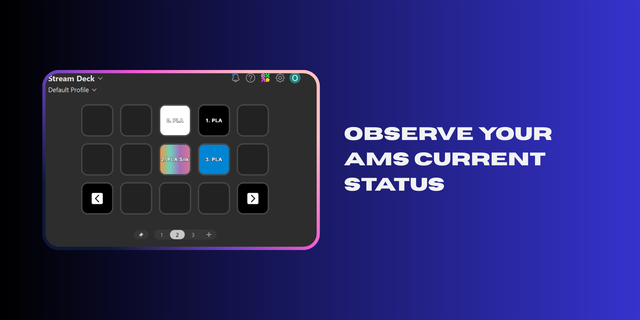
AMS Colors — displays loaded filament colors with the currently active slot highlighted
AMS Humidity — real-time AMS humidity information
AMS Temperature — live AMS temperature monitoring
AMS Material — displays filament/material information for AMS slots
AMS Remaining Filament — displays remaining filament information
AMS Profile — detailed AMS and slot information
AMS Drying — displays AMS drying information and status
AMS Calibration — displays AMS calibration information and status
Speed Mode — displays the currently active speed profile
Light — toggles the printer chamber light on and off
Part Fan — part cooling fan speed display
Aux Fan — auxiliary fan speed display
Chamber Fan — chamber fan speed display
BambuDeck is currently designed for use with one active printer connection. Multi-printer configurations are supported.
Ready-to-use Stream Deck profiles:\ BambuDeck includes dedicated Home, Print and AMS profiles, with built-in navigation for quickly switching between printer information, print monitoring and AMS details.
The included ready-to-use profiles are currently designed and adapted for the 15-key Stream Deck / Stream Deck MK.2 layout. Other Stream Deck models and layouts may require users to create or adapt their own profiles. Compatibility of the included ready-to-use profiles with other Stream Deck layouts is not guaranteed.
Customizable interface: BambuDeck includes a theme system designed to provide different visual styles while keeping printer information clear and immediately readable.
Compatibility: Designed for Bambu Lab printers using the supported local communication interface, including A1, P1P, P1S, X1C, P2S and H2S. Compatibility may extend to additional Bambu Lab models depending on the information exposed by the printer.
Only the models listed above have been tested. Compatibility with other Bambu Lab printer models has not been verified and therefore cannot be guaranteed.
BambuDeck communicates locally with your printer and is designed to provide convenient monitoring from your Stream Deck without replacing Bambu Studio or the printer's native controls.
BambuDeck 1.3.0.0 — Multi-Printer Support & Print Preview Improvements
• Added BambuBuddy, an animated mascot that reacts to printer states: ready, printing, paused, finished, error and disconnected. • Added a Camera action with automatic refresh. • Camera tested on P1S. Experimental compatibility added for P1P, A1, A1 mini, X1, X1C, X1E, P2S, H2S, H2D, H2C and X2D; these models have not yet been tested. • Fixed previews to display the plate currently being printed in multi-plate projects. • Improved preview loading and added a loading indicator. • Updated AMS visuals with spool graphics replacing round indicators. • Standardised text sizes, colours and styles across keys. • Improved AMS readability by displaying units beside values. • Added ellipsis truncation for long job names.
Version 1.3
Oct 21, 2026
Details
Type
Smart Home
OS
Windows
Compatibility
Stream Deck 7.1 or later
Size
36.23 MB
Version
1.3
Language
English
Support
Dial support
No
Neo Infobar support
No
Profiles
Yes
You might also like