Smart Home
BambuLab Printer Monitor
by Dadolyner
Overview
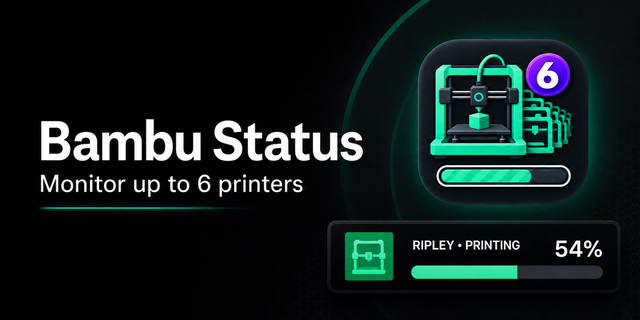
Bambu Printer Monitor is a Stream Deck plugin for monitoring your Bambu 3D printer status
You may ask what can you monitor with this plugin
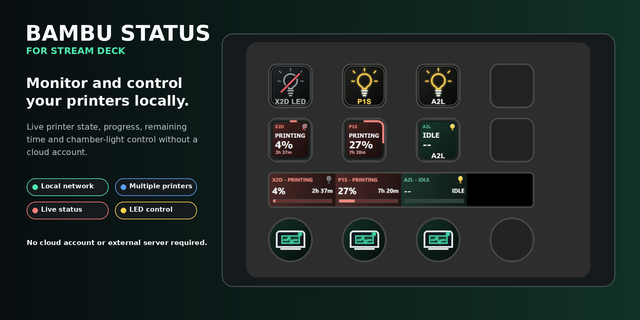
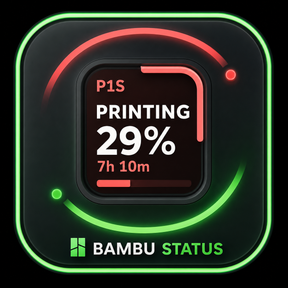
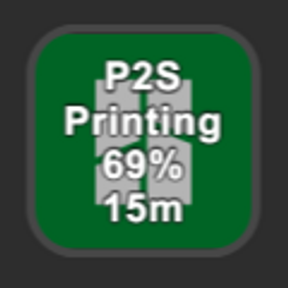
Printer name (if you have more printer, this comes in very handy)
Current printer g-code status with color coded dynamic background
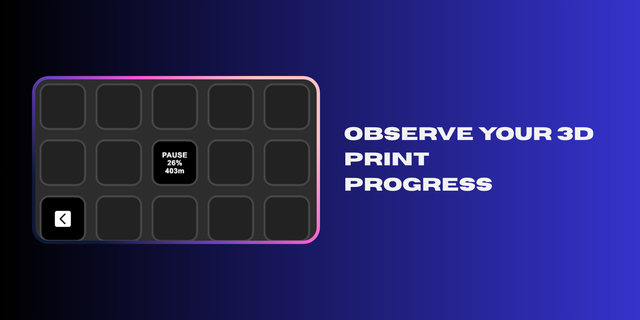
Print progress in %
Nicely formatted remaining time
How to set it up
Inside stream deck app drag and drop the status action from the sidebar to your stream deck
Fill in all required information about the printer that can be found inside the Bambu Studio app or directly inside the printer settings.
Once everything is connected the status should show instantly
Future updates:
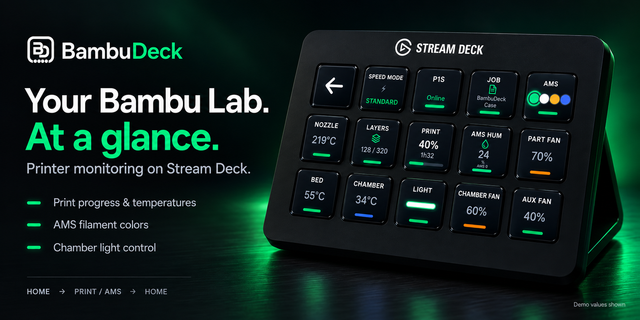
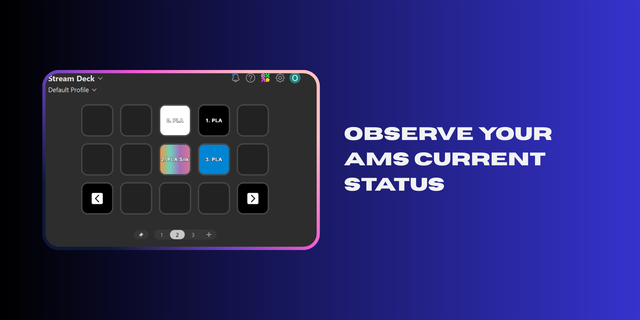
AMS support (see what colors are loaded inside the printer)
More status information (hotend, bed, chamber temp, ...)
Notes:
If it is in your rutine that you turn off your printer when it is not in use it can happend that the next time you turned it on it wont show status as "ONLINE" because it got the new IP dedicated to it. So change the IP and everything should work again.
This plugin is perfect for makers who want instant feedback without opening Bambu Studio. Also it is way friendlier for users who have multiple printers.
Bugfixes
Better multiple printers support
Custom printer names
Version 1.0.0.1
Apr 7, 2026
Details
Type
Smart Home
OS
Mac
Windows
Compatibility
Stream Deck 6.9 or later
Size
160.93 KB
Version
1.0.0.1
Support
Profiles
No
Dial support
No
You might also like