Monitoring
BambuLink
by neverweep
Overview
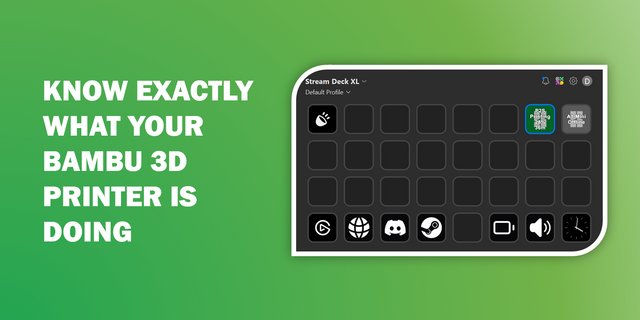
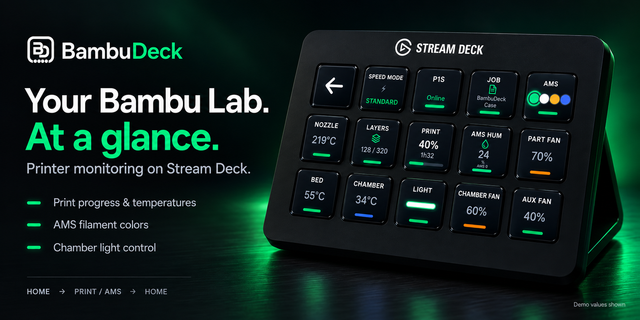
BambuLink turns your Elgato Stream Deck into a control surface for your Bambu Lab printer. Live temperatures, print progress, filament colours, fan speeds and camera video sit under your fingers — no walking over, no opening Bambu Studio, no refreshing a tab. Everything runs locally: no account, no cloud, no subscription. Your access code never leaves your machine.
Features
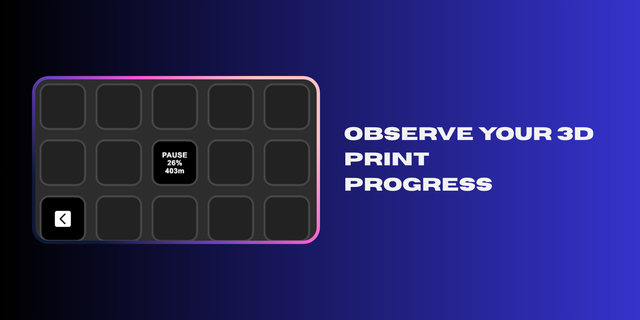
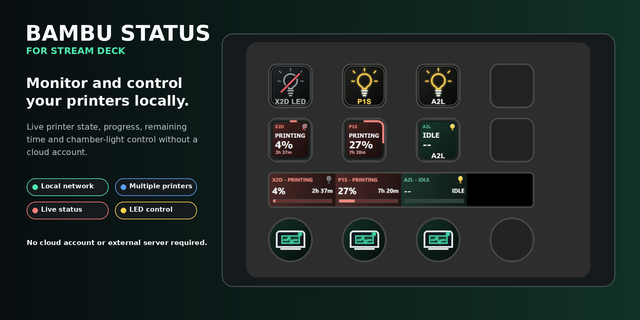
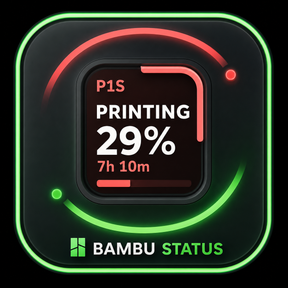
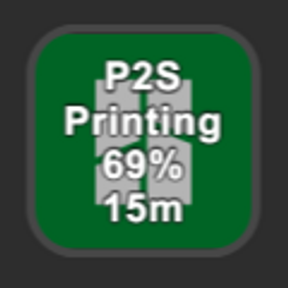
Status — idle, preparing, printing, paused, finished, failed, stopped or offline, with a progress bar showing percentage, remaining time and layer. While printing, the file name alternates with the state every ten seconds, on the key and the dial.
Print control* — a short press pauses or resumes; a long press stops, always behind a confirmation.
Temperature — nozzle, bed and chamber, current and target values. Every reading carries its unit (°C/°F); heating targets show in amber; on the dial, current and target sit on two rows.
AMS — every filament slot in its real colour at a glance. A short press rotates to the next unit; a long press swaps filament name and remaining amount. The feeding slot wears a green ring; every slot carries a remaining-material bar.
Light — chamber light on, off or toggle.
Speed* — cycle Silent, Standard, Sport and Ludicrous.
Fans — live RPM for part, auxiliary, chamber and heatbreak fans.
Error — an "ERROR 1/3" badge counts through each message: a short press cycles, a long press opens the troubleshooting page in your language, shown bilingually.
Camera — live chamber video; a short press grabs a fresh frame.
Bambu Dial (Stream Deck +)* — rotate through Camera, Status, Temperature, AMS, Speed and Fans; press to act; long touch stops a print behind the same confirmation. Clearer progress bar, larger icons, titles that always fit.
Multiple printers — each printer gets its own set of keys with states kept separate; with one printer, page titles use the whole key.
Settings — every key has a "What this key does" guide; control pages include a built-in Developer Mode walkthrough.
The Experience
The point is not more screens — it is removing the small interruptions that make 3D printing annoying: getting up to check a layer, opening a laptop to see if the nozzle is hot, squinting at a phone camera for the first layer.
Supported
Printers — X1, X1C, X2D · P1P, P1S, P2S · A1, A1 mini, A2L · H2D, H2S, H2D. Devices — Stream Deck keypads, Stream Deck + and Studio with dials, Neo and Pedal where applicable.
Getting Started
Install from the Store, open the Property Inspector and add your printer — discovery finds printers on your network automatically. On a VPN or tunnel, add one manually by LAN IP and access code, found on the printer under Settings > Network (LAN Only Mode); it is stored on your computer only. Codes already saved in Bambu Studio can be imported.
A Note On Testing
All features were tested on the P2S. Other models share the protocol but differ in firmware and camera setup, so keys may behave differently. Please test each key — especially Status, Light and Speed, which control the printer, and Camera — before relying on it for a long or valuable print.
A Note On Developer Mode
Features marked * send commands and require Developer Mode (LAN-only mode) on the printer — see Settings > Network, or the walkthrough in the Property Inspector. Everything else, including Light, works without it. Enabling Developer Mode disconnects the printer from Bambu's cloud: Bambu Handy and the cloud side of Bambu Studio stop working until it is turned off again.
Features & Improvements
File name on key and dial, alternating with the state every 10 s from printing start
Temperature: °C/°F on every reading, heating targets in amber, two dial rows
Dial: clearer progress bar and remaining time; larger page icon
Page titles scale to fit; single-printer titles fill the band
Light: ON / OFF only, ON in white
AMS: long-press swaps filament name and remaining; green ring on the feeding slot
Per-key "What this key does" guide; LAN Developer Mode how-to built in
Bug Fixes
Fixed: pause / resume / stop / light / speed commands rejected
Fixed: AMS long-press did nothing; wrong slot highlighted
Fixed: endless error list freezing the display; garbled error text
Fixed: Unknown after a finished print; wrongly offline
Fixed: missing target temperature; nozzle heat shown as "--"
Fixed: rotation not starting from standby; unreadable dial bar; missing dial icon
Fixed: rare crashes and memory leaks; faster camera and dial response
Version 0.10.92
Oct 14, 2026
Details
Type
Monitoring
Productivity
Smart Home
Utilities
OS
Windows
Compatibility
Stream Deck 6.9 or later
Size
711.31 KB
Version
0.10.92
Language
Chinese
English
Support
Neo Infobar support
No
Profiles
No
Dial support
Yes
You might also like