Productivity

BART Train Times

Overview

BART Train Times shows live departure estimates from any Bay Area Rapid Transit station directly on your dashboard LCD. See upcoming trains, their destinations, and minutes until departure, without touching your phone or opening a browser.

How It Works The widget connects to the official BART API to pull real-time departure estimates for your selected station. Multiple destinations per station are supported. The display updates automatically.

Getting Started

Register for a free BART API key at api.bart.gov/api/register.aspx

Open the widget settings in iCUE

Enter your API key

Search for or enter your home/work station

The widget starts displaying live departures

What's Included

BART Train Times widget

Station search

Multi-destination departure board

Live auto-refreshing departure estimates

Attribution Real-time transit data provided by the Bay Area Rapid Transit (BART) open data API. Per BART's open data agreement, the following credit is required: "Real-time data provided by BART"

Initial release

Version 1.0.2

Apr 27, 2026

Details

Type

Productivity

Device

XENEON EDGE

OS

Windows

Size

16.14 KB

Version

1.0.2

Language

Chinese (Simplified)

Chinese (Traditional)

English

French

German

Italian

Japanese

Korean

Russian

Spanish

Ukrainian

Support

Dashboard Sizes

Extra large

Large

Medium

Small

Recommended Orientation

Horizontal

Vertical

Interactive

Yes

You might also like
  • London Tube

    London Tube

    by Corsair

    ∙

    Productivity

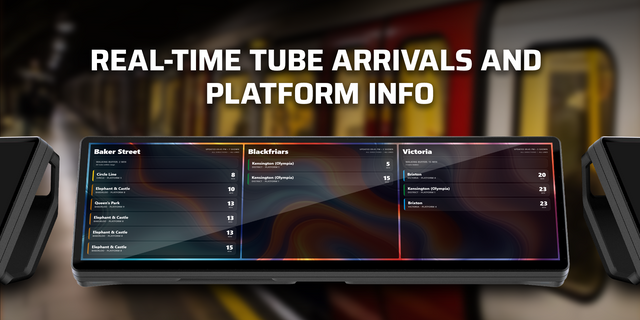
    London Tube displays live departure times from any London Underground station on your iCUE Xeneon Edge dashboard LCD. Se...

    Free

  • ViewStats

    ViewStats

    by Corsair

    ∙

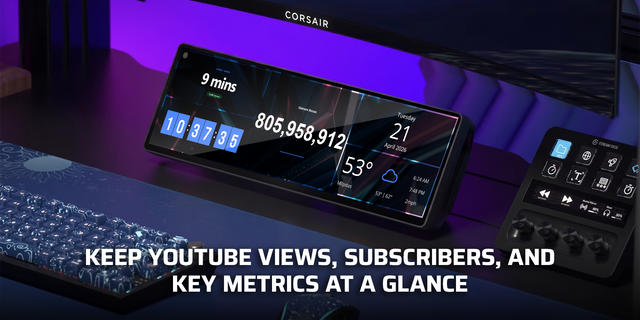
    Monitoring

    ViewStats puts your YouTube channel or video statistics on the iCUE Xeneon Edge LCD. Track views, subscribers, and video...

    Free

  • Live Commute

    Live Commute

    by Corsair

    ∙

    Productivity

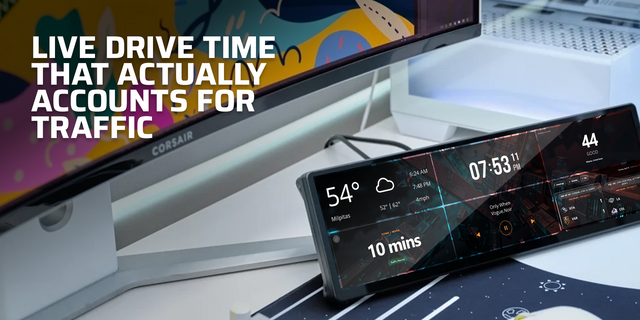
    Live Commute shows your current estimated drive time between two saved locations, updated live with real traffic conditi...

    Free

  • Countdown

    Countdown

    by Corsair

    ∙

    Productivity

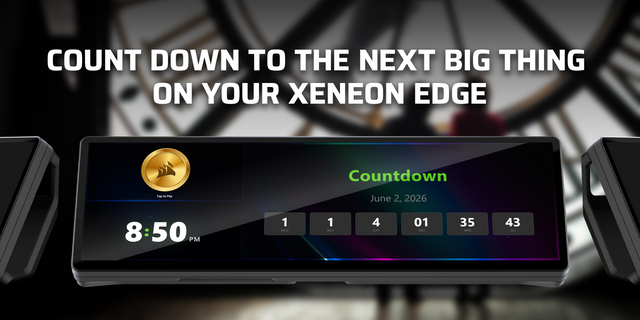
    Countdown is a clean, always-visible timer counting down to any date and time you set. A trip, product launch, game rele...

    Free

  • Doodle Pad

    Doodle Pad

    by Corsair

    ∙

    Artistic

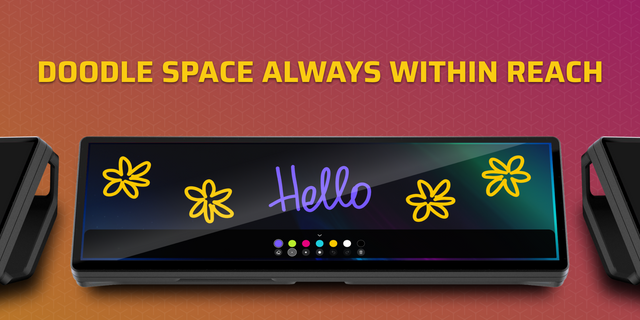
    Doodle pad turns your Xeneon Edge screen into a quick sketch space for drawings and ideas. Customizable backgrounds make...

    Free

  • Moon Phase Clock

    Moon Phase Clock

    by Corsair

    ∙

    Productivity

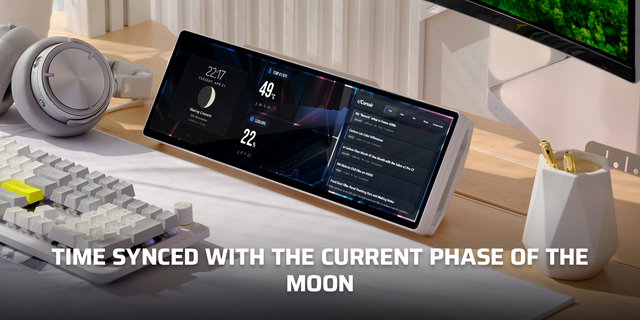
    Moon Phase Clock combines a clean digital clock with a real-time astronomical moon phase display. See the current phase ...

    Free

  • PingWidget

    PingWidget

    by Hall Solutions

    ∙

    Monitoring

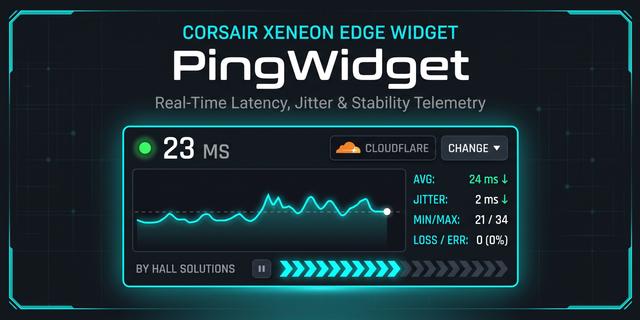
    Real-time network latency, jitter, and packet loss monitor built specifically for the Corsair Xeneon Edge display. PingW...

    Free

  • GameGlass

    GameGlass

    by GameGlass

    ∙

    Gaming

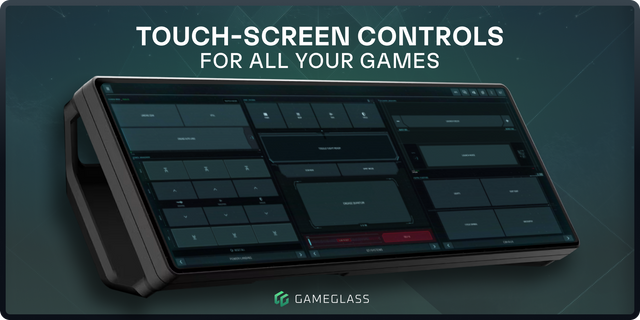
    GameGlass brings dedicated touch controls to your Corsair Xeneon Edge side display via an intuitive iCUE-integrated widg...

    Free