Development
Beautiful Thread Pulses
Overview
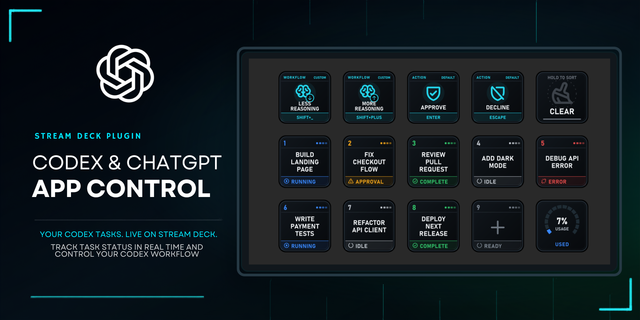
Beautiful Thread Pulses turns your Stream Deck into a responsive micro control surface for your work in ChatGPT and Codex. Track thread status at a glance and trigger shortcuts for approvals, dictation, navigation, MCP tools, and more.
Stop checking the ChatGPT app just to see whether your work is finished or needs attention.
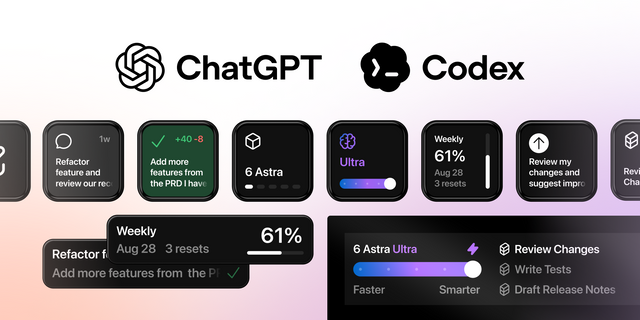
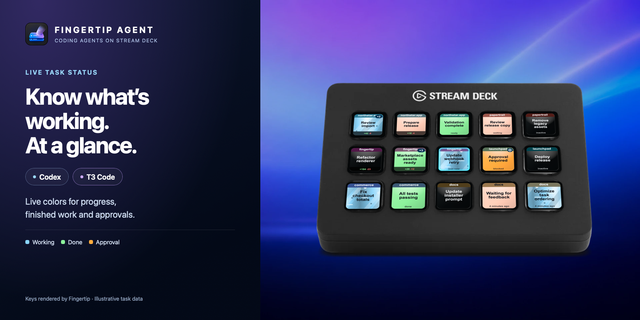
Follow every thread. See running, completed, waiting for input, waiting for approval, warning, and failure states at a glance.
Act immediately. Press a Thread Visual key to jump back to that work, then approve, discard, navigate, dictate, review, or continue directly from your Stream Deck.
Stay in sync. The plugin automatically detects the ChatGPT app’s command catalog and your custom keybindings, showing whether each command is active, unbound, disabled, or unavailable.
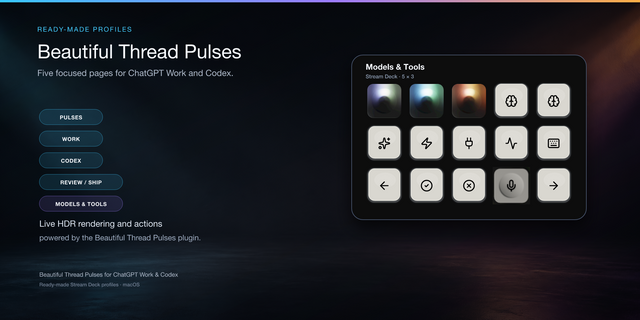
Ready-to-use profiles and presets cover Work, Codex, voice, reasoning, approvals, navigation, and review. No separate OpenAI API key is required.
Mechanical feel. Living light. Every key uses carefully modeled, ray-traced keycap assets inspired by mechanical keyboards. The lighting engine reacts in real time to live thread states: keys breathe, pulse, flash, and cast dynamic, position-aware light onto adjacent controls, making the whole deck feel alive. Adjust Ambient, LED Gain, and Neighbor Influence to shape the effect to your setup.
Optional sound themes can announce completion or call your attention. Adjust their volume and reverb—or mute them instantly.
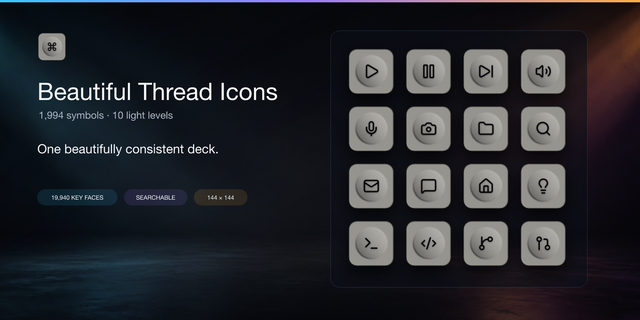
Complete the surface with Beautiful Thread Icons. Available separately, this matching library includes 1,994 searchable icons across ten light levels, so your everyday Stream Deck actions can share the same visual language.
Compatibility
macOS 12 or later
Stream Deck 7.1 or later
ChatGPT app for macOS with access to Codex
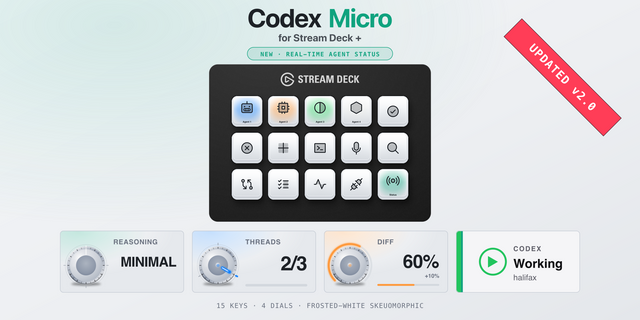
Stream Deck dial actions are not included in v0.1
Feedback
Use the dedicated gold Feedback key to send suggestions or report issues. Your feedback helps shape the next updates.
Beautiful Thread Pulses is independent software. It is not affiliated with, endorsed by, or sponsored by OpenAI
- More reliable thread activity and shortcut detection when ChatGPT uses a custom data folder, including after restarting Stream Deck. A missing or conflicting folder is now reported explicitly.
Updated shortcut presets for recent ChatGPT desktop releases, including hold-to-dictate and Delete Orbit in the advanced presets.
Restored press-to-talk dictation: hold the Stream Deck key to record and release it to finish, including when ChatGPT starts in the background.
Added advanced presets for eight annotation tools, toggle dictation and importing from Prism, each with a matching icon. Press-to-talk dictation keeps its separate preset.
More reliable Custom Key refresh when switching pages or changing settings.
Removed the obsolete Maximize Side Panel preset so it no longer offers an unavailable command.
Added presets for New tab, Find references, Add Page comment and Duplicate presentation selection, each with a matching icon.
Removed the obsolete Browser preset from the supplied profiles; existing user-configured keys are left unchanged.
Improved reliability of approval controls, including when ChatGPT is brought forward from another app.
Version 0.4.3
Nov 2, 2026
Details
Type
Development
Productivity
OS
Mac
Compatibility
Stream Deck 7.1 or later
Size
68.9 MB
Version
0.4.3
Language
Chinese
English
French
German
Japanese
Korean
Spanish
Support
Dial support
No
Neo Infobar support
No
Profiles
Yes
Additional links
You might also like