Utilities
Better Hotkeys & Mouse Pro
by PackRat 🐀
Overview
Better Hotkeys Pro: hold keys down, move drag and scroll the mouse, aim a radial wheel menu, map a dial and mute your mic, on Windows or Mac.
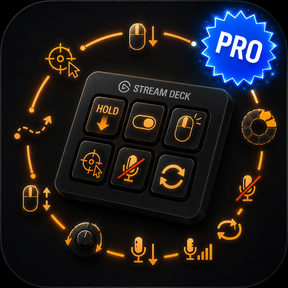
Better Hotkeys & Mouse Pro sends everything a Stream Deck key can't on its own. Hold a key down for sustained input, move drag and scroll the mouse, pick a slot from any in-game wheel menu, map a Stream Deck + dial, and mute your microphone across every app at once.
Works on every Stream Deck model, for Windows and macOS.
Every action, one plugin.
Hold & Toggle Key - Hold keys for as long as you hold the deck key, or toggle them down until you press again.
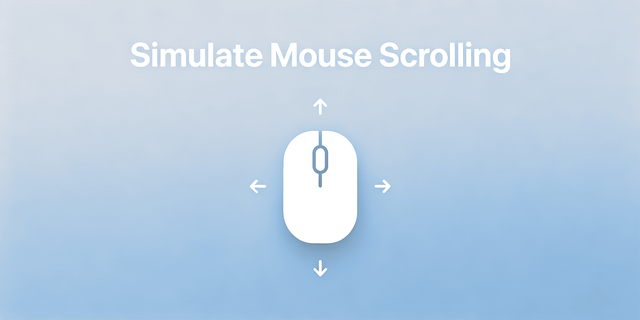
Full mouse control - Click, move to an exact spot, hold, toggle, drag between two points and scroll the wheel.
Radial Select - Pick one slot from any wheel menu with a single key.
Dial Control - Turn a Stream Deck + dial to send a hotkey or the scroll wheel, and spin faster to travel further.
Mic control - Mute system-wide, hold to talk, or set your input level. (Windows for now.)
Auto-Repeat & Drag - Repeat a key or click at a rate you set, and drag between two points.
Record a key by pressing it, or capture a mouse position by moving the cursor and tapping the deck key.
---
More Stream Deck profiles, plugins and tools from Packrat, all on the marketplace at @packrat.
better hotkeys pro, Stream Deck hotkey, hold key, radial menu, wheel menu, auto repeat, push to talk, Stream Deck +, dial, macOS
- Fixed on Apple Silicon Macs: scrolling with a dial or a Scroll key only ever went one way, no matter which way you turned it. Both directions now work. Intel Macs and Windows were never affected.
- Scroll can now go sideways as well as up and down. Pick Left or Right under Direction, handy for timelines and wide spreadsheets. The dial has the same choice under Axis.
- New "Scrolls" setting on both the Scroll key and the dial. Leave it on "Where my mouse is" for the normal behaviour, or switch it to "The window in front" to send the scroll to the app you are working in no matter where you left the mouse pointer. Windows only, and a few games read the mouse directly and only answer to the normal setting.
- Clearer wording in the settings panel about where a scroll actually lands. Windows sends the wheel to whatever the pointer is sitting on, which is the usual reason a scroll key looks like it is doing nothing.
Version 1.2.1
Sep 1, 2026
Details
Type
Utilities
OS
Mac
Windows
Compatibility
Stream Deck 7.1 or later
Size
2.07 MB
Version
1.2.1
Language
English
Support
Profiles
No
Dial support
Yes
You might also like