Gaming
BJ
by Shri30
Overview
Play a complete game of Blackjack directly on your CORSAIR XENEON EDGE. Place a virtual bet, deal the cards, and use the touchscreen controls to hit, stand, double down, split matching cards, or take insurance when it is offered. The widget keeps track of each hand, the dealer's cards, your total, and your virtual chip balance.
Features:
• Touch controls for betting, dealing, hit, stand, double, and split
• Five virtual chip denominations with animated betting and card dealing
• Dealer and player hand totals, Blackjack payouts, insurance, wins, losses, and pushes
• Automatic reshuffling and a fresh virtual chip balance if you run out
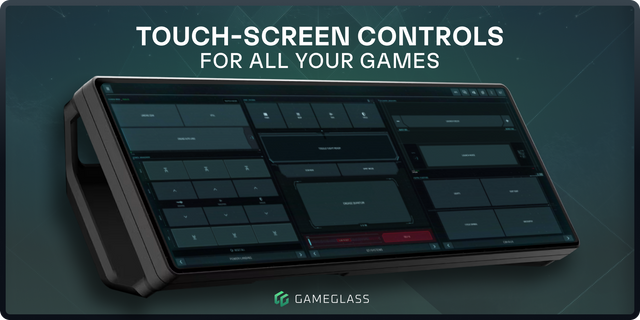
• Wide horizontal layout made for XENEON EDGE
Setup:
1. Install the widget from Elgato Marketplace.
2. Open iCUE and select your XENEON EDGE dashboard.
3. Add BJ to a large horizontal space.
4. Tap a chip, tap Deal, and play the hand with the on-screen buttons.
No account, API key, internet connection, or additional software is required after installation. This is a casual game for entertainment only. All chips are virtual, have no cash value, and cannot be purchased or redeemed.
Initial release of the Blackjack widget for CORSAIR XENEON EDGE.
• Play a complete game of Blackjack using touchscreen controls • Place virtual bets and use Hit, Stand, Double, Split, and Insurance • Tracks cards, hand totals, results, and virtual chip balance • Includes animated card dealing and automatic deck reshuffling • No account, API key, or internet connection required • All chips are virtual and have no real-world value
Version 1.0.1
Aug 19, 2026
Details
Type
Gaming
Device
XENEON EDGE
OS
Windows
Size
9.56 KB
Version
1.0.1
Language
English
Support
Dashboard Sizes
Extra large
Large
Medium
Recommended Orientation
Horizontal
Interactive
Yes
You might also like