Creative Tools
Blender Shortcut Profile
by Adx.cool
Overview
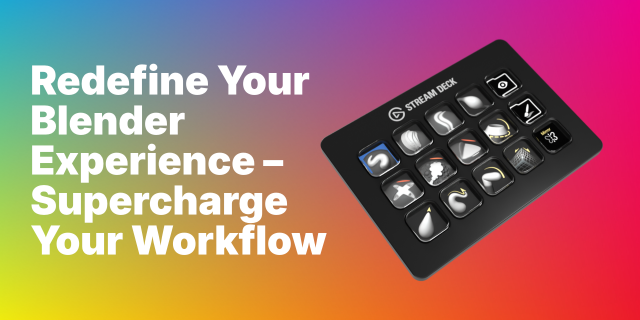
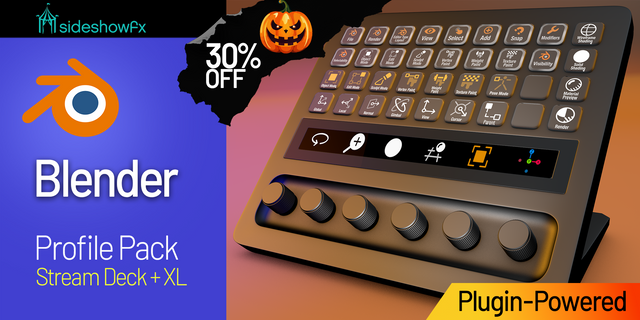
The complete Blender keyboard shortcut pack for Stream Deck.
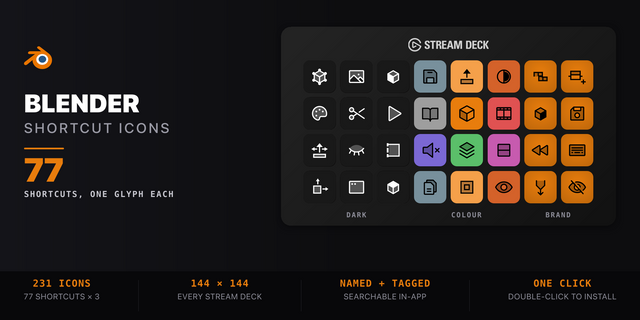
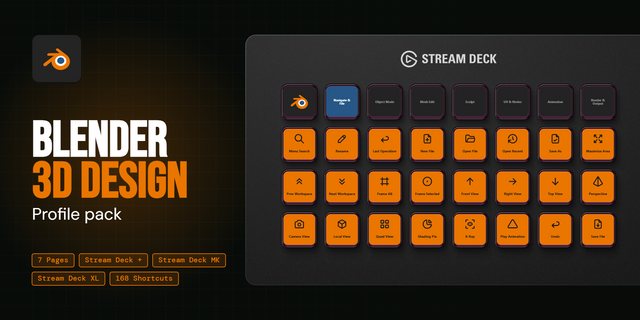
77 shortcuts across 12 categories — organized, scored by importance, and ready to install on Stream Deck Classic / MK.2, XL. Stop memorizing key combos. One tap, one action.
What's included:
• Object Mode (10) • Edit Mode (9) • View & Camera (8) • File & Scene (7) • Animation (7) • Sculpt (6) • UV Editing (6) • Shading (6) • Render (5) • Grease Pencil (5) • Video Sequencer (5) • Help (3)
Features: • 12 folders mapped to Blender's real modes, not generic categories • Every shortcut verified against Blender 5.2's own keymap file • A distinct icon on every one of the 77 keys • Shading shortcuts work in the Geometry Nodes editor too • Auto-switches when Blender takes focus
Install: double-click any .streamDeckProfile to import. The App binding is pre-filled to Blender — auto-activates on focus. If it didn't pre-fill, set it manually under Stream Deck → Preferences → Profiles → App.
Learn more about Blender: https://www.blender.org
Setup (required for some keys)
macOS: grant Stream Deck permission to send keystrokes. If keys appear to do nothing on a Mac, this is almost always the cause — not a bug in the profile. Grant Stream Deck the Accessibility permission in System Settings → Privacy & Security.
Blender follows your mouse, not your window focus. Blender sends every keystroke to the editor under the cursor. Keep the pointer over the 3D viewport when you press a viewport button, over the sequencer for a sequencer button, and so on. This is how Blender works, and it applies to the keyboard exactly as it does to this profile.
This profile targets Blender’s Default keymap. If you switched to the Industry Compatible keymap (Preferences → Keymap), the bindings will not match.
Laptop users: the View & Camera folder sends real numpad keys. Those buttons send physical numpad keycodes, which work regardless of the “Emulate Numpad” preference.
v1.0 — 2026-08-04
First release. 77 actions across 12 folders, one per Blender mode: Object Mode, Edit Mode, Sculpt, UV Editing, Shading, Grease Pencil, Video Sequencer, Animation, View & Camera, Render, File & Scene and Help.
Every binding is taken from Blender 5.2 LTS's own default keymap file rather than from a cheatsheet, so nothing here is a guess. Three keys stay pinned on the home page in every mode: Toggle Edit Mode, Add Object and Render Image.
Every key carries its own icon, including hand-drawn glyphs for the modelling operations no icon set covers — extrude, bevel, recalculate normals, UV unwrap, and the vertex/edge/face select modes.
Smart Profile switches to Blender automatically when the app takes focus.
Stream Deck + dials are planned for v2.
Requires Blender's Default keymap — Industry Compatible is not covered. Remember that Blender routes keys to the editor under your mouse pointer, not to the focused window.
Version 1
Aug 10, 2026
Details
Type
Creative Tools
Device
Stream Deck MK
Stream Deck XL
OS
macOS
Windows
Compatibility
Stream Deck 6.4 or later
Size
5.41 MB
Version
1
Language
English
Support
Icons
Yes
Additional links
You might also like