Monitoring
Bluetooth Buddy
by FlowKits
Overview
🎧 Bluetooth Buddy: your headphones, mouse, and controller on one key each, with battery level visible.
Windows buries Bluetooth three menus deep, and never mentions a battery until it is already dead. This puts every paired device on a key you can see from across the room 🔋
--
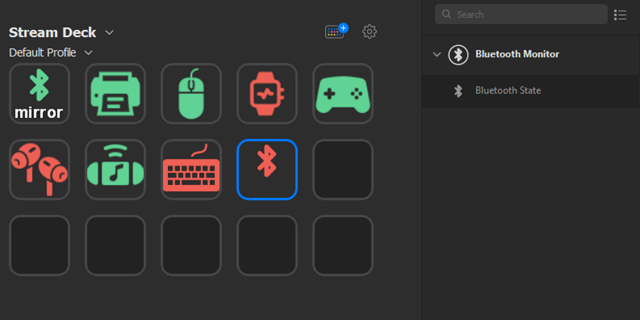
✅ One key per device. Press to connect, press again to disconnect.
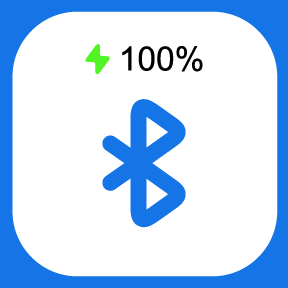
✅ Battery percentage right on the key, colored so a dying headset catches your eye before it cuts out mid-call.
✅ Free, no account, no sign-in, nothing leaves your PC.
--
⚡ Why You'll Love It
I built this because I kept opening Windows Settings to reconnect the same pair of headphones, six or seven times a day, and I still got caught out by a flat battery on a call.
Now the headphones sit on one key. Blue means connected, the number tells me whether they will last the meeting, and one press drops them when I want audio back on my speakers. That is the whole thing. It is a small plugin that removes a small annoyance you hit constantly.
--
🔋 Battery You Can Read at a Glance
The percentage is colored by charge, so you do not have to read the number to know where you stand. Blue above 90%, then green through amber to red as it drains. Those colors stay fixed no matter how you theme the rest, because a battery reading that changes meaning is worse than none.
Headphones and earbuds almost always report battery. So does most Bluetooth LE gear, including newer mice and controllers. Older mice and keyboards often report nothing at all, and the key shows a hollow bolt rather than inventing a number.
--
🎛️ On the Keys
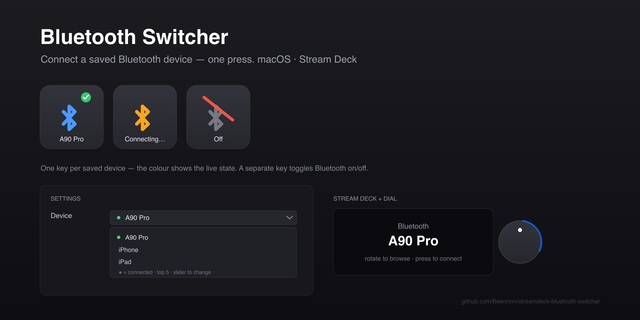
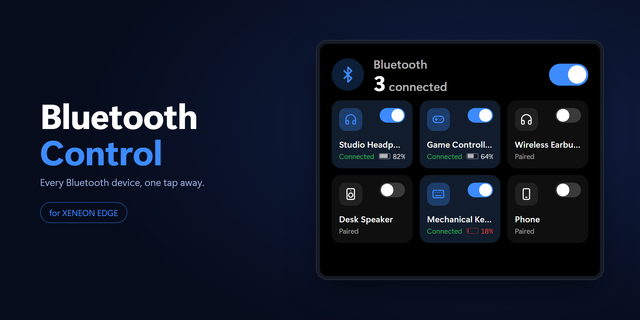
Bluetooth Device: a live tile for one device. Connection state, battery, and one press to connect or disconnect. It pulses while it works.
Bluetooth Power: turn Bluetooth on or off for the whole PC, showing the real radio state even when something else changes it.
Disconnect All: drop everything in one press, with a badge counting what can actually be dropped.
Battery Dial: your devices on the Stream Deck + touchscreen. Rotate to switch, push to connect, tap for the next one.
--
🎨 Make It Yours
Rename any key. "NIGHTSWORD V2 WRL" becomes "MOUSE" and reads far better at a glance.
Pick your own icon, background, and text colors, with a live preview. Set it once and every Bluetooth Buddy key follows.
Hide the label or the battery figure per key when you want a cleaner tile.
--
🪟 Two Windows Truths, Up Front
Windows manages Bluetooth LE input devices itself, which is most modern mice, keyboards, and controllers. No app can disconnect those, this one included. Those keys carry a small lock, and pressing one explains why instead of throwing an error. Headphones, speakers, and earbuds disconnect fine.
Live signal strength is not shown, because Windows does not report it for connected devices. I would rather leave it out than draw a bar that never moves.
--
🚀 Quick Start
Install the plugin from the Stream Deck Store.
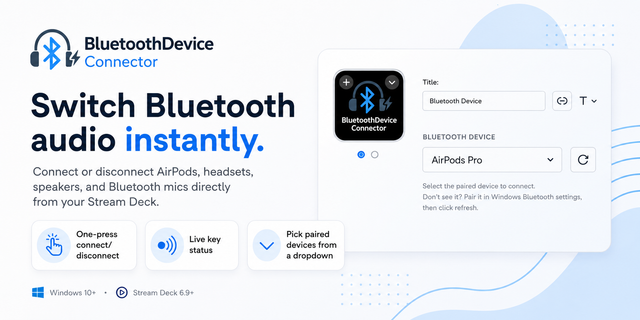
Drag Bluetooth Device onto a key and pick from your paired devices.
Press it. That is setup finished.
Pairing still happens once in Windows Settings. After that, this handles the connecting.
--
🎯 Perfect For
Anyone switching headphones between a PC and a phone all day. Streamers moving audio between headset and speakers. People on back-to-back calls who would like some warning before the battery goes. Anyone tired of the Settings app.
🎧 Windows 10 and 11. Free, and it stays free.
--
Disclaimer
The Bluetooth word mark and logos are registered trademarks owned by Bluetooth SIG, Inc. FlowKits is not affiliated with, endorsed by, or sponsored by Bluetooth SIG, Inc. Bluetooth Buddy is an independent tool that controls the Bluetooth features built into Windows.
Version 1.0.0
First release.
Your paired Bluetooth devices on Stream Deck keys, with live connection state and battery level. Press to connect, press again to disconnect. Includes a Bluetooth power toggle, a Disconnect All key, and a battery dial for all Stream Deck devices.
Windows 10 and 11, Stream Deck 6.9 or later.
Version 1
Sep 4, 2026
Details
Type
Monitoring
Utilities
OS
Windows
Compatibility
Stream Deck 6.9 or later
Size
5.75 MB
Version
1
Language
English
Support
Profiles
No
Dial support
Yes
Additional links
You might also like