Audio
Bluetooth Control
by ChagasMarket
Overview
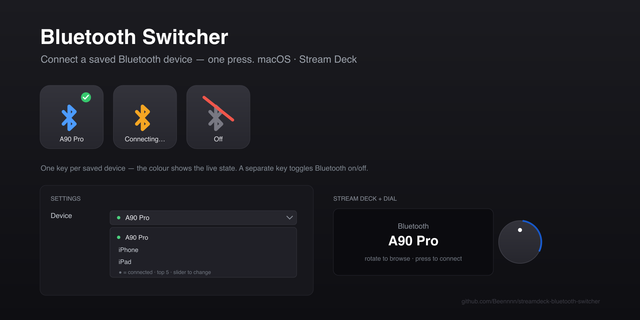
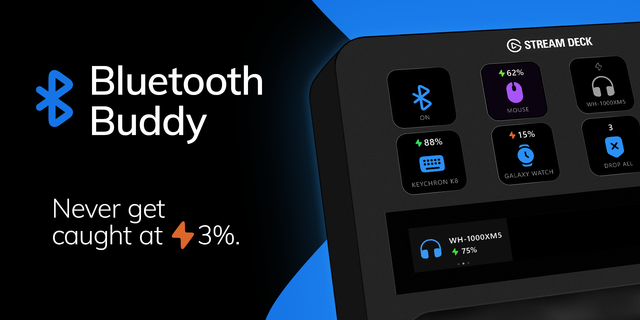
Control your PC Bluetooth right from your XENEON EDGE. Bluetooth Control lists your paired devices with live connection status and battery level, and lets you connect or disconnect each one, or turn Bluetooth off entirely, with a single tap.
One-tap connect and disconnect for headphones, speakers, controllers and more
Master Bluetooth on/off switch
Live battery level for devices that report it
Choose up to 6 devices and their order in the widget settings
Layouts for every XENEON EDGE size, horizontal and vertical
English and Portuguese
Requires the free Bluetooth Bridge companion app for Windows (download link on this page). iCUE widgets cannot reach Windows Bluetooth on their own; the app runs in the system tray, only accepts local connections from the widget (127.0.0.1) and never sends data over the internet.
Note: devices that use only Bluetooth Low Energy (many mice and keyboards) are listed but cannot be switched yet.
Using iCUE 5.52 or newer? Allow the widget once: iCUE gear ⚙️ > Software Settings > Widget Access > open each ChagasMarket widget and turn on localhost:48731. Step by step: https://github.com/AndreCChagas/ChagasWidgetsXeneonEdge
First release of Bluetooth Control.
- See your paired Bluetooth devices with live connection status and battery level
- Connect or disconnect each device with a single tap
- Turn your PC Bluetooth on or off with the master switch
- Choose up to 6 devices and their order in the widget settings
- Layouts for every XENEON EDGE size, horizontal and vertical
- English and Portuguese
Requires the free ChagasMarket Bridge companion app for Windows (see the download link on this page).
Known limitation: devices that use only Bluetooth Low Energy (many mice and keyboards) are listed but cannot be switched yet.
```
Version 0.4.1
Sep 29, 2026
Details
Type
Audio
Music
Productivity
Utilities
Device
XENEON EDGE
OS
Windows
Size
38 KB
Version
0.4.1
Language
English
Support
Dashboard Sizes
Extra large
Large
Medium
Small
Recommended Orientation
Horizontal
Interactive
Yes
Additional links
You might also like