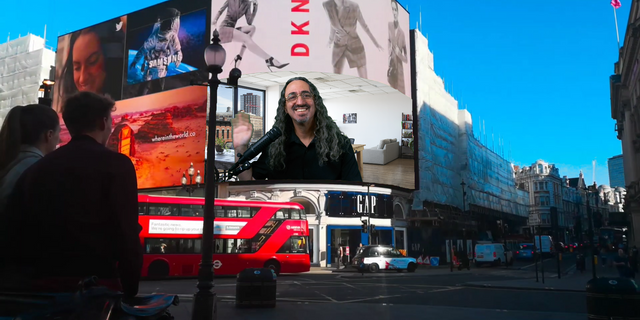
Boardroom Presentation
Overview
Elevate your presentations to the executive level. The "Boardroom Presentation" scene collection places you in a stunning, professional environment, giving your content instant credibility and polish.
Effortlessly switch between three dynamic camera angles: a tight close-up for direct engagement, a medium shot that showcases you alongside your presentation on a large monitor, and a wide view to establish the impressive setting. A dedicated nested scene makes it simple to display your slides, videos, or any window capture on the boardroom screen, creating the feel of a real-world, high-stakes presentation without complex setup.
Key Features:
Dynamic Multi-Angle Views: Switch between a close-up, a presentation view, and a wide shot to create a professional, multi-camera broadcast feel for your viewers.
Integrated Presentation Screen: Simply add your content to the "Nested - Boardroom Screen" scene, and it automatically appears on the monitor.
Professional Aesthetic: The high-fidelity boardroom environment lends an air of authority and polish to any stream, perfect for business, education, or coaching.
Enhance Viewer Focus: Guide your audience's attention by seamlessly transitioning between speaking directly to them and referencing your visual aids on the main screen.
Two Versions Available: Choose the Green Screen Version for dedicated chroma key setups, or the NVIDIA Background Removal Version for those utilizing NVIDIA's AI-powered background removal technology. Both deliver smooth, reliable, and impressive interactive magic to your audience.
No release notes for this version
Version 1
Nov 19, 2025
Details
You might also like