Streaming
Build Deck for Xcode — Stream Deck MK.2
by panda studio
Overview
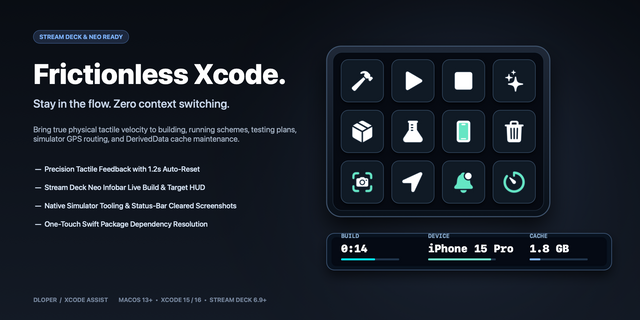
An Xcode deck for Stream Deck on Mac: build, run, debug and preview without leaving the editor. 57 commands on 61 keys, Simulator included.
FOR STREAM DECK MK.2 (15 keys)
• Home: run, stop, build, test, clean build folder, open quickly, find in project, jump to definition, back, canvas, breakpoint
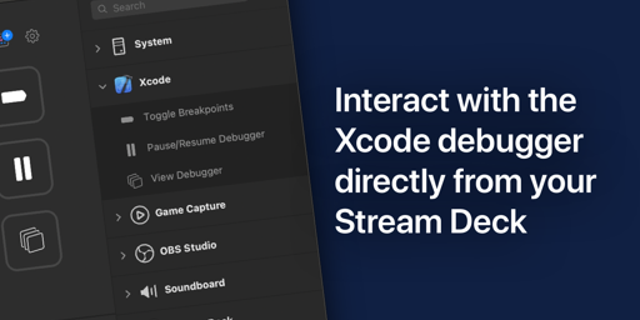
• Debug: continue, step over/into/out, breakpoints on/off, debug area, navigators, profile, analyze, run without building, test again
• Edit: comment, re-indent, format, rename, code actions, move line, fold/unfold, counterpart, add documentation, callers, refresh preview
• Panels: Coding Assistant, inspectors, library, navigators, minimap, documentation, devices, commit
• Simulator: open, home, screenshot, lock, rotate, appearance, shake
SETUP
Double-click the .streamDeckProfile file to import it, then click into Xcode and press a key. Nothing to bind: the keys send Xcode's default key bindings.
DETAILS
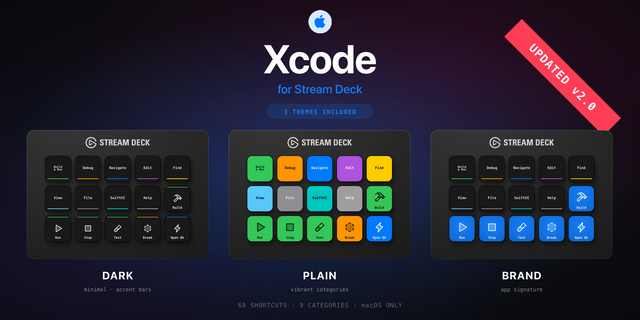
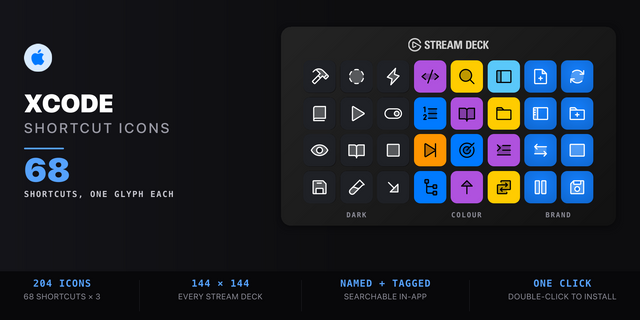
• A matching icon on every key, one stroke style
• Stream Deck MK.2 (15 keys), macOS only. US keyboard layout recommended
• Xcode 26 default key bindings
MORE MAC DECKS FOR STREAM DECK MK.2
• Edit Deck: 66 video-editing commands
• Session Deck: 45 music-production commands
• Content Creator Editing Deck — MK.2 (macOS): 15 keys for any editor
Free: Essentials Deck for Mac (Free), 28 Mac shortcuts.
Final Cut Pro, Logic Pro, Xcode and Mac are trademarks of Apple Inc. Not affiliated with or endorsed by Apple.
Initial release. Built and exported in the Stream Deck app on macOS.
Version 1
Sep 29, 2026
Details
Type
Streaming
Device
Stream Deck MK
OS
macOS
Compatibility
Stream Deck 7.1 or later
Size
798.44 KB
Version
1
Support
Icons
Yes
AI Content
Yes
You might also like