Development
Burndown Pro: AI Usage Monitor
by Kuberstar
Overview
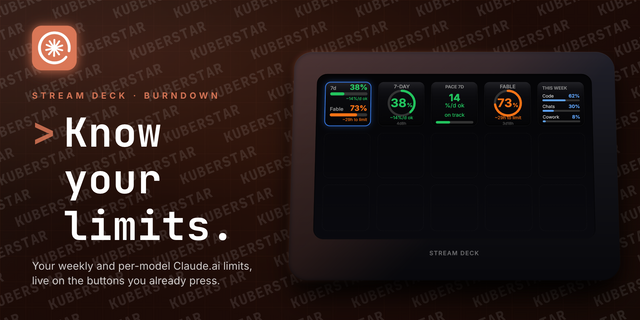
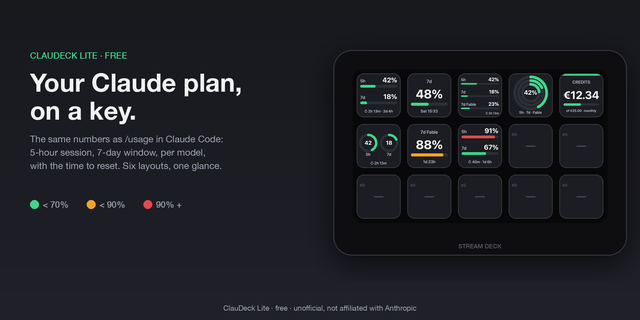
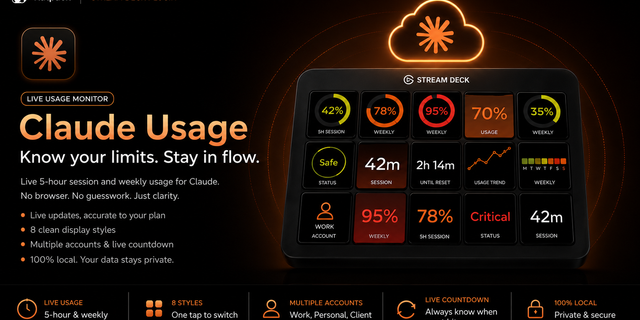
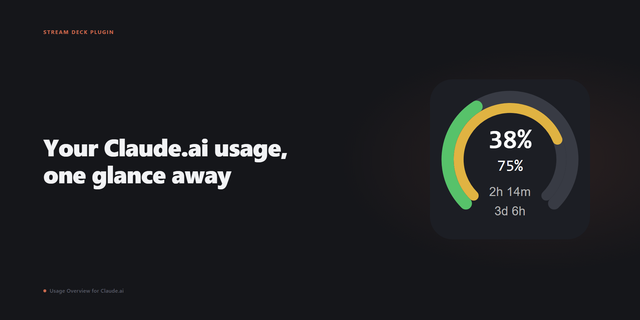
Never get blindsided by a Claude.ai limit again. Burndown Pro tracks your weekly Claude.ai usage and per-model limits on Stream Deck, predicts the exact wall-clock time you will hit the limit, forecasts where each window lands at its reset, and fires native notifications before, at, and after your limits.
Everything in the free Burndown plugin (every monitoring key, per-model limits and the Claude Code / chat / Cowork split), plus:
Lockout Clock: the time your soonest limit locks.
Reset Forecast: the projected percent at the reset: a green margin, or a red overshoot with the lockout time.
Best Account: the account with the most headroom now.
Usage History: an hourly sparkline of your weekly usage, on a key or the touch strip.
Weekly Stats: how much of the week each day spent, against the even daily pace, with a week-over-week trend.
Budget Plan: set a target like "80% by the reset" and see ahead/under at a glance.
Alerts go three-deep: an early warning, a notification at your threshold, and a ping when a maxed-out window resets.
Sign in your way: reuse your Claude Code sign-in, import the claude.ai login from your browser, or paste a session token.
Requirements: a Claude.ai Pro or Max plan (not Team or Enterprise). Stream Deck 7.1+ on macOS 10.15+ or Windows 10+.
Your sign-in stays on your machine: no server of ours, no telemetry, read-only usage requests only.
Not affiliated with Anthropic. Claude is a trademark of Anthropic, PBC.
Added
Find sign-ins: add an account in one click from your Claude Code sign-in or the claude.ai login in Chrome, Brave, Edge, Arc, Vivaldi, Opera or Firefox. A Claude Code sign-in is read at each refresh and never renewed, so Claude Code stays signed in. A claude setup-token token also works.
Usage Split key: how this week divides across Claude Code, chats and Cowork.
Fixed
Threshold and early-warning notifications arrive once per window ("7-day usage reached 92%"), not once per key on screen.
Opus & Sonnet 7d and Model Pace keys placed before 1.1.0.0 work again, showing your model's limit.
Best Account counts an account added two ways once, and names accounts it cannot read.
A redirect is refused, never followed, so no other address is contacted.
Changed
Claude.ai dropped its 5-hour limit, so 5-Hour Window and Pace 5h leave the action list; placed keys say "No 5h limit".
Overview shows the week plus your model limit (Fable on Max), and alerts on both.
Error keys say what is wrong and what to do, e.g. "Token expired - paste a new one".
Forecast, Budget Plan and Usage History cover the week; History plots one point per hour.
Weekly Stats shows the share of the week each day spent, against the even ~14% a day.
Lockout Clock watches model limits too, shows the weekday ("Fri 15:42"), and skips a lockout after the reset.
Version 1.6
Nov 6, 2026
Details
Type
Development
OS
Mac
Windows
Compatibility
Stream Deck 7.1 or later
Size
178.75 KB
Version
1.6
Language
English
Support
Neo Infobar support
No
Profiles
No
Dial support
Yes
You might also like