Productivity
Caffeinate
Overview
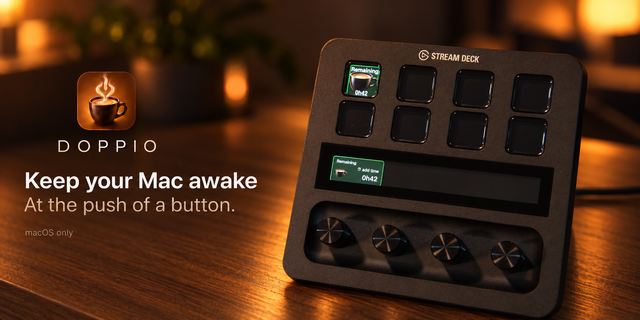
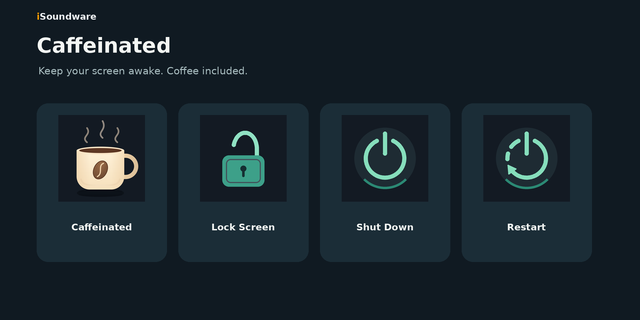
Caffeinate keeps your Mac awake from a Stream Deck key. Press to add an hour of wakefulness and the key becomes a live countdown timer showing the time remaining. Built on the native macOS caffeinate command, so the wake lock is reliable and can never leave your Mac stuck awake.
Included actions:
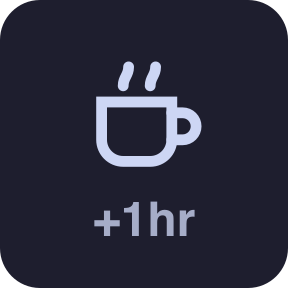
Caffeinate Timer — press to add an hour (press again to stack more). The key shows the remaining time (42m, 3h 25m) on a green background while active, and a coffee cup with +1hr while idle. Hold about a second to cancel — the key flashes a red ✕. Hold while idle to arm "sleep when the timer ends" for one run; a crescent badge shows while armed. Multiple keys mirror the same timer.
Sleep — put the Mac to sleep immediately, cancelling any running wake timer first.
Sleep Displays — sleep every monitor while the Mac and the wake timer keep running; any input wakes the screens.
Requirements: macOS 10.15 or later. Uses the built-in caffeinate and pmset tools — nothing else to install.
Support a few extra tiles and functionality -- "turn off all screens", "caffeinate, then go to sleep after", "immediately send mac to sleep"
Version 0.3
Sep 2, 2026
Details
Type
Productivity
OS
Mac
Compatibility
Stream Deck 7.1 or later
Size
132.1 KB
Version
0.3
Language
English
Support
Profiles
No
Dial support
No
You might also like