Business
Canva Fastlane SD
by FlowKits
Overview
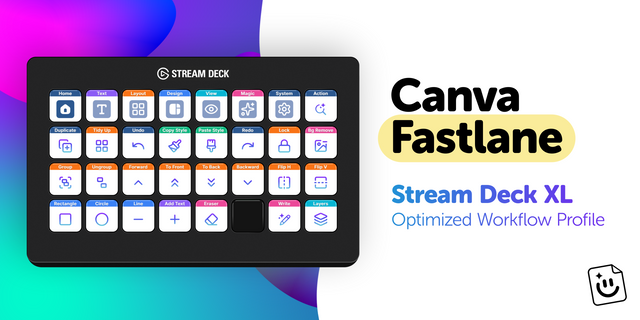
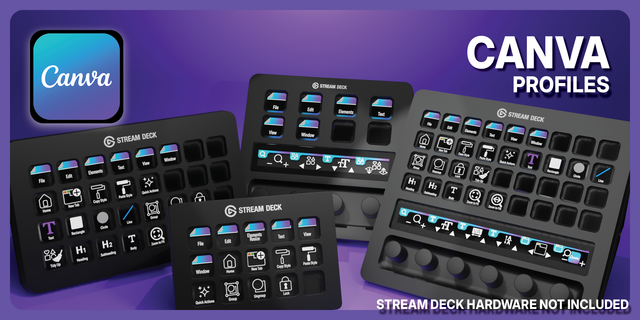
🎨 Canva Stream Deck MK2 profile: 15 keys of pure Canva productivity with carousel navigation!
Every minute hunting through Canva's menus is a minute you could be creating. Canva Fastlane puts your entire toolkit under your fingertips: 15 keys and 6 streamlined pages, all mapped and ready to go ⚡
✅ 6 workflow pages. 61 mapped actions. Ready out of the box. ✅ Carousel navigation: swipe between pages with the top-row arrows, always visible. ✅ Single tap for commonly used Canva actions and tools. ✅ 10 dedicated action keys per page with no wasted space.
This isn't just another Canva Stream Deck profile. It's the workflow upgrade designers have been waiting for.
⚡ Why You'll Love It
Nobody remembers Cmd+Shift+K for uppercase mid-creation. We remove that friction so every shortcut you wish you could remember is now a single button press, organized in clear, color-coded layouts for instant recognition and muscle memory.
The top row acts as a persistent navigation carousel: left/right arrows on the edges, with the current and neighboring pages always visible in between. You always know where you are and what's one tap away. The bottom two rows are packed with the highest-value actions for each category.
🗂️ 6 Pages, Seamless Navigation
Every page gives you 10 action keys plus a 5-key navigation bar:
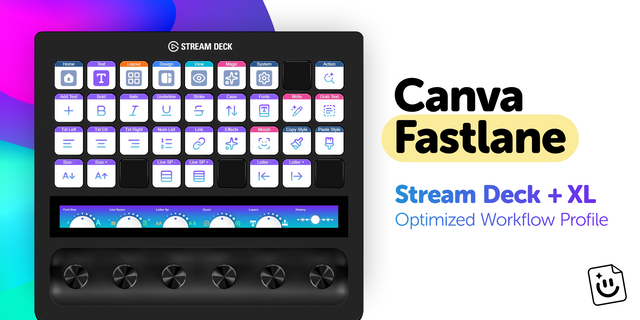
🏠 Home: Your daily essentials. Duplicate, Tidy Up, copy/paste styles, group/ungroup, layers, lock, and delete, the actions you reach for constantly. 🔤 Text: Add text, fonts, uppercase, alignment, numbered lists, effects, Magic Write, and Grab Text. 📐 Layout: Layer ordering, flip, select all, anchoring, and alignment tools for pixel-perfect positioning. 🎨 Design: Shapes, flip controls, brand kit, image adjustments, filters, effects, and transparency. 🔍 View: Zoom controls, rulers, present mode, sidebar toggle, page navigation, and grid view. ✨ Magic: Background remover, Magic Edit, Magic Eraser, Magic Grab, Magic Morph, blur, and Grab Text.
The carousel means you never need a Back button: just tap the arrows or jump directly to any neighboring page. After a few sessions, flipping between pages becomes second nature.
✨ Beautifully Designed
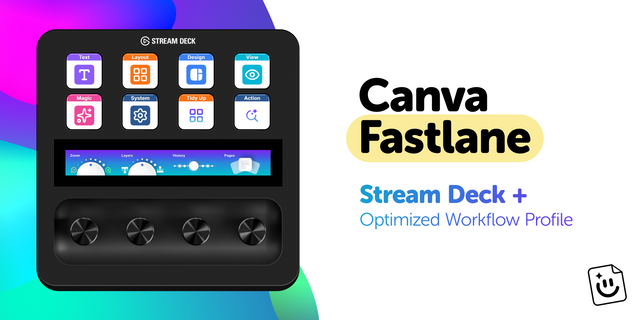
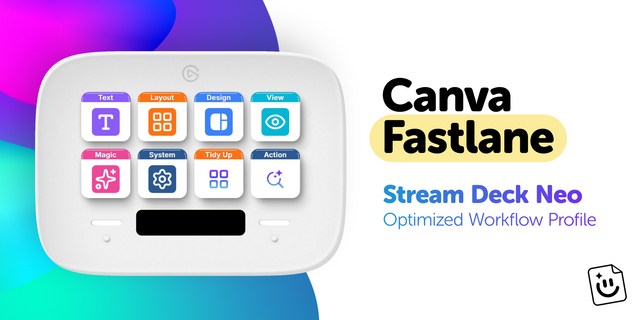
We believe your tools should look as good as your work. Every icon is carefully selected for clarity. Every color choice is intentional: purple for text, orange for layout, blue for design, cyan for view. After a few sessions, you'll reach for buttons by muscle memory without thinking.
🚀 Quick Install
1️⃣ Download and extract the .zip file. 2️⃣ Double-click the Stream Deck file to import the profile. 3️⃣ Open Canva and you're good to go!
📥 What's Included
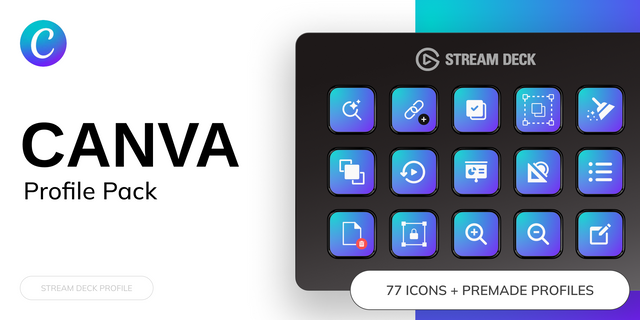
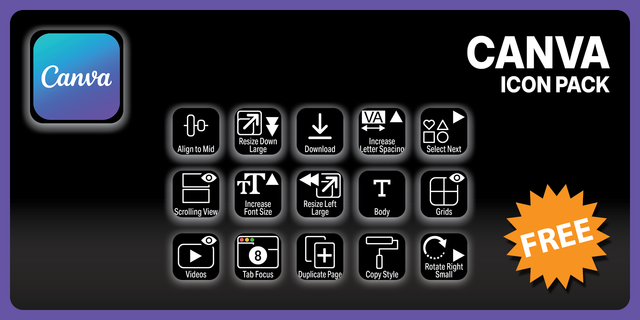
✅ Canva Fastlane Profile for Stream Deck MK2 (.streamDeckProfile) ✅ Complete icon library for customization
🎯 Perfect For
Social media managers creating daily content. Marketing teams building assets. Content creators designing thumbnails. Anyone using Canva regularly who'd rather spend their time creating than hunting through menus.
--
This Stream Deck profile is an independent creation by FlowKits and is not affiliated with, endorsed by, sponsored by, or officially connected to Canva. Canva and all related product names, logos, and trademarks are the property of Canva Pty Ltd, used solely to identify compatibility.
Matched to today's Canva. I tested every key against the current version of Canva, so each one does exactly what its label says.
Faster to learn. Home and Design are now one page called Design, and each row holds one kind of action.
New keys. Bold, Italic, Bulleted List, Rotate Left and Right, and Zoom In and Out. The Magic page adds Download, Share, Resize, Present and Comment.
Updating. Import the new profile. It's called Canva Fastlane now, and Stream Deck keeps your old one next to it, so delete that once you're happy.
Version 1.1
Oct 28, 2026
Details
Type
Business
Creative Tools
Productivity
Device
Stream Deck MK
OS
macOS
Windows
Compatibility
Stream Deck 7.1 or later
Size
1.05 MB
Version
1.1
Support
Icons
Yes
Additional links
You might also like