Audio
Cave Command Edge
by Tom's Cave
Overview
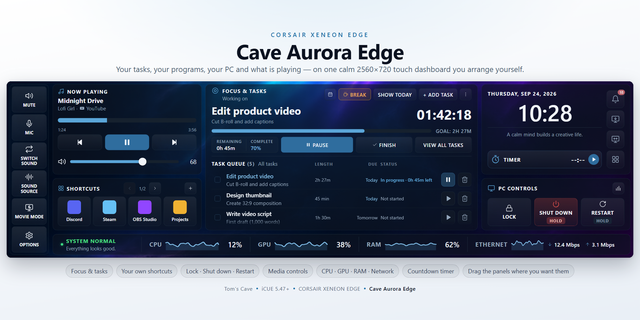
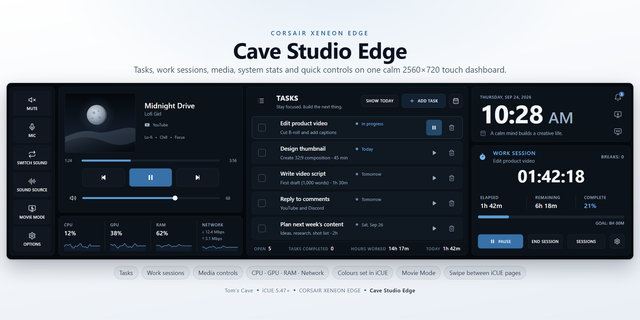
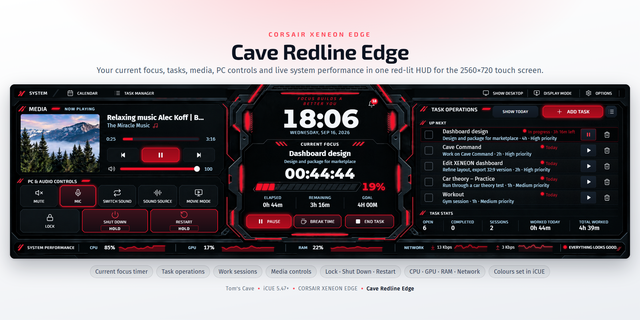
Cave Command Edge turns the CORSAIR XENEON EDGE into a control surface you actually use: what is playing, how long you have worked, and what your PC is playing through, all on one 2560x720 touch dashboard.
MEDIA
Track and artist from the official iCUE Media Data Provider, with previous, play/pause and next as full-height touch targets you can hit without looking.
WORK TIME
A timestamp-backed stopwatch built for an eight-hour day. Set your goal in 30-minute steps, watch elapsed, remaining and percent complete, and start a 15-minute break that pauses work and resumes on its own. Because it stores timestamps rather than ticks, your day survives a restart, a sleep, or an iCUE reload.
SESSIONS
Finished days are logged with duration and break count, newest first, with a running total. Delete any entry behind a confirm step.
CLOCK
24-hour time with seconds, day and full date, in a high-contrast readout you can read across the room.
AUDIO (companion bridge included)
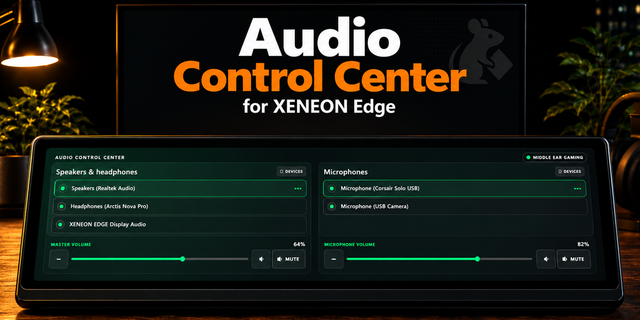
Install the free Cave Command Edge Bridge and the audio panel goes live: switch between two Windows playback devices, mute, and drag the master volume. Without the bridge the widget still runs; the panel simply reports that it is offline.
REQUIREMENTS
iCUE 5.47 or later, Windows, and a XENEON EDGE dashboard LCD. The bridge is Windows-only and talks only to 127.0.0.1. No account, no telemetry, no network calls.
Support and free bridge download: https://github.com/Caveproduction-bot/cave-command-edge
First release of Cave Command Edge on Marketplace.
One 2560x720 touch dashboard for the XENEON EDGE, combining media transport controls, a timestamp-backed eight-hour work timer with break coordination and persistent session history, a 24-hour clock, and a Windows audio output panel.
The audio panel is driven by the free Cave Command Edge Bridge, linked under Related Download. The widget runs without it and reports the panel as offline.
Requires iCUE 5.47 or later on Windows. No account, no telemetry, no outbound network requests.
Version 2
Sep 15, 2026
Details
Type
Audio
Music
Productivity
Device
XENEON EDGE
OS
Windows
Size
23.71 KB
Version
2
Language
English
Support
Dashboard Sizes
Extra large
Recommended Orientation
Horizontal
Interactive
Yes
Additional links
You might also like