Development
ChatGPT Usage Deck
Overview
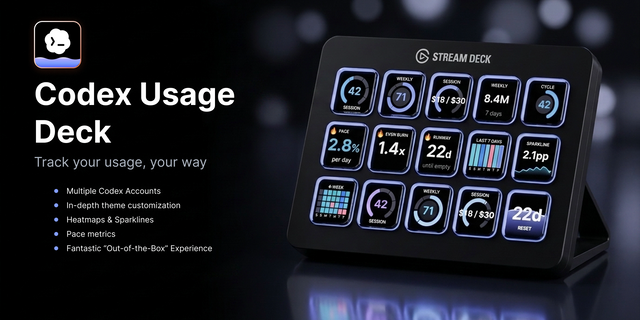
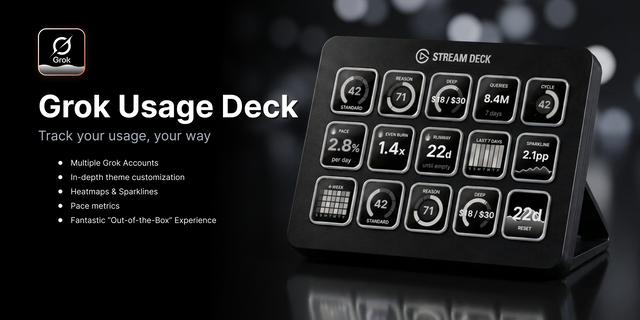
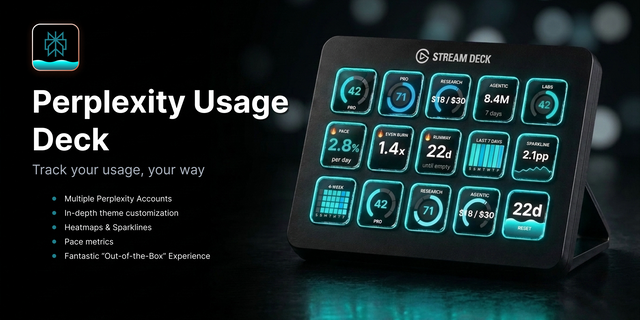
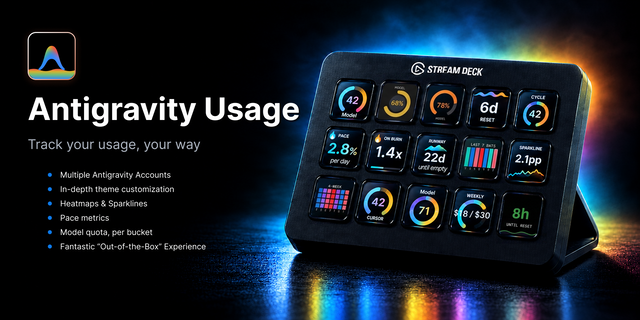
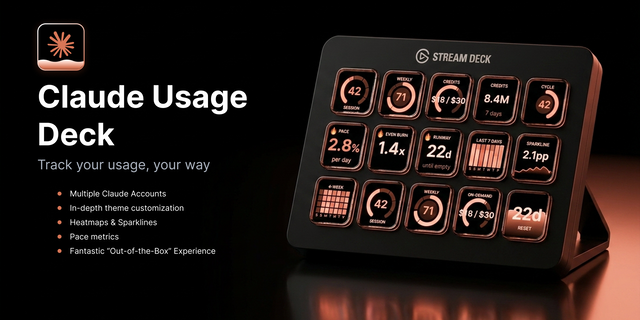
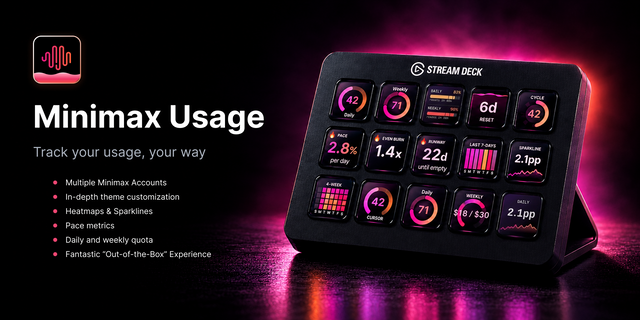
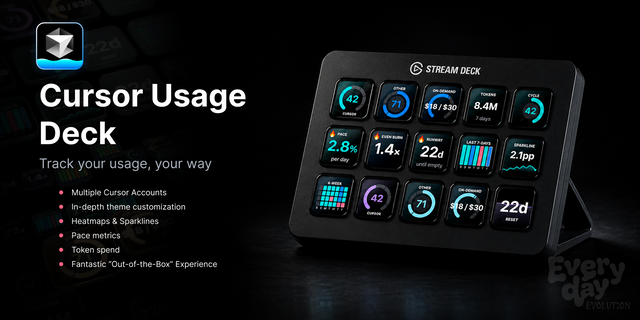
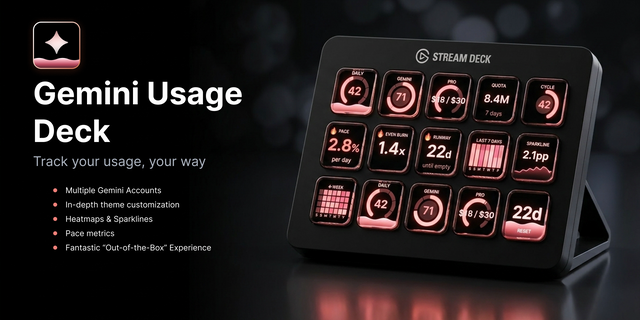
Track every ChatGPT account side by side on your Stream Deck - each styled its own way - plus 8 key types, 6 key faces, and pace keys that show your burn rate against the time left in each window. Not another usage ticker. All metrics are accurate, verified and puts YOU in control of style, layout and how you operate within your dashboard.
🎨 Make it yours - 10 theme presets x 6 key faces (bar, pill, donut, ring, sparkline, heatmap) - 60+ looks before you touch an override. Per-key title, colors, and background overrides included.
👥 Accounts with separate looks - name each account, point any key at it, and theme it differently. Styles can be tied to each account! One click applies a look to ALL keys.
📈 3 pace projections - average % per day, burn vs even pace, days until empty - plus heatmaps and sparklines that show the trend, not just the level.
📊 8 key types: Session Usage, Weekly Usage, Session + Weekly on one key, a Cycle key, Reset Countdown (pick which window), and the 3 pace keys.
🔔 Alerts on your terms - set Watch, Risk, and Critical alert thresholds where you want them, or use pace-based mode that adapts to the time left in the selected window.
🧪 Try before you connect - demo mode paints sample data with no cookie. Long-press any key opens chatgpt.com.
Requirements
- Stream Deck 7.1+; Windows 10 or macOS 12+
- Requires a ChatGPT account. Reads your own dashboard via a session cookie pasted locally. Cookie stays 100% local. Unofficial API.
- Not affiliated with or endorsed by OpenAI.
🙏 My commitment
Built and maintained by a developer who uses it daily. Feedback goes straight into the roadmap - bug reports and feature requests encouraged.
✳️ I hold every plugin I release to a high bar, and honest feedback is part of how it gets raised. If something feels off, I want to hear it.
MORE COMING!
Want one for your provider? It's likely already in development! Message me for info.
Stay tuned for more updates - Lots coming! 😎
Keywords: ChatGPT, OpenAI, GPT, Stream Deck, usage monitor, session limit, weekly limit, ChatGPT Plus, productivity, developer tools
Paper and Night are in the theme preset list. Paper is a warm cream key. That cream is darkened so it stays readable on the Stream Deck screen, and empty gauge tracks stay visible too. Pick either one. Apply to all still pushes the look to every key on this deck.
If chatgpt.com splits the session cookie into two rows (.0 and .1), paste the .0 value, then the .1 value right after it with no space. That is one key. If the session-token field is left empty, the key asks you to add an account. Accounts & setup walks through Filter and session-token in the same words the browser uses.
The inspector has a Support fold. Join Evolve Discord opens the server in your browser. Tickets go in #support.
Fixed keys showing Add Account even though your ChatGPT sign-in was saved. If your session token came in two parts and you pasted both, the deck now keeps them together and your usage shows up again. If a saved sign-in can't be used, the key now says Auth failed instead of Add Account, so you know to paste a fresh one in Account Setup rather than wondering where your account went.
Version 1.2.1
Oct 9, 2026
Details
Type
Development
OS
Mac
Windows
Compatibility
Stream Deck 7.1 or later
Size
317.07 KB
Version
1.2.1
Language
English
Support
Neo Infobar support
No
Profiles
No
Dial support
No
Additional links
You might also like