Productivity
Checklist
by Corsair
Overview
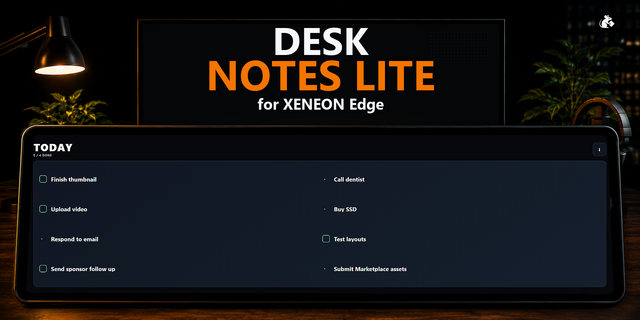
Checklist is a simple, interactive task list that lives on your iCUE Xeneon Edge dashboard. Add tasks, check them off, drag to reorder, and remove them when done. Your list persists across reboots and widget reloads, so it's there when you come back.
How It Works All data is stored locally on your machine. No cloud, no account, no sync. It stays put. Tap to check tasks off, drag handles to reorder, and use the add button to create new entries.
Getting Started No setup required. Install and start adding tasks immediately. Set a unique name to differentiate multiple lists on various pages.
What's Included
Checklist widget (sensor-screen/dashboard LCD)
Add/remove task functionality
Check-off with visual completion state
Drag-and-drop reordering
Persistent local storage
Initial Release
Version 1.4
May 18, 2026
Details
Type
Productivity
Device
XENEON EDGE
OS
Windows
Size
20.01 KB
Version
1.4
Language
Chinese (Simplified)
Chinese (Traditional)
English
French
German
Italian
Japanese
Korean
Russian
Spanish
Ukrainian
Support
Dashboard Sizes
Extra large
Large
Medium
Small
Recommended Orientation
Horizontal
Vertical
Interactive
Yes
You might also like