Business
ChromeShift
Overview
visit URL - trigger a MCP Action and Launch Profiles, URLs & Links — One Key Away
NEW: Setup URL Triggers to execute Actions on your MCP Deck. When visiting or leaving a page. You can setup infinite trigger rules! When entering a meeting in Browser let Chromeshift, pause Spotify automatically and Turn on your lights.
Stop digging through Google Chrome's profile menus or endless bookmark bars. ChromeShift brings your entire Google Chrome workspace and browser automation directly to your Elgato Stream Deck — one key press, zero clicks.
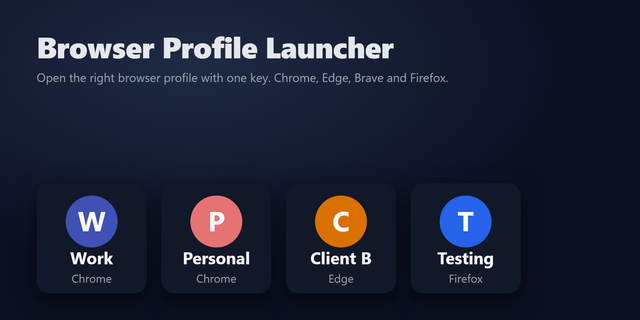
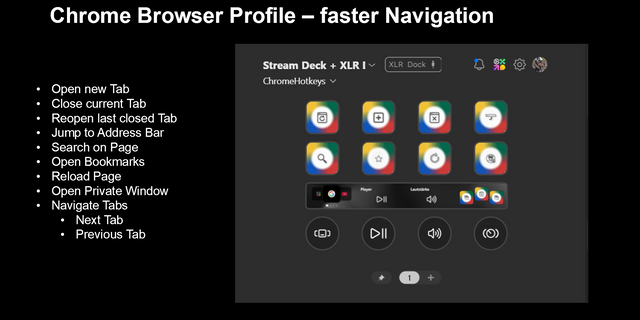
Assign any Chrome profile, specific URL, or Progressive Web App (PWA) to a dedicated key. Instantly launch your Work identity, Personal browsing, or isolated client environments. Need privacy? Enable Stealth Mode to open any profile straight into an Incognito window. Your Stream Deck keys dynamically update to display your actual Google Account profile picture and website favicons, giving you instant visual clarity backed by a crisp confirmation flash.
Supercharge your workflow with the free ChromeShift Companion browser extension. Unlock powerful, 100% local automation that auto-triggers Stream Deck actions when you arrive at or leave specific URLs. With a flexible rules engine supporting wildcard patterns, your Stream Deck layouts adapt completely hands-free based on the sites you visit.
Built for power users, developers, and creators who live across multiple Google accounts and web applications. ChromeShift turns context-switching from a daily friction point into a seamless hardware reflex.
Automated. Private. Effortless.
Added a new action to allow action execution via the stream deck Mcp server based on setup rules, when you visit specified URLs
Version 2
Oct 21, 2026
Details
Type
Business
Productivity
Utilities
OS
Mac
Windows
Compatibility
Stream Deck 7.6 or later
Size
462.5 KB
Version
2
Language
English
Support
Profiles
No
Dial support
No
Neo Infobar support
No
Additional links
You might also like