Monitoring
Cladence ViewerDeck
by CochoLabs
Overview
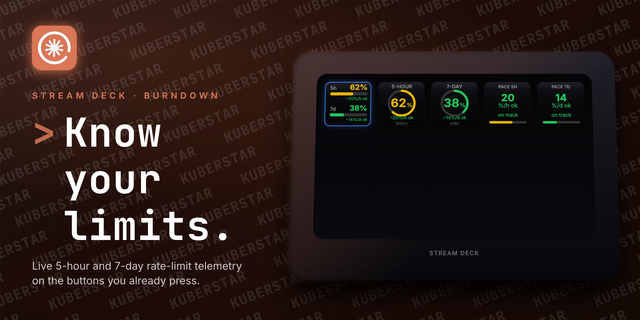
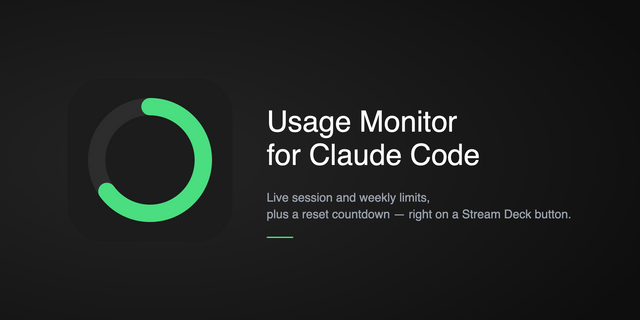
Stop alt-tabbing to claude.ai just to check how much of your plan is left. Cladence ViewerDeck puts your Claude usage on your Stream Deck, so a single glance tells you whether you can keep going or you're about to hit a limit.
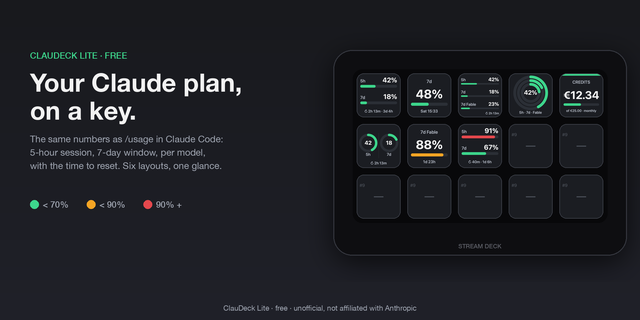
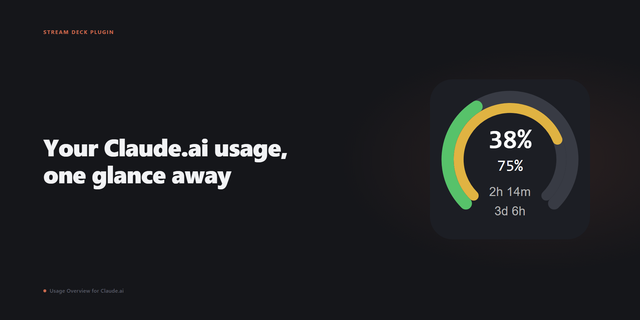
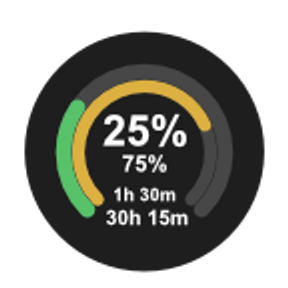
Each key shows one of two usage windows: Session (5h), your current 5-hour window, or Weekly (all models), your rolling weekly window. For each, you see the percent used, the time remaining until it resets.
A built-in traffic-light keeps it readable from across the room: green while you have room, amber as you approach the limit, red when you're nearly out. The countdown ticks live every second, recalculated locally, so time remaining stays accurate without hammering any server. Add a key for each window; every key shares one rate-limit-friendly poller, so more keys never means more network traffic.
Clear status states keep you informed: a "Sign in" prompt when no Claude Code session is found, and a "Reopen / Claude Code" card when your session expires (it recovers on its own within seconds).
Requirements: macOS, and a paid Claude subscription (Pro or Max). You sign in through Claude Code — Anthropic's command-line (CLI) tool — and that sign-in is what authorizes the plugin; signing in only at claude.ai or in the Claude desktop app won't. Once authorized, it shows your whole plan usage: everything you do on claude.ai, the desktop app, and Claude Code counts toward the Session and Weekly windows. It does NOT track pay-as-you-go API (sk-ant-) usage.
100% local: no backend, no account, no telemetry. Unofficial, not affiliated with, endorsed by, or sponsored by Anthropic. "Claude" is a trademark of Anthropic, PBC.
Cladence ViewerDeck 1.0.0 — first release.
• Two configurable usage windows per key: Session (5h) and Weekly (all models). • Percent used, time remaining on every key. • Green / amber / red severity so limits are readable at a glance. • Live 1 Hz countdown, recalculated locally with no extra network calls. • Single shared background poller across all keys (rate-limit friendly). • Clear status states: Sign in (no session), Reopen / Claude Code (expired session, auto-recovers), rate-limited, and connectivity errors. • 100% local — no backend, no account, no telemetry. • macOS only.
Version 1
Jul 1, 2026
Details
Type
Monitoring
Utilities
OS
Mac
Compatibility
Stream Deck 7.1 or later
Size
786.75 KB
Version
1
Language
English
Support
Profiles
No
Dial support
No
You might also like