Monitoring
Cladence ViewerDeck Pro
by CochoLabs
Overview
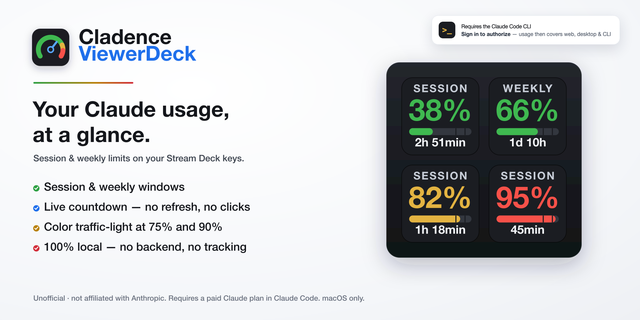
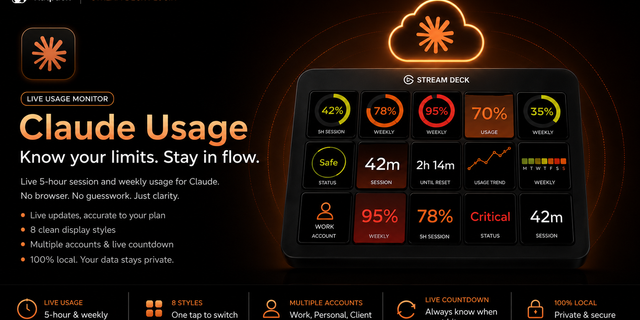
Cladence ViewerDeck Pro puts your whole Claude working day on your Stream Deck: plan quota, token split by model, and your saved prompts — one key each. It is the free Cladence ViewerDeck, extended — keep only one installed.
Six actions:
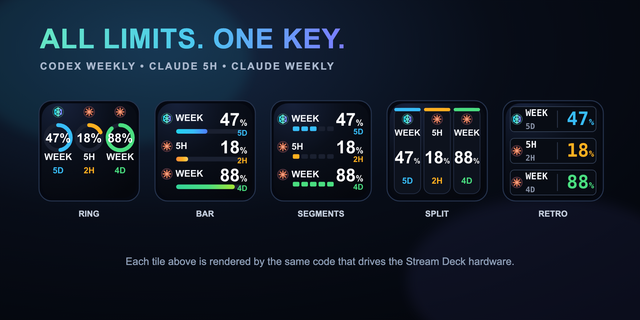
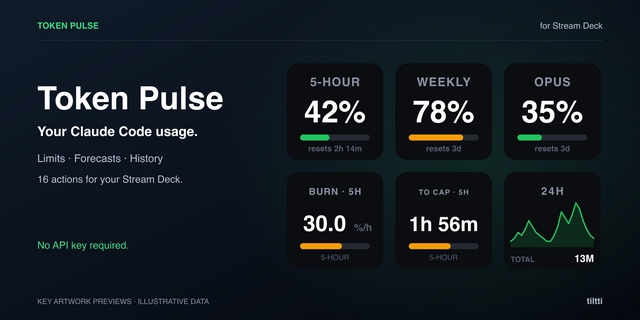
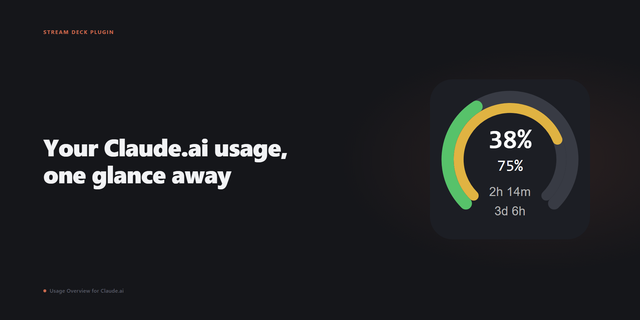
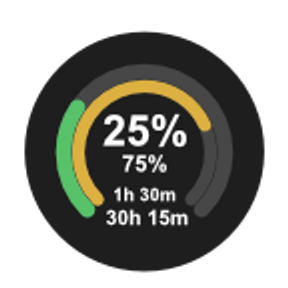
• Session (5h) — your 5-hour window, live countdown to the reset.
• Weekly (all models) — the same for the weekly window.
• Weekly limit (per model) — read dynamically from your plan; new models appear on their own.
• Tokens by model — one or two models per key; press to cycle.
• Send prompt — pastes a saved prompt into the focused window; templates included.
Also included:
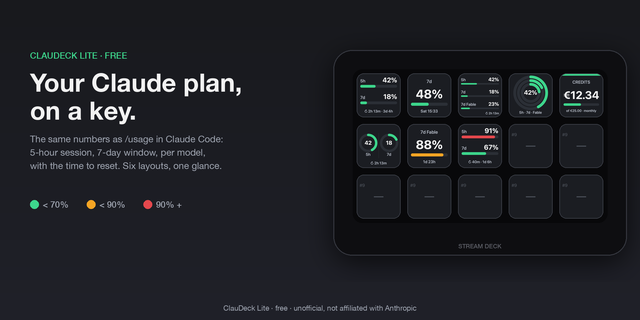
• Green / amber / red traffic-light on the quota keys.
• Five on-key languages, set per key: English, Dansk, Norsk bokmål, Español, Français.
• One shared background poller for all keys — no extra network calls for the countdown.
• Clear status cards when signed out, rate limited or offline.
Requirements: macOS 13+ and a paid Claude subscription (Pro or Max), signed in through Claude Code, Anthropic's command-line (CLI) tool — that sign-in authorizes the plugin; signing in only at claude.ai or the desktop app won't. Once authorized it shows your whole plan usage (web, desktop app and CLI). It does NOT track pay-as-you-go API (sk-ant-) usage. The Send prompt key needs macOS Accessibility permission for Stream Deck; every other key is read-only.
100% local: no backend, no telemetry. Unofficial — not affiliated with Anthropic. "Claude" is a trademark of Anthropic, PBC.
Cladence ViewerDeck Pro 2.0.0 — first release.
• Six separate actions: Session (5h), Weekly (all models), Weekly limit (per model), Tokens by model — one, Tokens by model — two, and Send prompt.
• Per-model weekly limit read dynamically from your plan, so new models appear without an update.
• Token split by model from your local Claude Code statistics, with a stable colour per model family and deliberately no traffic-light (it is a split, not a limit).
• Send prompt: pastes a saved prompt into the focused window, with wrap up / resume / commit / compact templates, an optional Enter, and the clipboard restored afterwards.
• Five on-key languages, chosen per key: English, Dansk, Norsk bokmål, Español, Français — labels and countdown units included.
• Everything from the free Cladence ViewerDeck: live countdown, traffic-light, single shared poller, and the full set of status cards.
• macOS only.
Version 2
Aug 6, 2026
Details
Type
Monitoring
OS
Mac
Compatibility
Stream Deck 7.1 or later
Size
870.7 KB
Version
2
Language
English
Support
Profiles
No
Dial support
No
You might also like