Business
Claude AI Profile Pack
Overview
Work faster in Claude AI. Stay focused. Never hunt for a shortcut again.
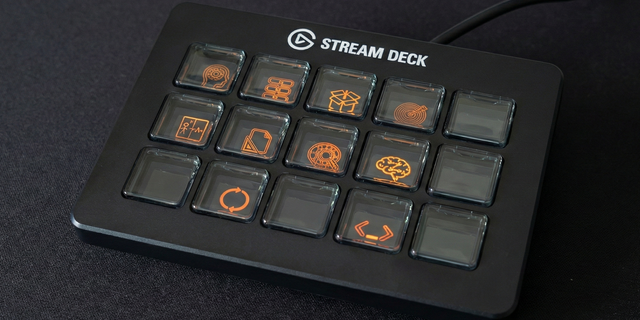
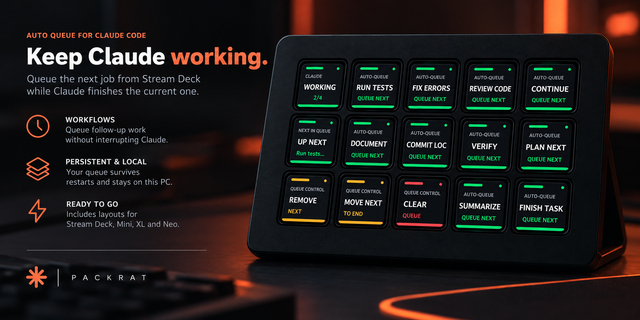
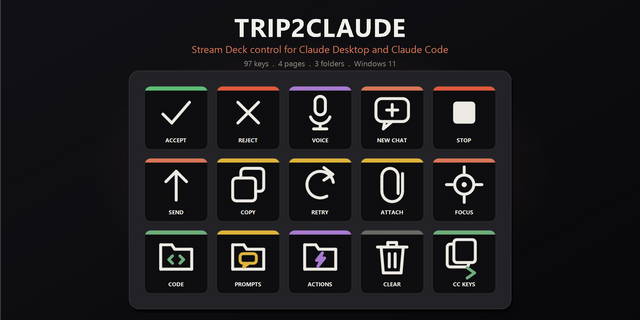
This Claude AI Stream Deck profile turns your Elgato Stream Deck into a dedicated control surface for Claude AI. Every essential shortcut is pre-programmed and organized into intuitive pages, so you can stay in flow instead of memorizing key combinations.
Instead of searching menus or memorizing complex key combinations, you can trigger common Claude AI actions with a single button press.
Why people love this profile 🚀
Essential shortcuts only
No clutter—just the actions you'll actually use, always within reach.
Built around real workflows
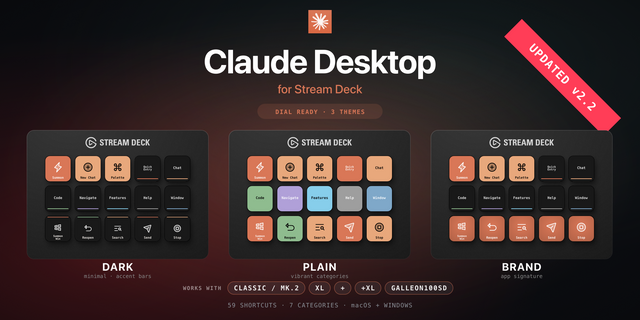
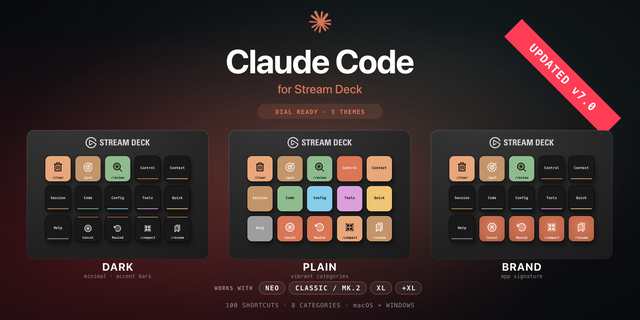
Shortcuts are organized into 3 intuitive tabs: Chat, Code, and Slash.
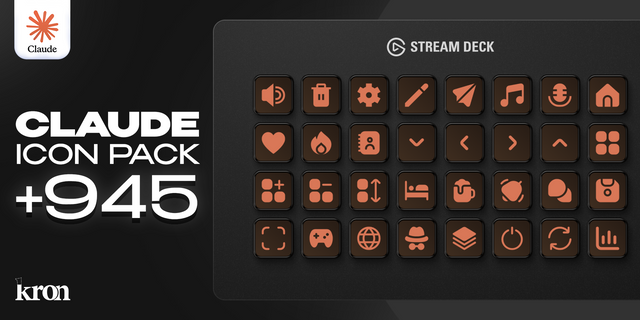
84 custom-designed icons
Clean, labeled icons make every action easy to recognize at a glance (labels can be toggled on or off).
Easy to customize
Add or adjust shortcuts to perfectly match your own Claude AI workflow.
Stream Deck +, Stream Deck MK, and Stream Deck XL ready
Designed to work seamlessly across supported Stream Deck devices.
What's included 📦
3 full Stream Deck profile tabs
84 custom Claude AI icons
Pre-mapped essential Claude AI shortcuts
Optional labeled icons
Stream Deck +, Stream Deck MK, and Stream Deck XL profiles
Compatible with Stream Deck software 6.4 or later on macOS and Windows.
Perfect for 🎯
Claude AI power users who want faster access to essential actions
Anyone who wants to reduce repetitive typing and menu digging
Stream Deck users looking to streamline their Claude AI workflow
Why it's worth it 💡
By focusing only on the shortcuts that matter, this profile helps you work faster, reduce friction, and spend more time in Claude AI—without distraction.
First release for Windows
Version 1
Sep 14, 2026
Details
Type
Business
Development
Productivity
Utilities
Device
Stream Deck +
Stream Deck Mini
Stream Deck MK
Stream Deck XL
OS
Windows
Compatibility
Stream Deck 7.1 or later
Size
577.77 KB
Version
1
Language
English
Support
AI Content
Yes
Icons
Yes
You might also like