Development
Claude Code Approver
by Mlifell
Overview
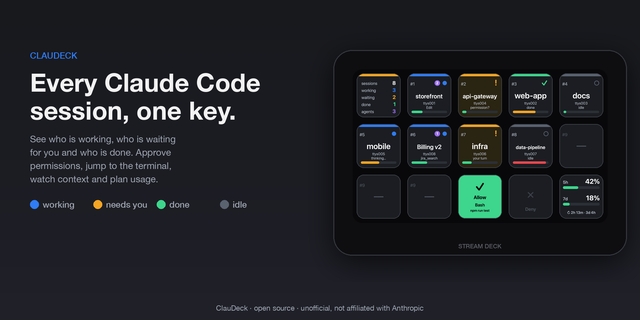
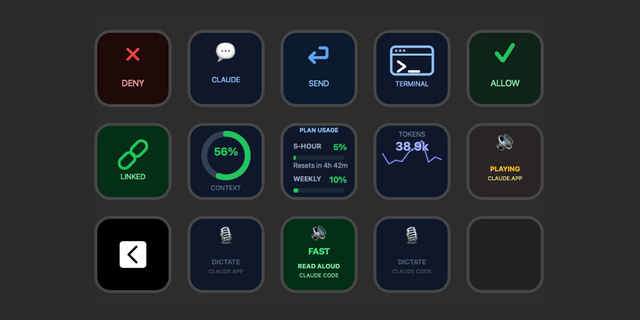
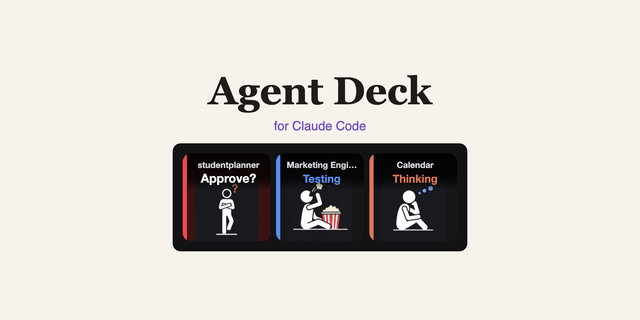
Claude Code Approver brings Claude Code's permission prompts to your Stream Deck. When Claude Code pauses to ask before running a tool, your keys light up — labeled with the tool name — so you can Allow, Always-allow, or Deny with a single tap instead of switching back to the terminal. Live status keys show what each Claude session is doing (and how much context it has left), and a Plan Usage key tracks your Claude limits.
Actions:
• Allow — approve the pending request once
• Always Allow — approve and stop asking for that kind of command for the rest of the current session (session-scoped; it never edits your global config)
• Deny — reject the pending request
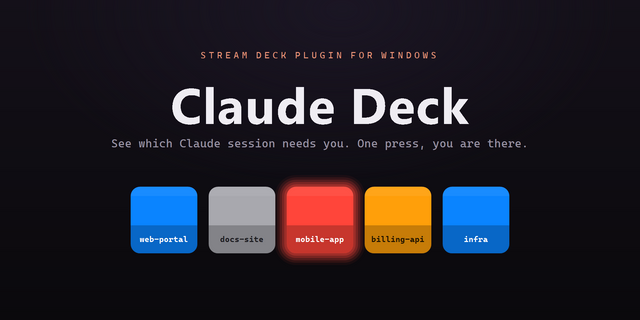
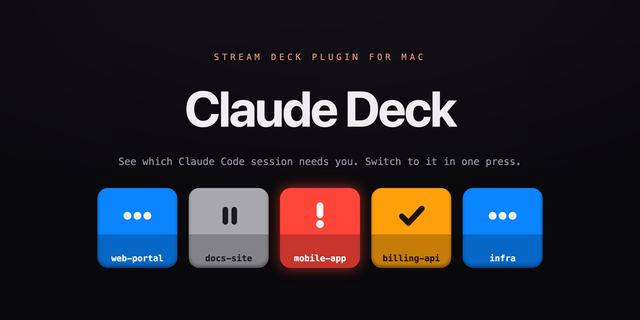
• Claude Status — a live key for a Claude Code session, labeled with its project folder: blue = working, yellow = needs approval, purple = input needed, green = finished, gray = idle. It also shows how full that session's context window is, as a color-coded bar. Place several to watch parallel sessions at once — however many keys you add is how many sessions are tracked, and "needs approval" / "input needed" flash so you can't miss them.
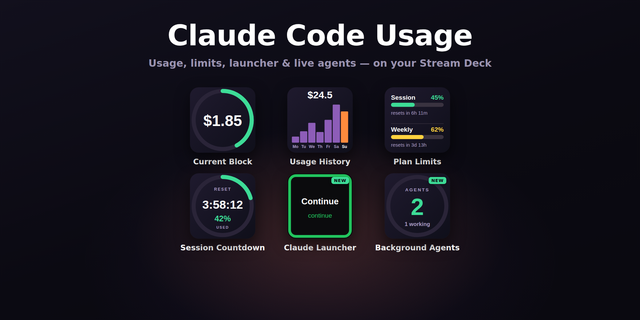
• Plan Usage — your Claude 5-hour and weekly limits as two color-coded bars (green → amber → red). Set it up once by running "claude setup-token" and pasting the token into the key's settings; it stays live for about a year.
Keys stay dark until Claude actually needs you, then glow with the tool name. If the plugin isn't running, Claude Code falls back to its normal terminal prompt — nothing breaks.
Setup:
• Install the plugin and drag the actions onto your keys
• Restart Claude Code so it picks up the integration
• No manual configuration for approvals or status — the plugin wires up Claude Code's hooks on first launch, and removes them cleanly on uninstall. (The optional Plan Usage key just needs a one-time "claude setup-token" — see the key's settings.)
Requirements:
• macOS
• Claude Code (the CLI by Anthropic)
• Stream Deck 6.9 or later
• A Claude subscription (for the Plan Usage key)
Unofficial — not affiliated with Anthropic. "Claude" and "Claude Code" are trademarks of Anthropic, PBC.
Version 1.3.5.0
Windows support — the plugin now runs on Windows as well as macOS.
• Windows 10 or later. Approvals, the multi-session status keys, per-session
context, the ring, and the Plan Usage key all work the same as on macOS.
• Requires Claude Code installed natively on Windows. If you run Claude Code
inside WSL, its hooks write to the Linux home folder while Stream Deck reads
the Windows one, so the two can't see each other.
• Setting up the Plan Usage key on Windows: run "claude setup-token" in your
terminal and paste the token into the key's settings. (On macOS you can also
just tap the key and it opens the terminal for you.)
Fixed
• Context percentage on the newest models. Claude Opus 5 has a 1M-token context
window but wasn't recognized, so those sessions were measured against the
smaller window — reading about 5x too high and sitting at a red 100%. They now
show the right number, and a model newer than this release no longer pins at
100% either.
Under the hood
• The Claude Code hooks are now a single cross-platform script instead of shell
scripts plus a bundled binary. One backend serves both platforms, and the
download is about 60% smaller.
Version 1.3.5
Aug 5, 2026
Details
Type
Development
OS
Mac
Windows
Compatibility
Stream Deck 6.9 or later
Size
383.18 KB
Version
1.3.5
Language
English
Support
Profiles
No
Dial support
No
You might also like