Development
Claude Code Deck
Overview
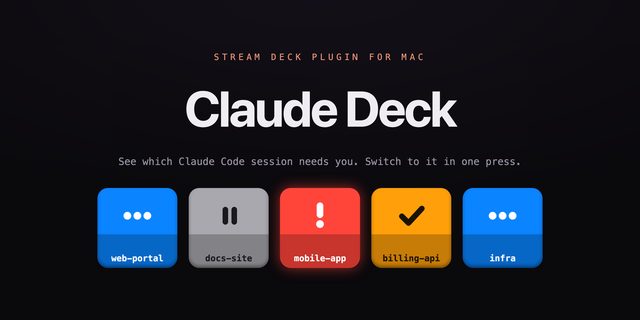
Keep Claude Code within reach while you work. Claude Code Deck gives you a dedicated surface for following your sessions, sending prompts, steering work in progress and changing how Claude works, without hunting for the right terminal tab.
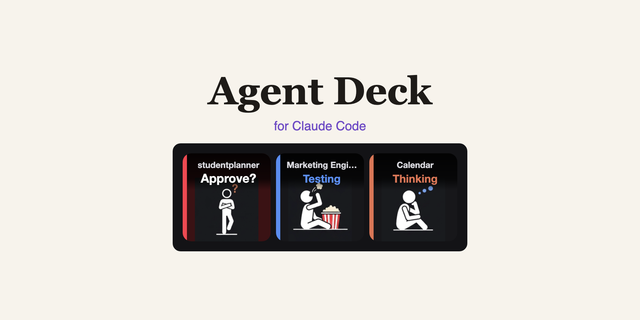
See at a glance when a session is working, waiting for you, or finished. Jump to any session with one press, send a saved prompt, run a skill, approve a request or stop a task. When a job needs a different approach, change the model, reasoning effort or speed straight from Stream Deck.
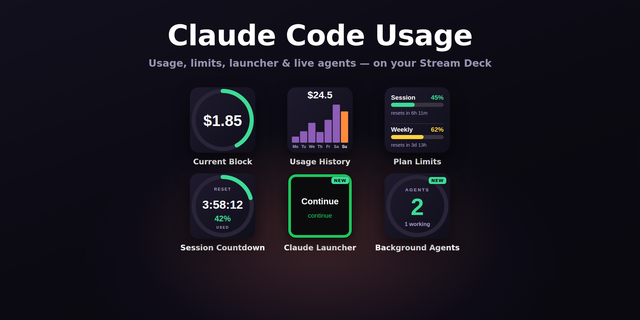
Usage stays visible even when Claude Code is not in front of you: your weekly limit, your 5-hour session limit and the context used by the current session.
Key actions:
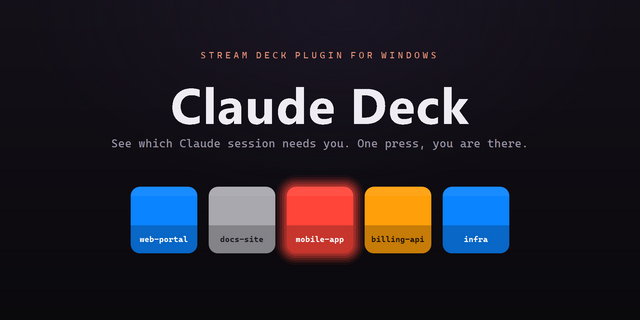
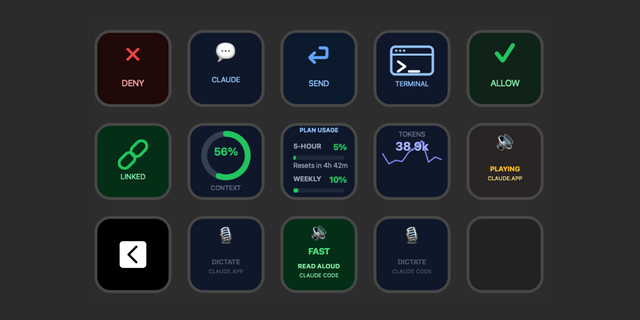
Activity: one session per key with its status, the tool it is running, live subagents, how long it has been in that state and how full its context is. Finished sessions show lines added and removed. Press to jump to it
Attention: one key that watches every session and shows the one that most needs you, with a count of what is waiting
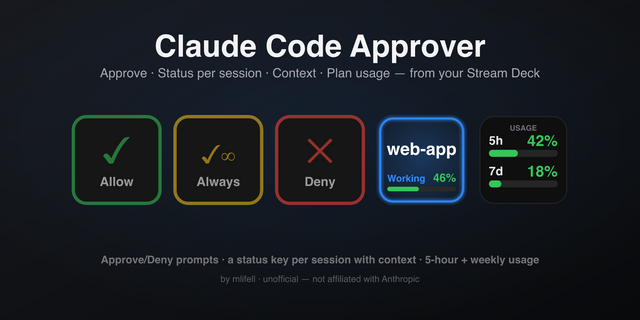
Allow, Always Allow and Deny: answer Claude's permission requests without leaving your app. The key names the tool and the exact command. If you answer in the terminal instead, nothing breaks
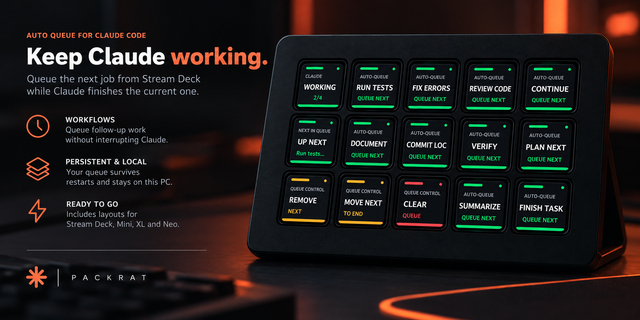
Send Prompt: send a saved prompt to the selected session. While Claude is working it is queued as the next message
Run Skill: run a skill or slash command, such as /compact or /code-review
New Session: start Claude Code in a folder you choose, with a preset model, effort, permission mode and first prompt
Stop: interrupt the current task
Permission Mode: see the current mode and cycle to the next
Model, Effort and Speed: change the model, step through Low to Max, switch between Standard and Fast. Fast mode needs usage credits on your Claude plan
Usage: weekly limit, 5-hour limit or context, as a bar, ring, big number or 24-hour trend, showing used or left, with the reset as a time or countdown and an optional alert
Forecast: the level you will reach at reset on your current pace, and the time the limit would lock
Tokens: tokens today, over 7 days or 30 days, with output tokens and cache hit rate
Dial actions (Stream Deck +):
Activity: turn to browse sessions, press to open one
Run Skill: turn to browse your skills and commands, press to run
Power: one dial from faster to smarter across model and effort
Usage, Forecast and Tokens: turn to change the view
Infobar actions (Stream Deck Neo):
Activity: the selected session and the one that most needs you
Usage: limit used and when it resets
Alerts: keys blink while Claude is waiting, with optional sounds and a macOS notification when a session needs you or finishes. All off or on as you prefer.
The plugin works directly with Claude Code on your Mac. There is no API key, no account and no sign-in token to paste, and it never reads your Claude credentials. Nothing leaves your computer.
Session status works with nothing to set up. Two optional one-button installs add the rest, and both back up your settings and remove cleanly: Claude Code hooks (approvals from the deck, tool and subagent detail) sit beside any hooks you already have, and the usage bridge (limits and context) wraps your existing status line and keeps it running as before.
Controls work by bringing the session's terminal to the front and typing, so macOS asks once for Accessibility permission. Terminal and iTerm tabs are selected precisely; other terminals are brought to the front.
Requires Claude Code, macOS 13 or later and Stream Deck 7.6 or later.
Claude and Claude Code are trademarks of Anthropic. This plugin is independently developed by Bouncing Ball and is not affiliated with, endorsed by, or sponsored by Anthropic.
First release. Session status, approvals from the deck, prompts, skills, model, effort, speed, usage, forecasts and token stats for Claude Code, on keys, Stream Deck + dials and the Stream Deck Neo infobar.
Version 1
Oct 9, 2026
Details
Type
Development
OS
Mac
Compatibility
Stream Deck 7.6 or later
Size
174.11 KB
Version
1
Language
English
Support
Profiles
No
Dial support
Yes
Neo Infobar support
Yes
You might also like