Development
Claude & Codex Usage
by singerous
Overview
Claude & Codex Usage puts your AI coding assistant limits right on your Stream Deck.
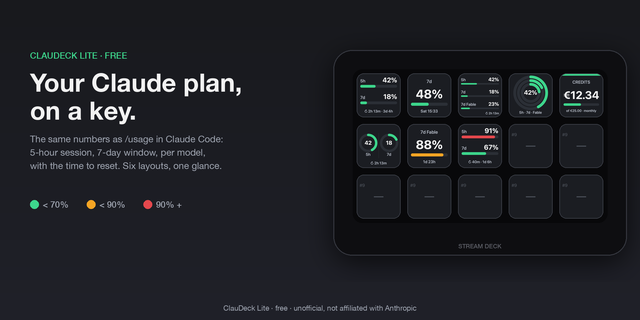
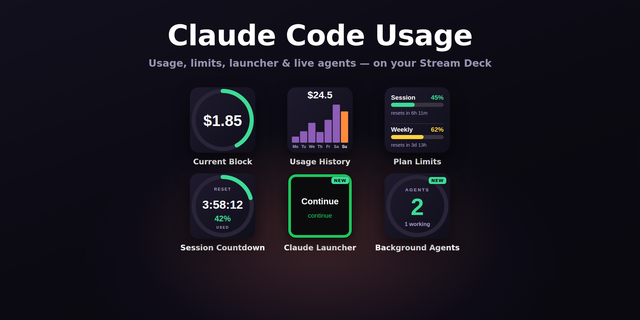
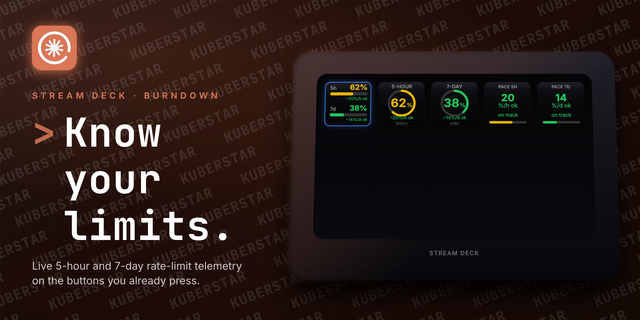
See at a glance how much of your rolling 5-hour and weekly quota you've used for Claude Code and the Codex CLI — color-coded from green to red as you approach the limit. A dedicated single-window action shows one limit larger, with the exact reset time and a live countdown.
No setup hassle and no tokens to paste. The plugin reads the credentials the official CLIs already created when you logged in. Nothing is stored or uploaded — tokens stay in memory and are never written to settings or logs.
Actions
Claude Usage — 5-hour and weekly limits on one key
Codex Usage — 5-hour and weekly limits on one key
Usage (single window) — one provider and one window, shown larger, with the reset date/time and a live countdown
Configurable
Refresh interval, warning/critical color thresholds, reset display (date, countdown, or both), and a per-provider accent.
Open source
Source code is available on GitHub: https://github.com/Sing3Rous/stream-deck-ai-limits
Requirements
Claude Code installed and logged in (for Claude usage)
Codex CLI installed and logged in with a ChatGPT account (for Codex usage)
You only need the CLI for the provider you want to display.
Added
- Copilot Usage action — monthly premium interactions quota. Requires GitHub CLI (gh auth login).
- Copilot as a provider on the single-window action.
- Fable 7-day window on the single-window action (Claude only).
Fixed
- macOS: Claude actions no longer stuck on "Login Required". Credentials are now read from the login Keychain, where Claude Code stores them.
- Keys with different credentials paths or thresholds no longer share cached usage data.
- Node inspector port is no longer left open on install.
Version 0.2
Sep 16, 2026
Details
Type
Development
OS
Mac
Windows
Compatibility
Stream Deck 7.1 or later
Size
107.67 KB
Version
0.2
Language
English
Support
Profiles
No
Dial support
No
You might also like